Editing Prompt: Free AI Photo and Video Prompts to Copy and Paste
Copy-paste prompts for ChatGPT, Gemini and CapCut that actually work. Every post shows the finished look next to the full text, and each prompt is tested before it goes up.
An editing prompt is a short written instruction that tells an AI tool like ChatGPT or Gemini how to edit a photo or video. It names the style, the lighting, the background and what must stay the same. Copy one, paste it with your photo, and the tool does the edit.
- Works with
- ChatGPT, Gemini, CapCut, VN, Lightroom
- Cost
- Free, no sign-up
- Time to try
- About a minute
- Tested by
- Ahmad, before posting
New AI photo prompts to copy and paste
See all photo prompts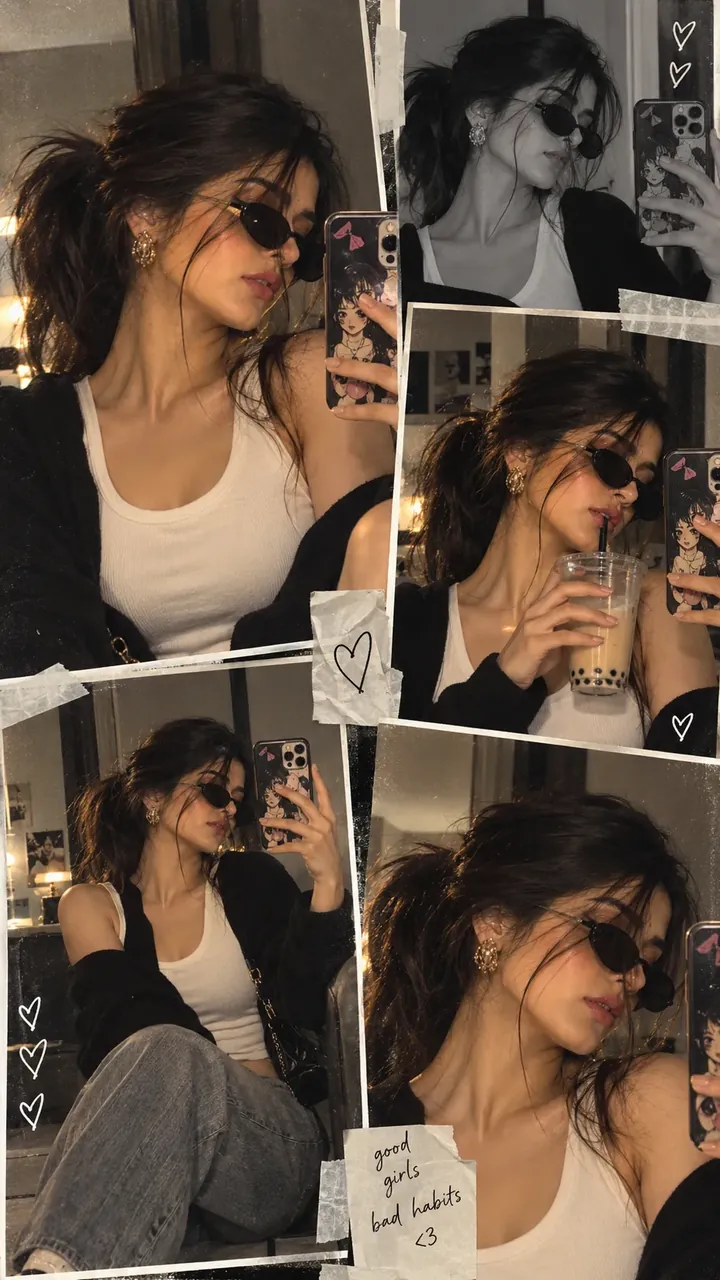 Girl
Aesthetic Girl AI Photo Editing Prompt
Mirror selfie collage, black-and-white Polaroid and golden hour sunflower looks.
Get the prompt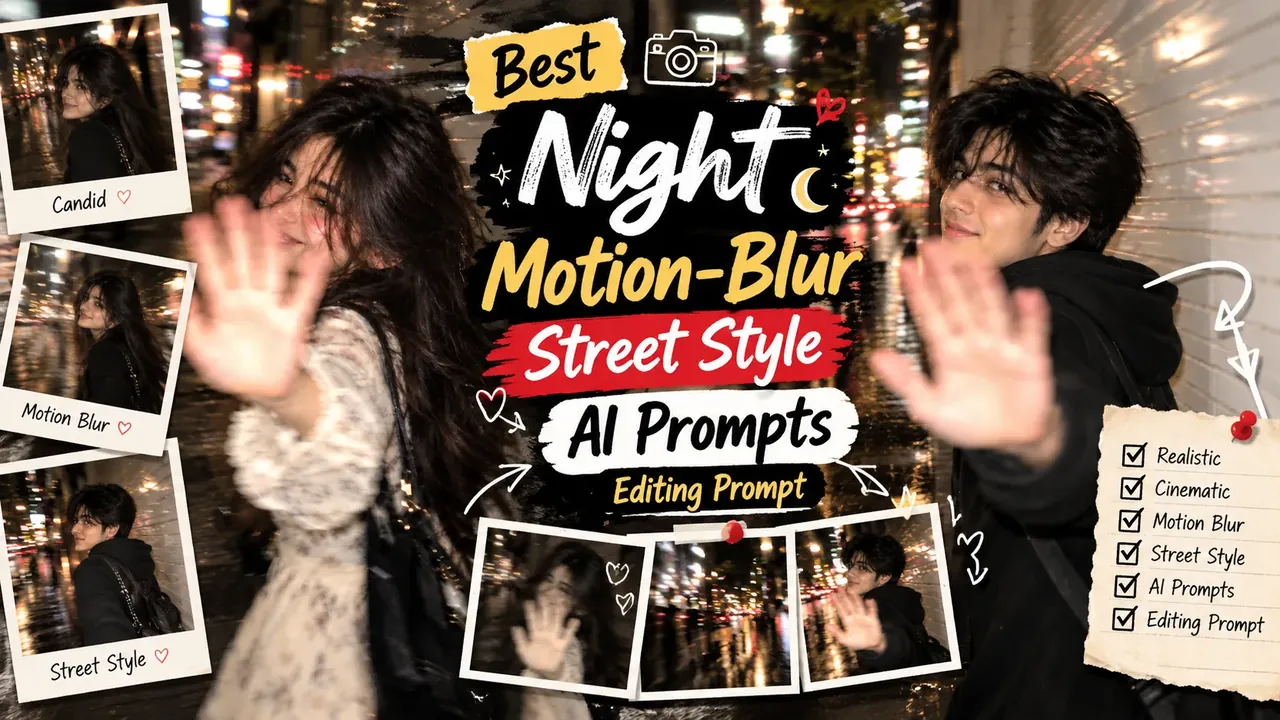
Night Motion Blur Street AI Photo Editing Prompt
Moody night street looks with soft motion blur and a cinematic feel.
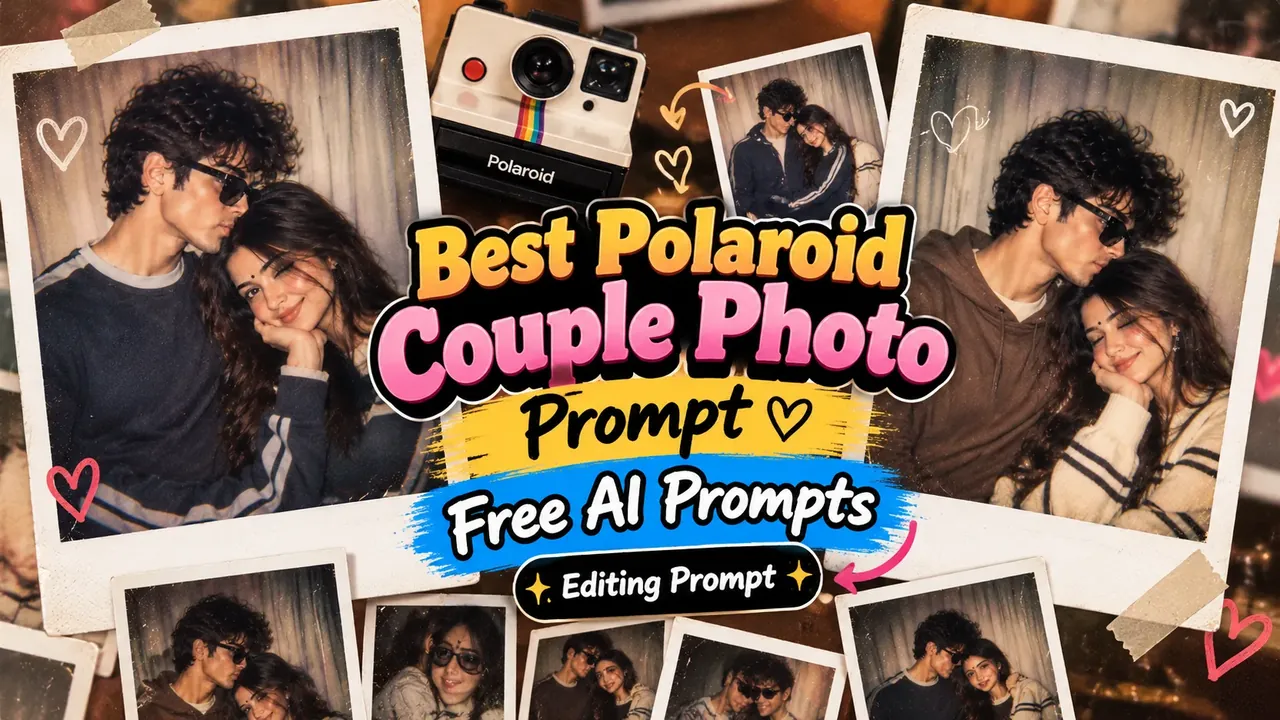
Polaroid Couple Photo Editing Prompt
A Polaroid-style couple portrait with both faces kept the same.
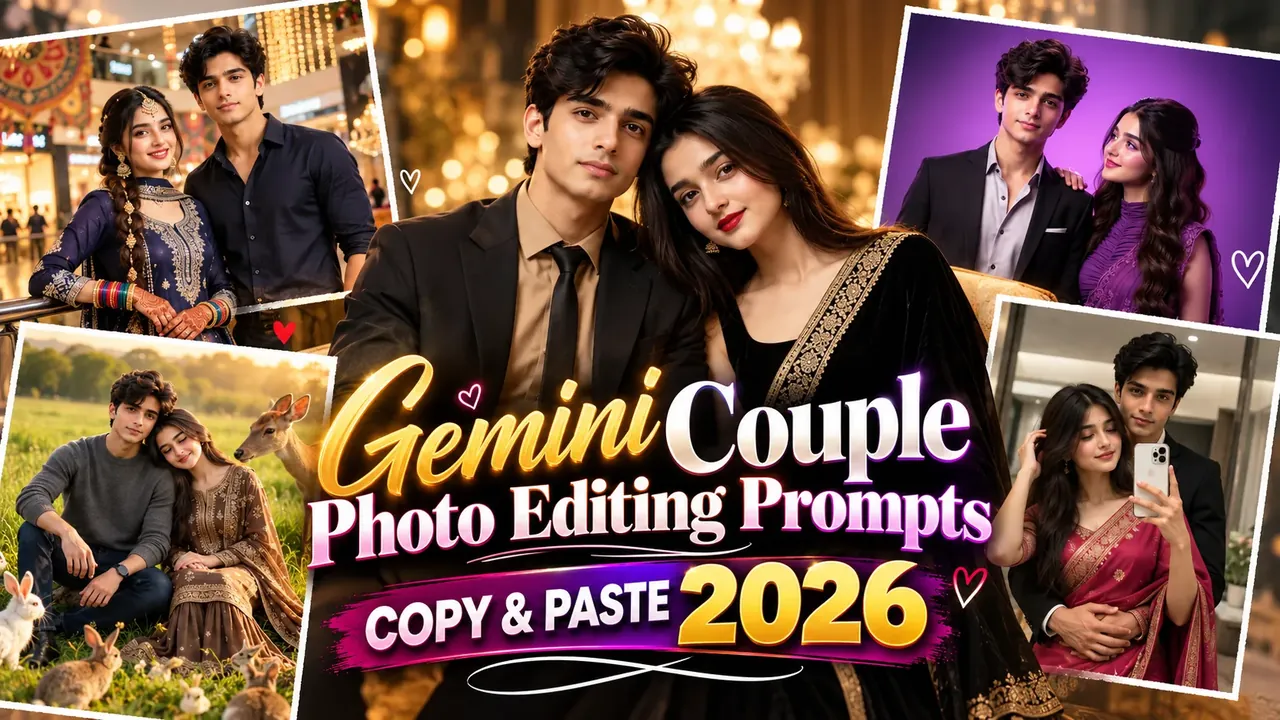
Gemini Couple Photo Editing Prompts
Mirror selfie, saree, wedding and mall looks with both faces kept the same.
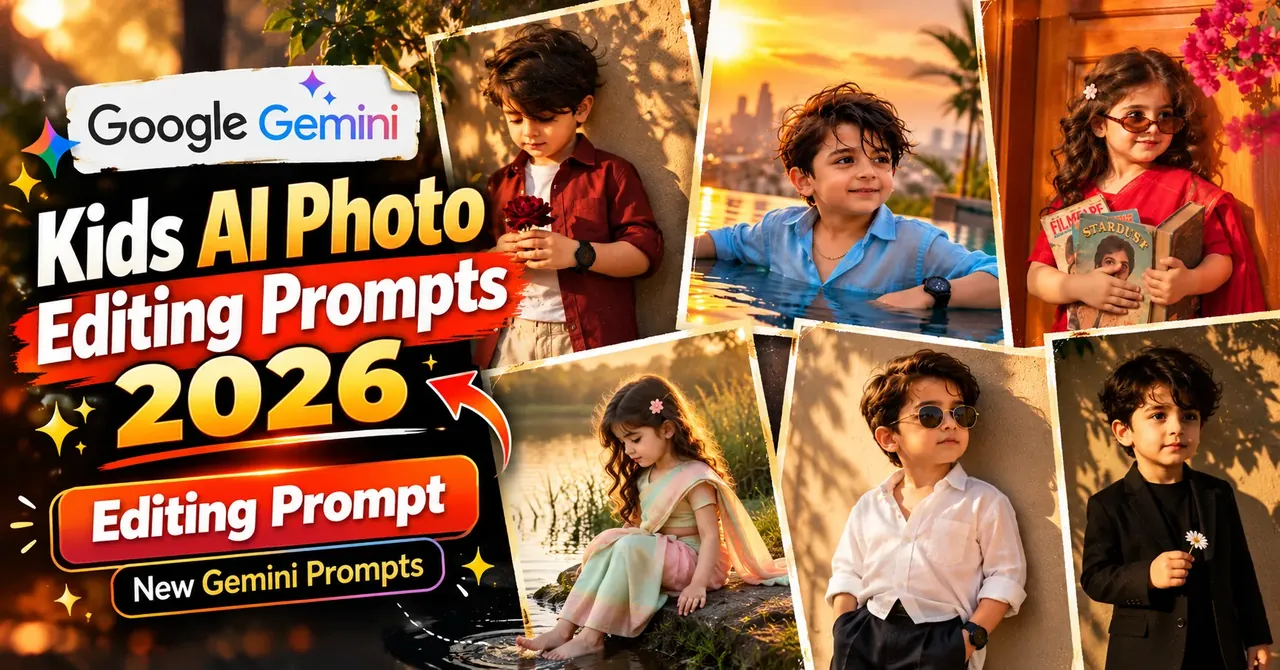
Gemini Kids AI Photo Editing Prompts
13 retro, vintage and cinematic looks for boys and girls.
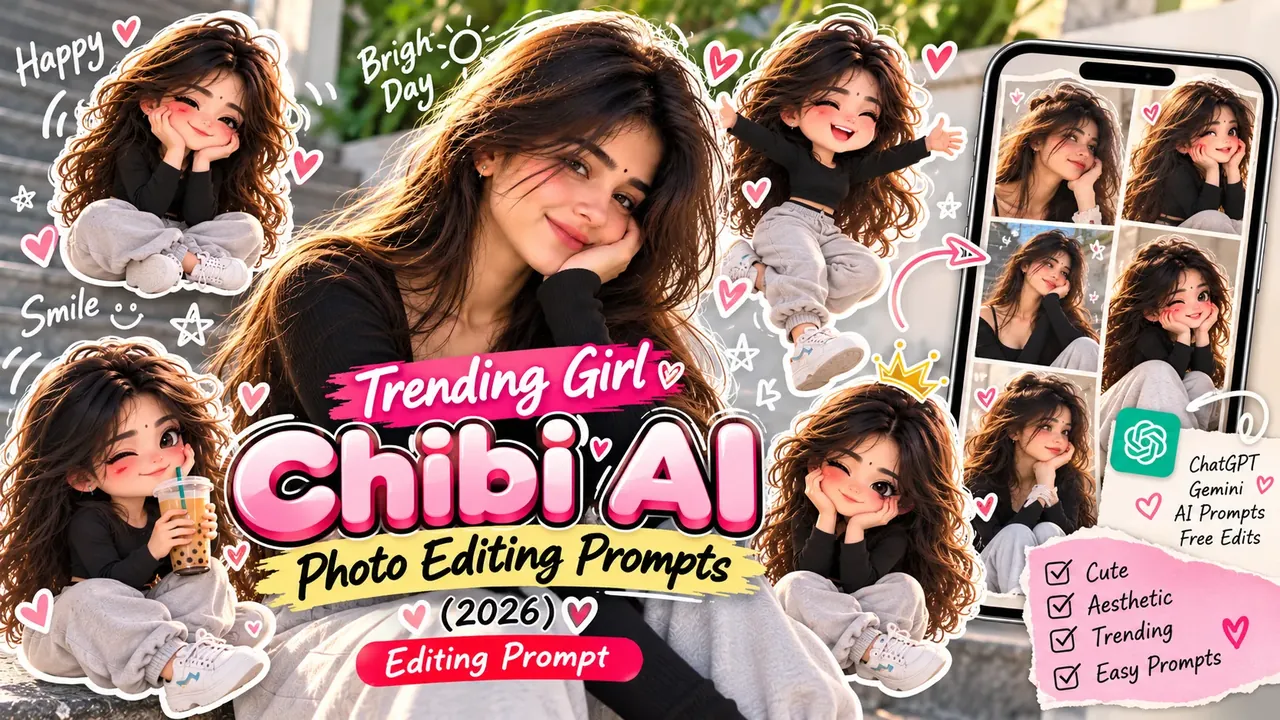
Trending Girl Chibi AI Photo Editing Prompts
Turn your photo into a cute chibi doodle edit with one clear photo.
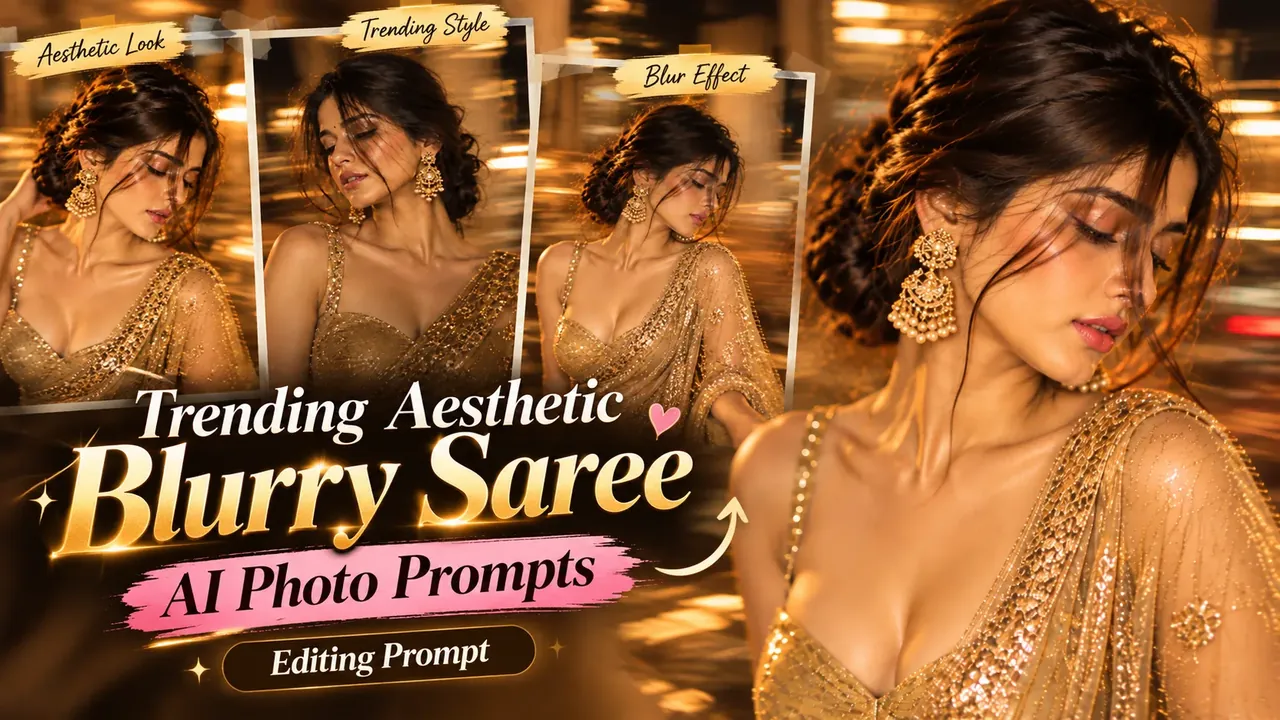
Aesthetic Blurry Saree AI Photo Editing Prompt
A dreamy golden saree portrait with soft motion blur, vertical 9:16.
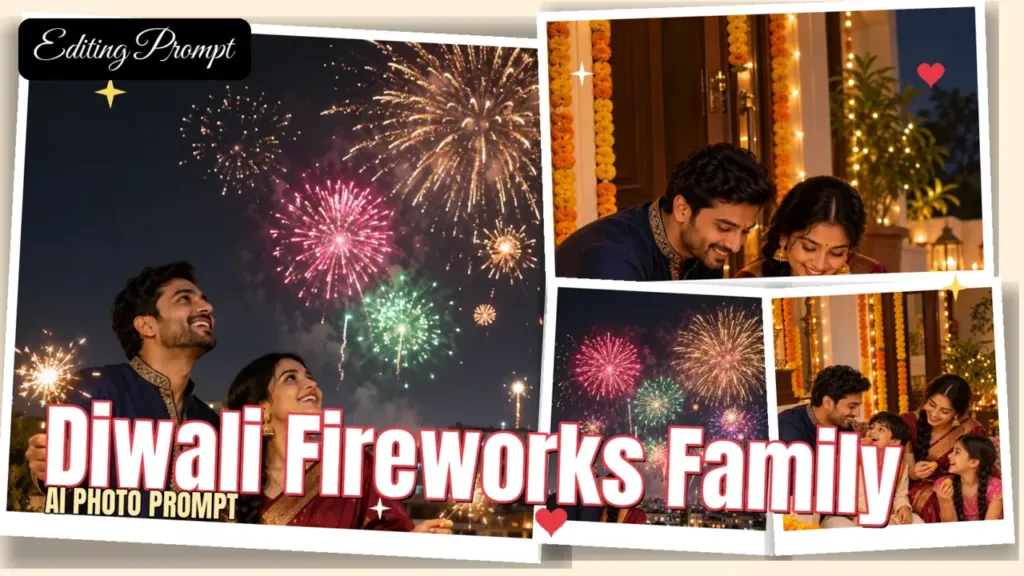
Diwali Fireworks Family AI Photo Prompt (2026)
One family, four Diwali night scenes. Copy a prompt below, paste it in ChatGPT or Gemini with your…
Photo promptView prompt →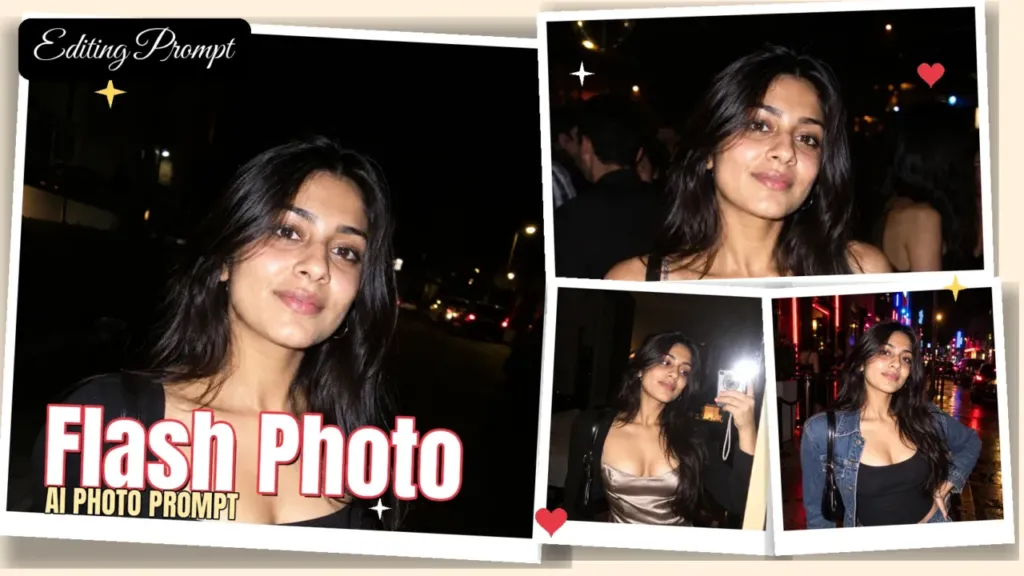
Flash Photo AI Photo Prompt for Girls (2026)
One girl, four flash night shots. Copy a prompt below, paste it in ChatGPT or Gemini with your…
Photo promptView prompt →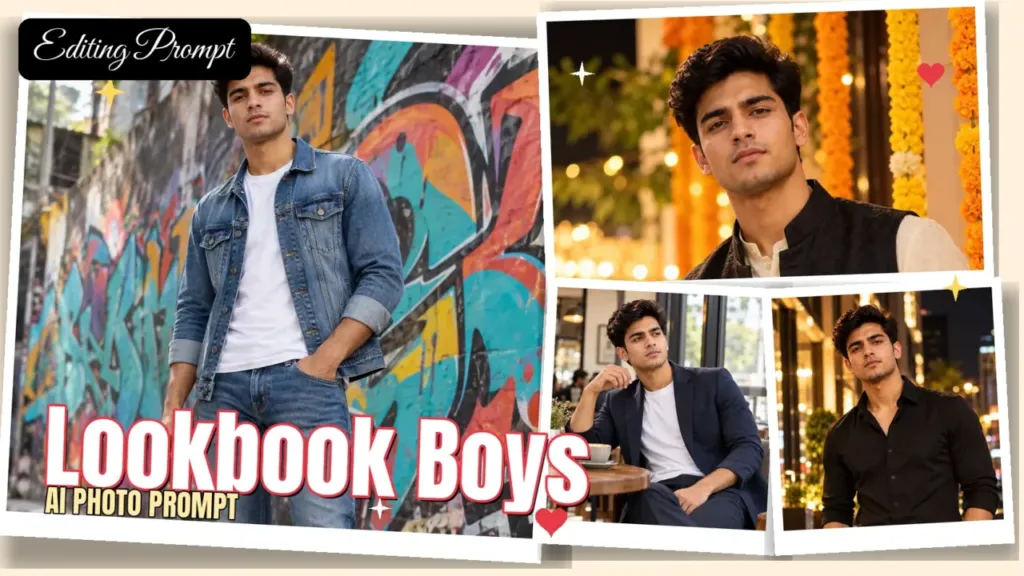
AI Lookbook Photo Prompt for Boys (2026)
One face, four outfits. Copy a prompt below, paste it in ChatGPT or Gemini with your photo, and…
Photo promptView prompt →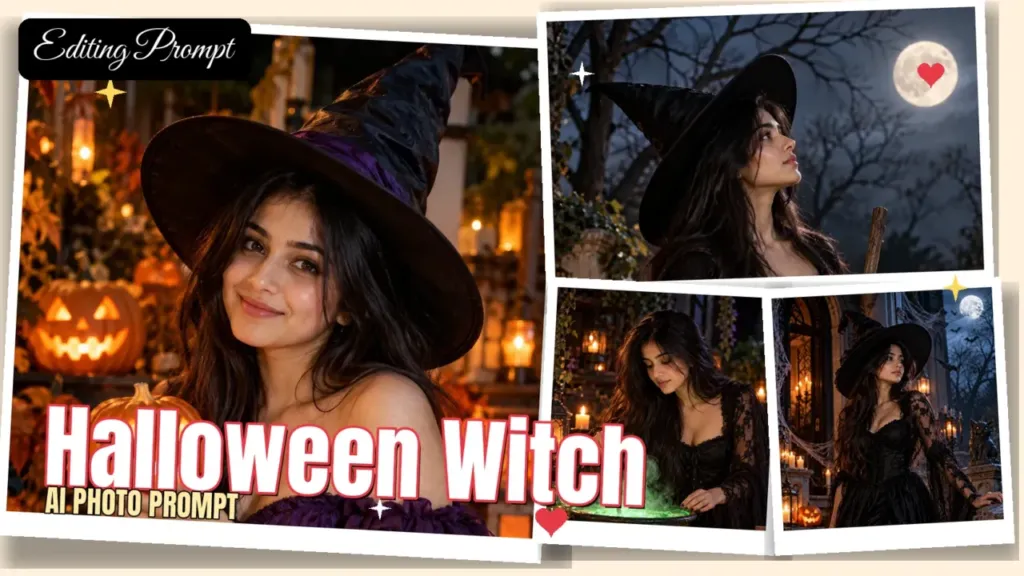
Halloween Witch AI Photo Prompt for Girls (2026)
One witch, four Halloween looks. Copy a prompt below, paste it in ChatGPT or Gemini with your photo,…
Photo promptView prompt →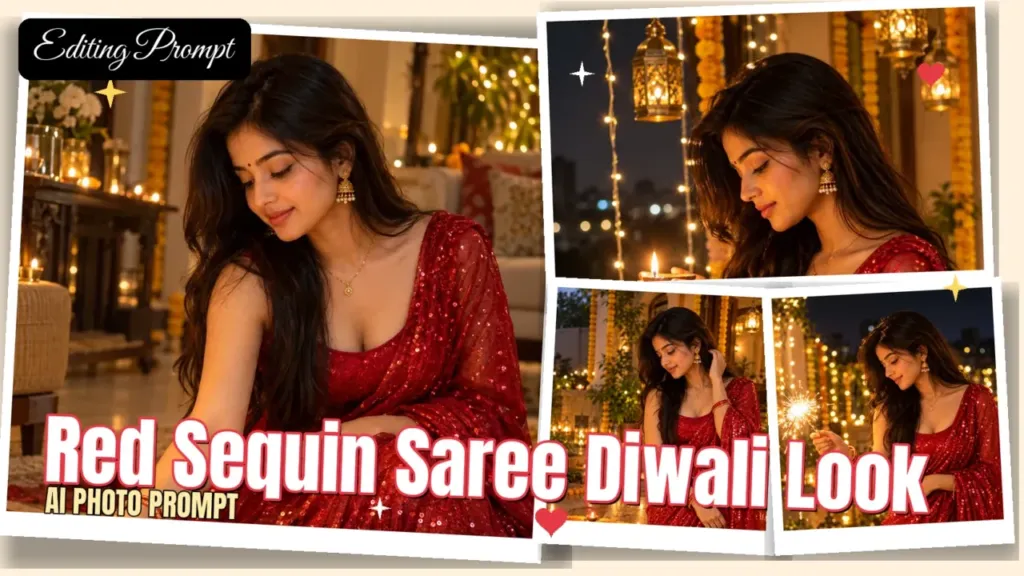
Red Sequin Saree Diwali Look AI Photo Prompt for Girls (2026)
One saree, four Diwali looks. Copy a prompt below, paste it in ChatGPT or Gemini with your photo,…
Photo promptView prompt →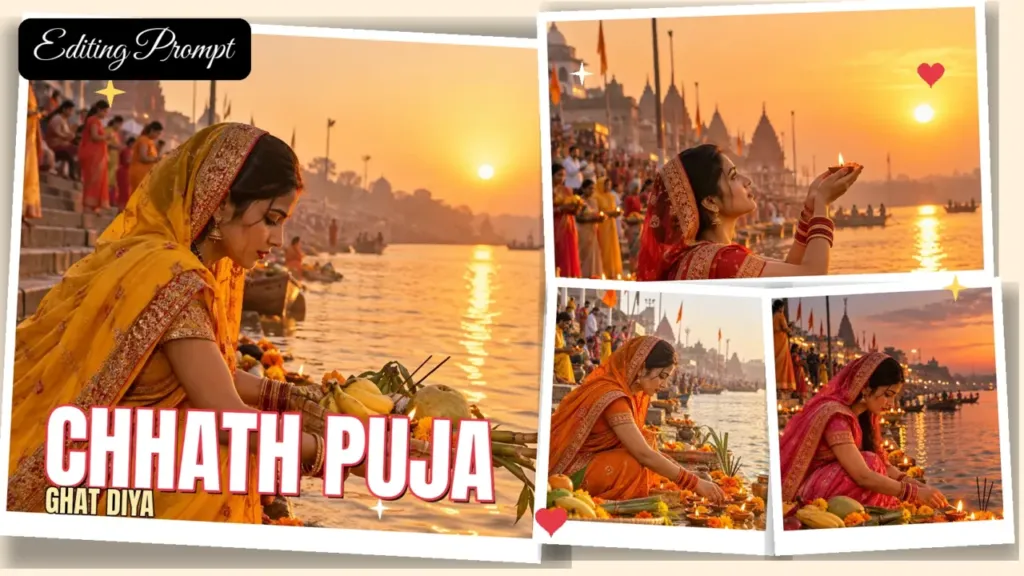
Chhath Puja Ghat Diya AI Photo Prompt for Girls (2026)
One Chhath morning, four ghat moments. Copy a ghat diya prompt below, paste it in ChatGPT or Gemini…
Photo promptView prompt →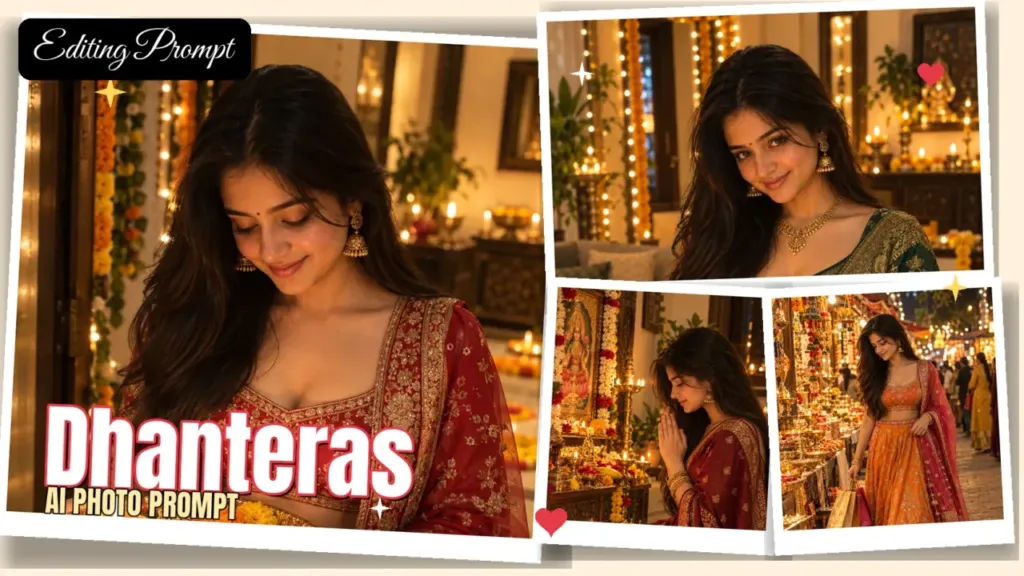
Dhanteras AI Photo Prompt for Girls (2026)
One festival, four golden looks. Copy a prompt below, paste it in ChatGPT or Gemini with your photo,…
Photo promptView prompt →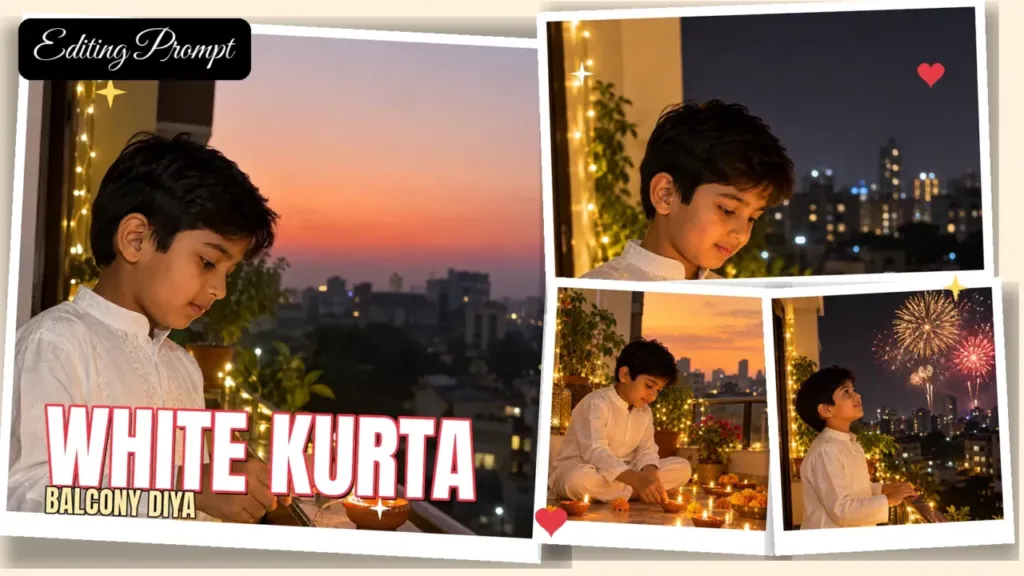
White Kurta Diwali Balcony Diya AI Photo Prompt for Boys (2026)
One Diwali evening, four balcony moments. Copy a balcony diya prompt below, paste it in ChatGPT or Gemini…
Photo promptView prompt →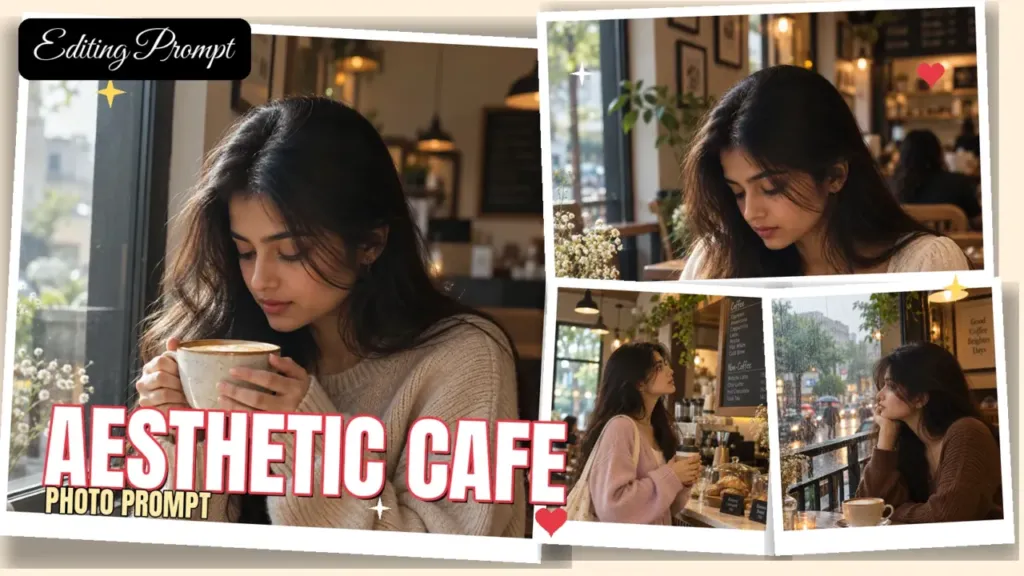
Aesthetic Cafe Photo Prompt for Girls (2026)
One cafe afternoon, four aesthetic moments. Copy a cafe prompt below, paste it in ChatGPT or Gemini with…
Photo promptView prompt →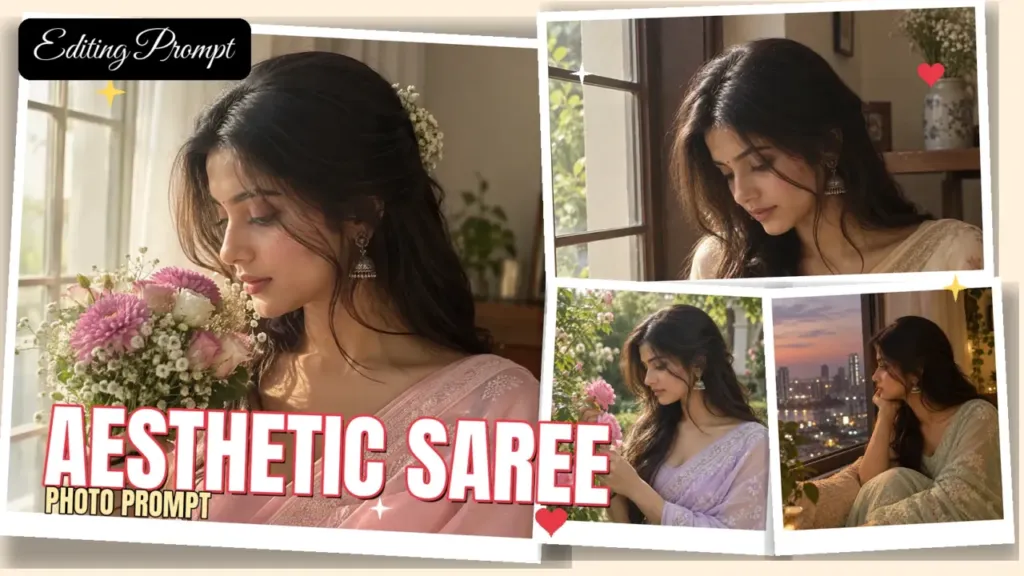
Aesthetic Saree Photo Prompt for Girls (2026)
One aesthetic afternoon, four saree moments. Copy a saree prompt below, paste it in ChatGPT or Gemini with…
Photo promptView prompt →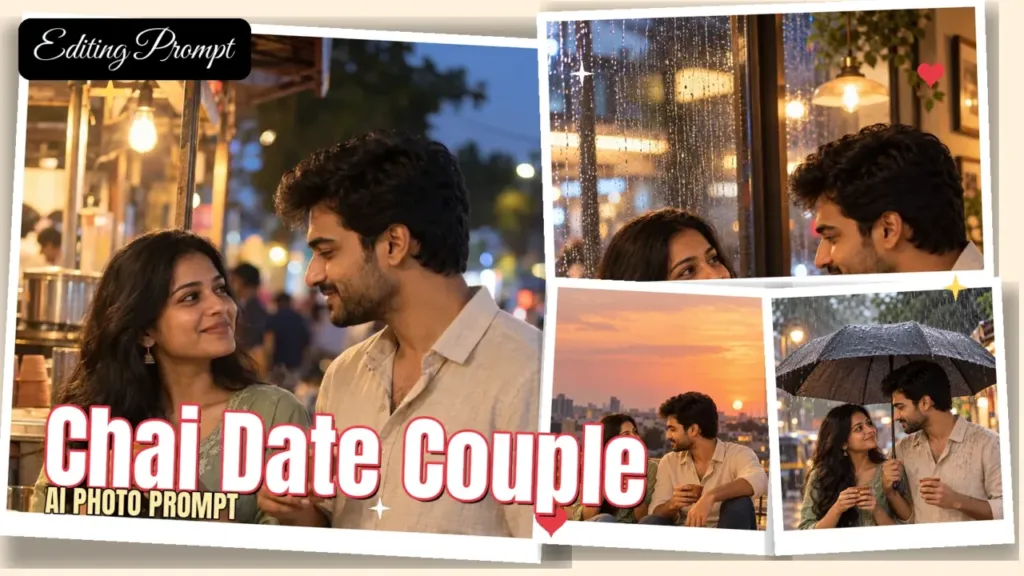
Chai Date Couple AI Photo Prompt (2026)
One couple, four chai date scenes. Copy a prompt below, paste it in ChatGPT or Gemini with your…
Photo promptView prompt →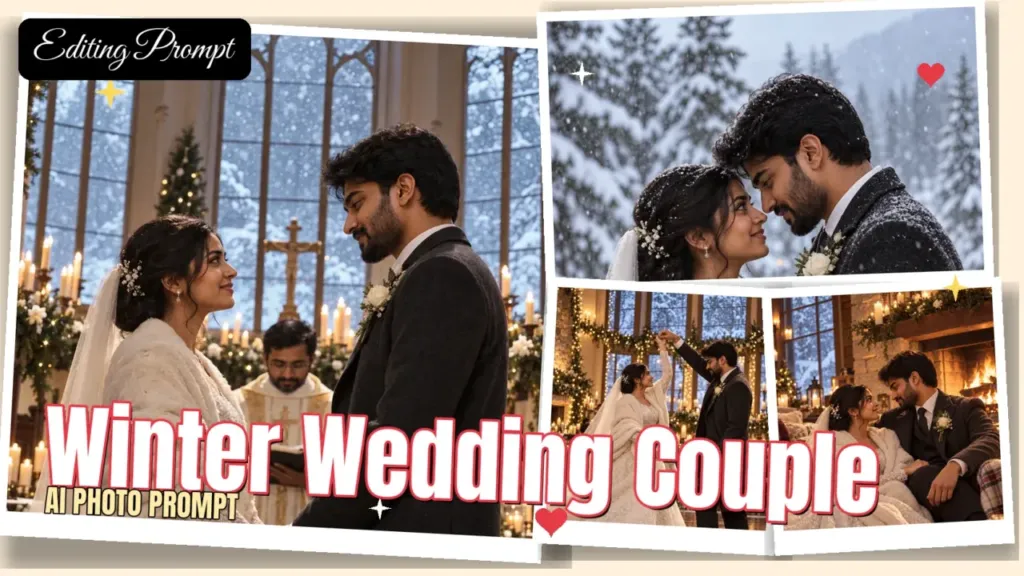
Winter Wedding Couple AI Photo Prompt (2026)
One couple, four winter wedding scenes. Copy a prompt below, paste it in ChatGPT or Gemini with your…
Photo promptView prompt →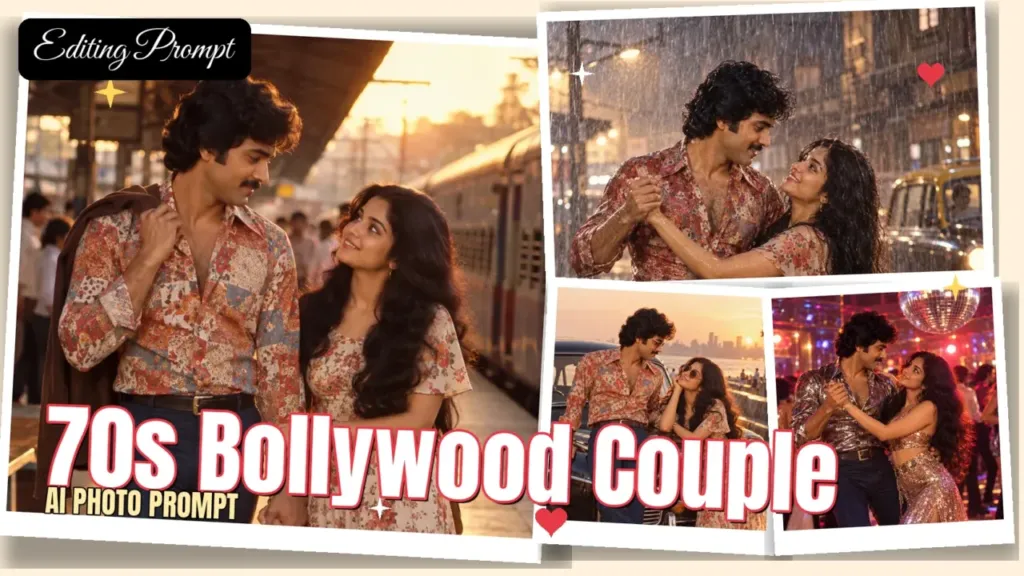
1970s Bollywood AI Photo Prompt for Couple (2026)
One couple, four retro scenes. Copy a prompt below, paste it in ChatGPT or Gemini with your photo,…
Photo promptView prompt →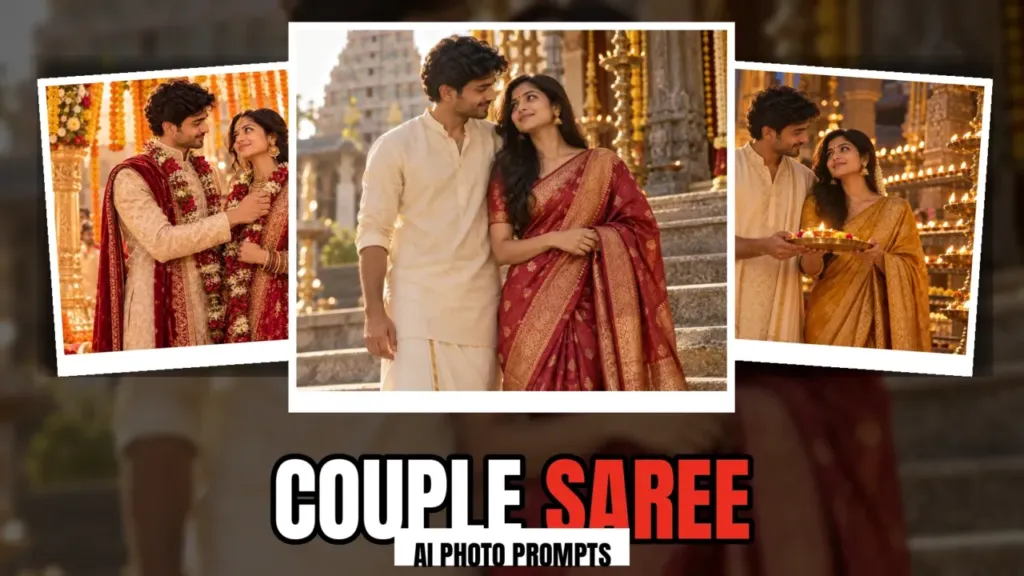
Couple Saree AI Photo Prompt: 4 Traditional Looks (2026)
One couple photo, four timeless drapes. Copy a prompt below, paste it in ChatGPT or Gemini, and step…
Photo promptView prompt →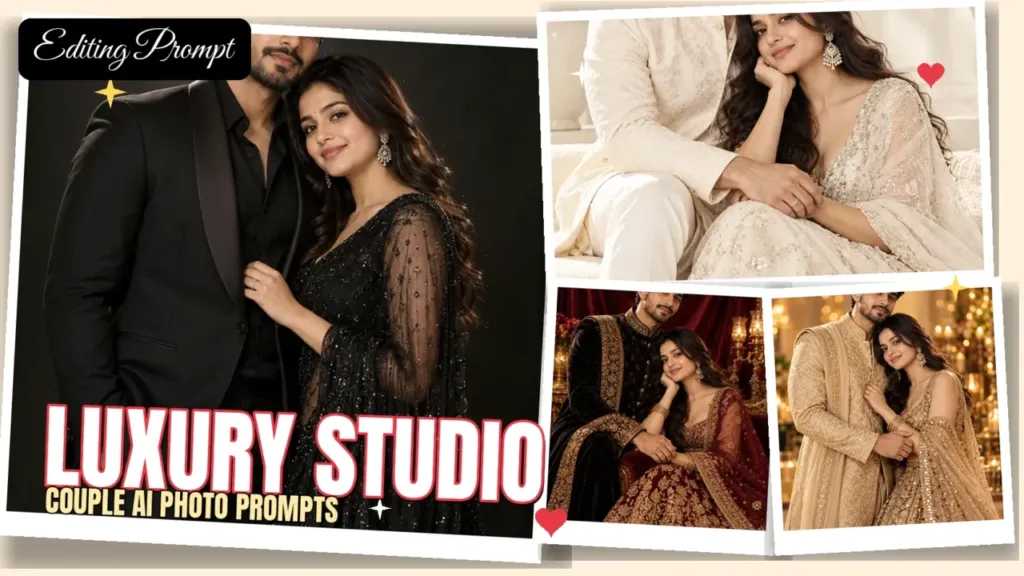
Luxury Couple Studio Portrait AI Photo Prompt (2026)
One couple, four luxury portraits. Copy a studio portrait prompt below, paste it in ChatGPT or Gemini with…
Photo promptView prompt →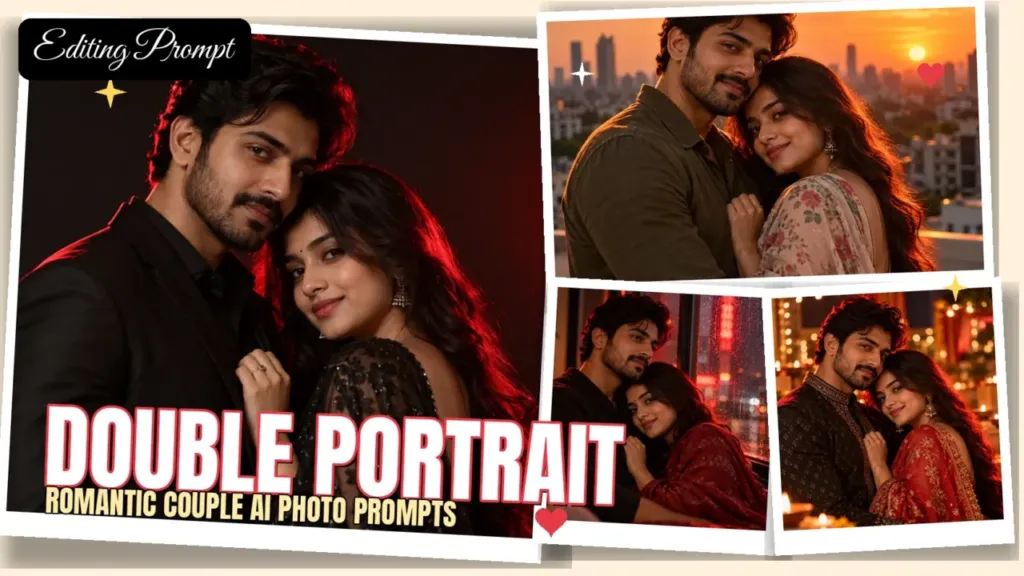
Romantic Couple Double Portrait AI Photo Prompt (2026)
One couple, four glowing portraits. Copy a double portrait prompt below, paste it in ChatGPT or Gemini with…
Photo promptView prompt →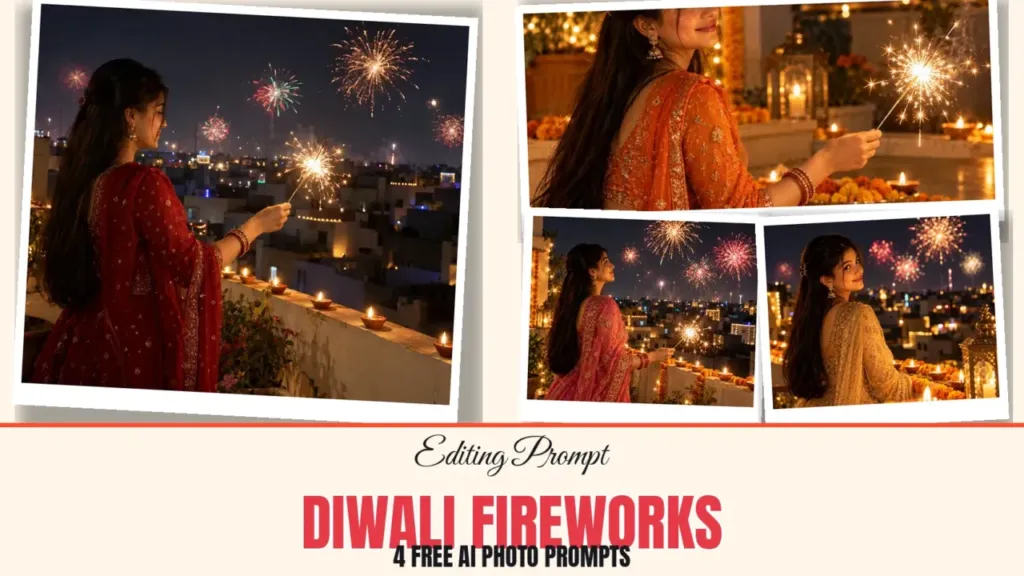
Diwali Fireworks Girl AI Photo Prompt: 4 Sparkling Night Looks (2026)
Your photo, four Diwali nights. Copy a prompt below, paste it in ChatGPT or Gemini with your photo,…
Photo promptView prompt →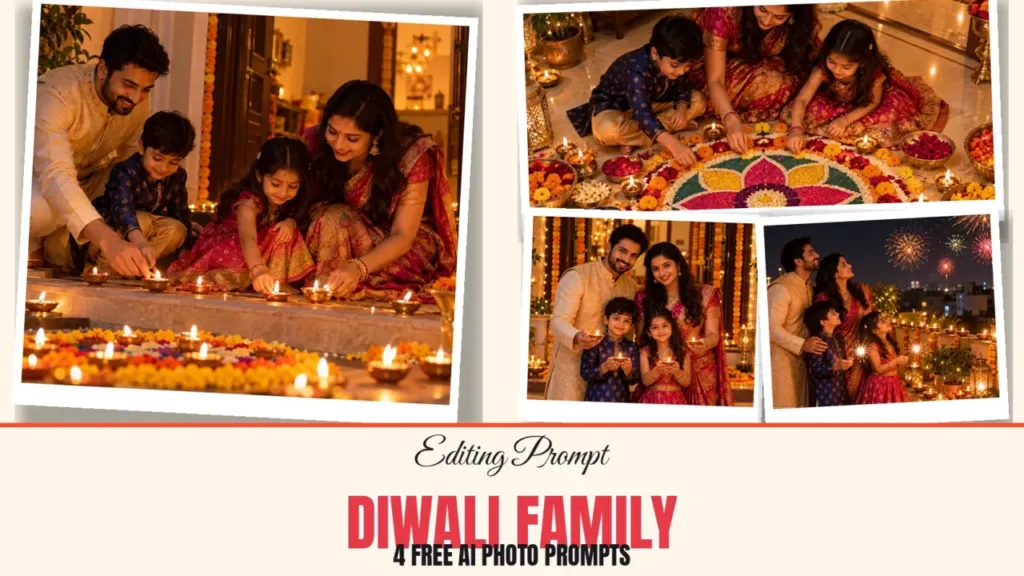
Diwali Family AI Photo Prompt: 4 Festive Together Looks (2026)
Your family photo, four Diwali moments. Copy a prompt below, paste it in ChatGPT or Gemini with your…
Photo promptView prompt →CapCut templates, video edits and presets
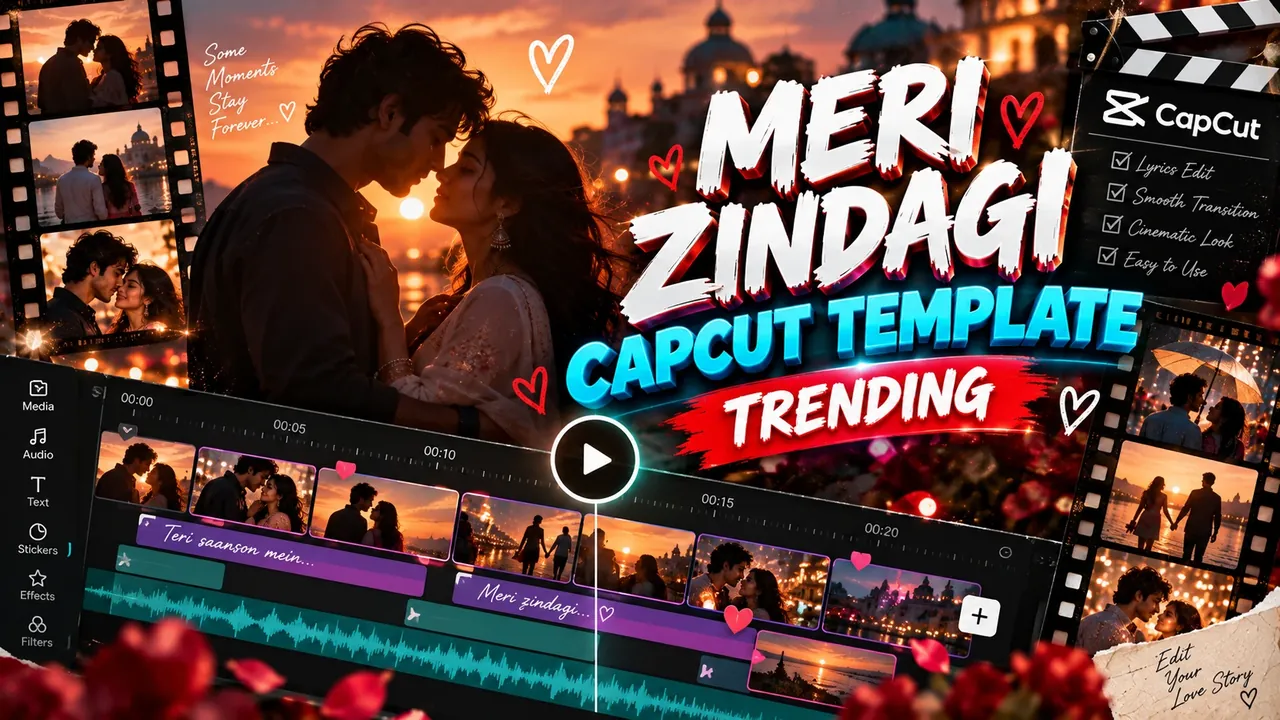
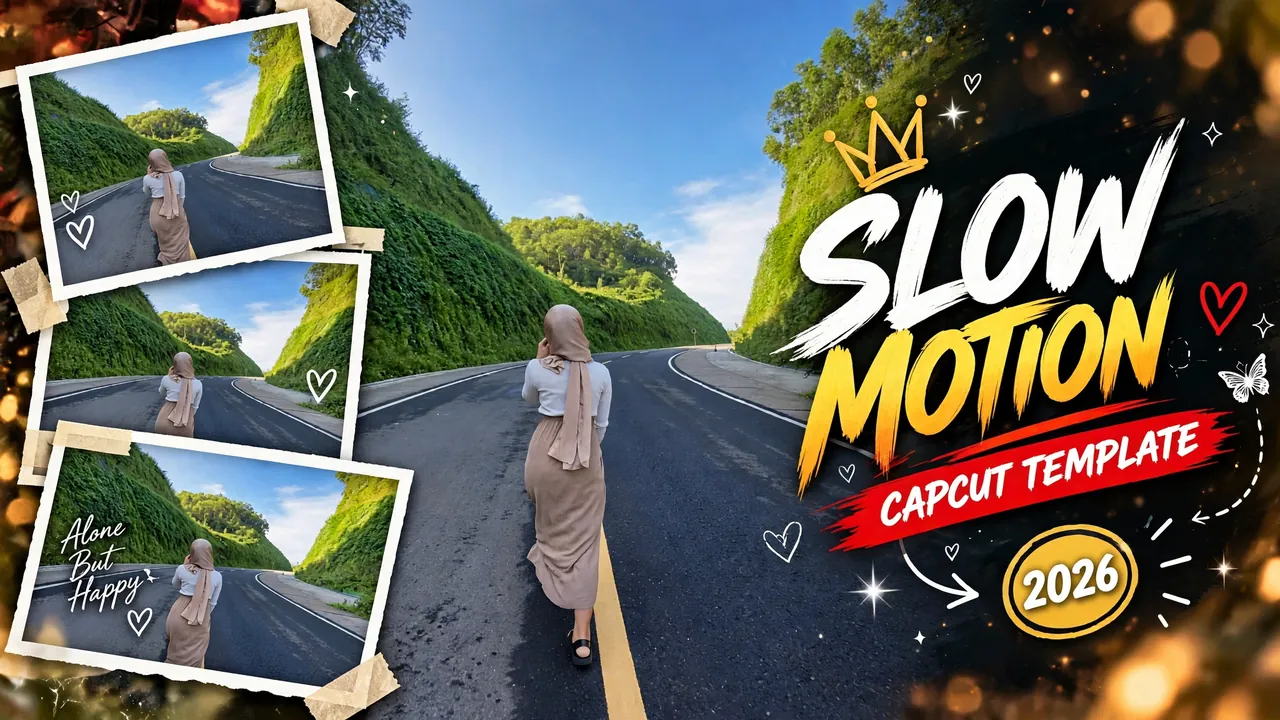
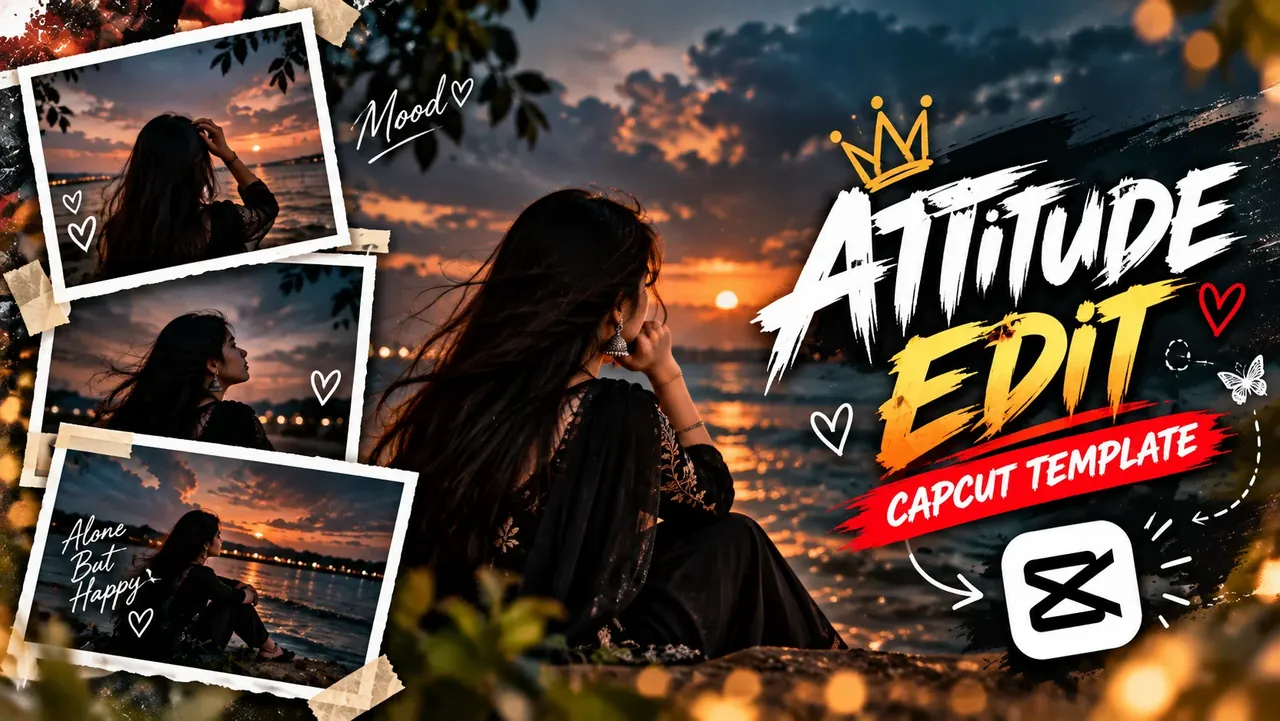
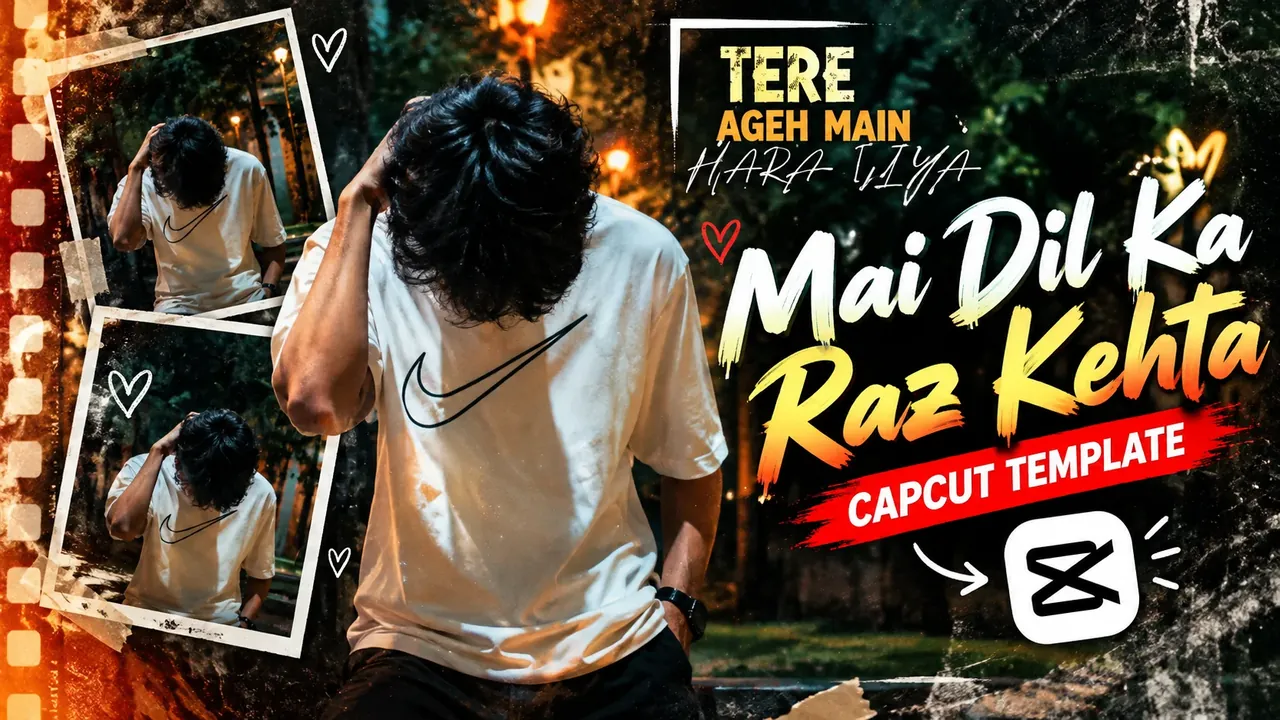
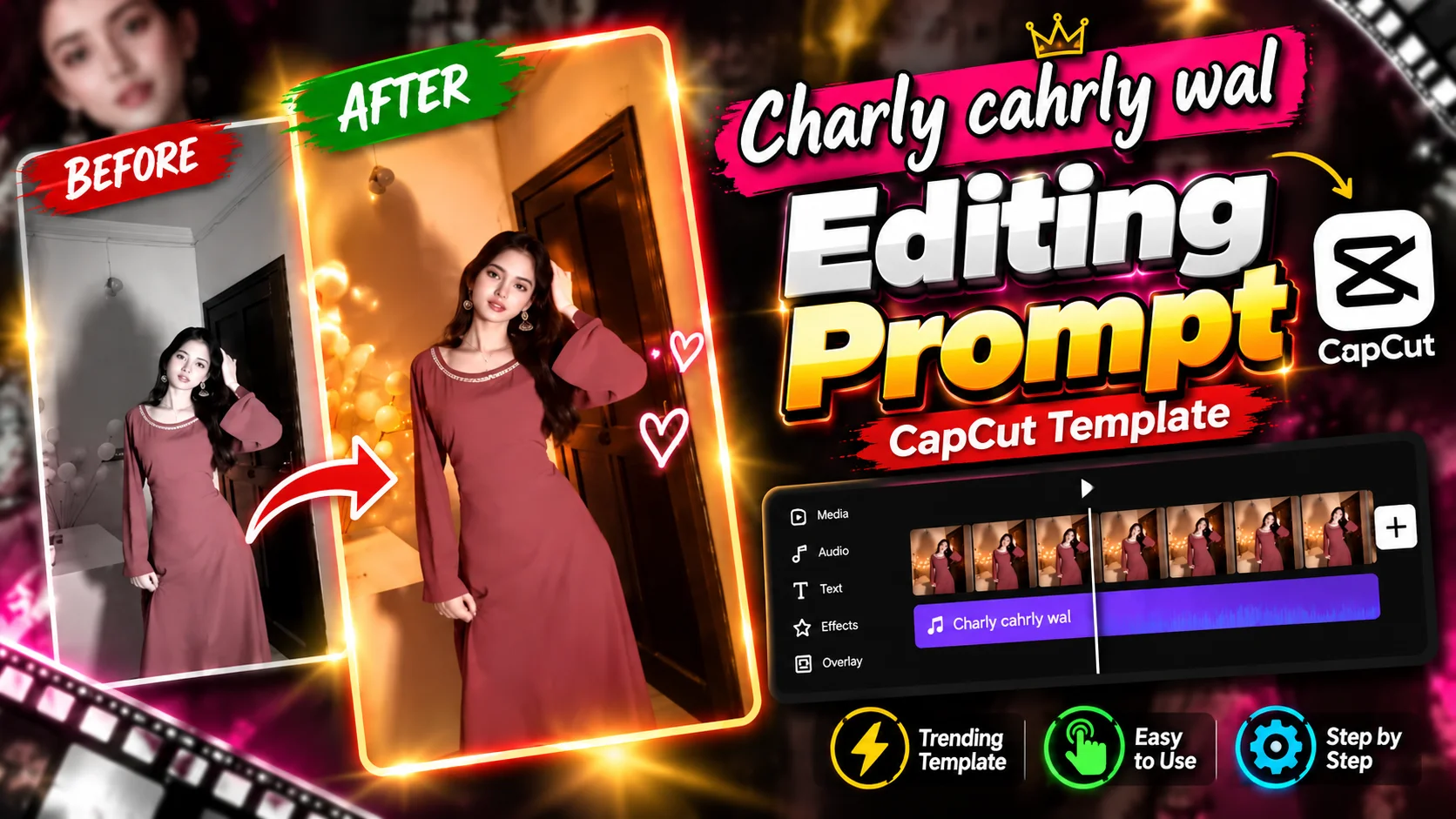
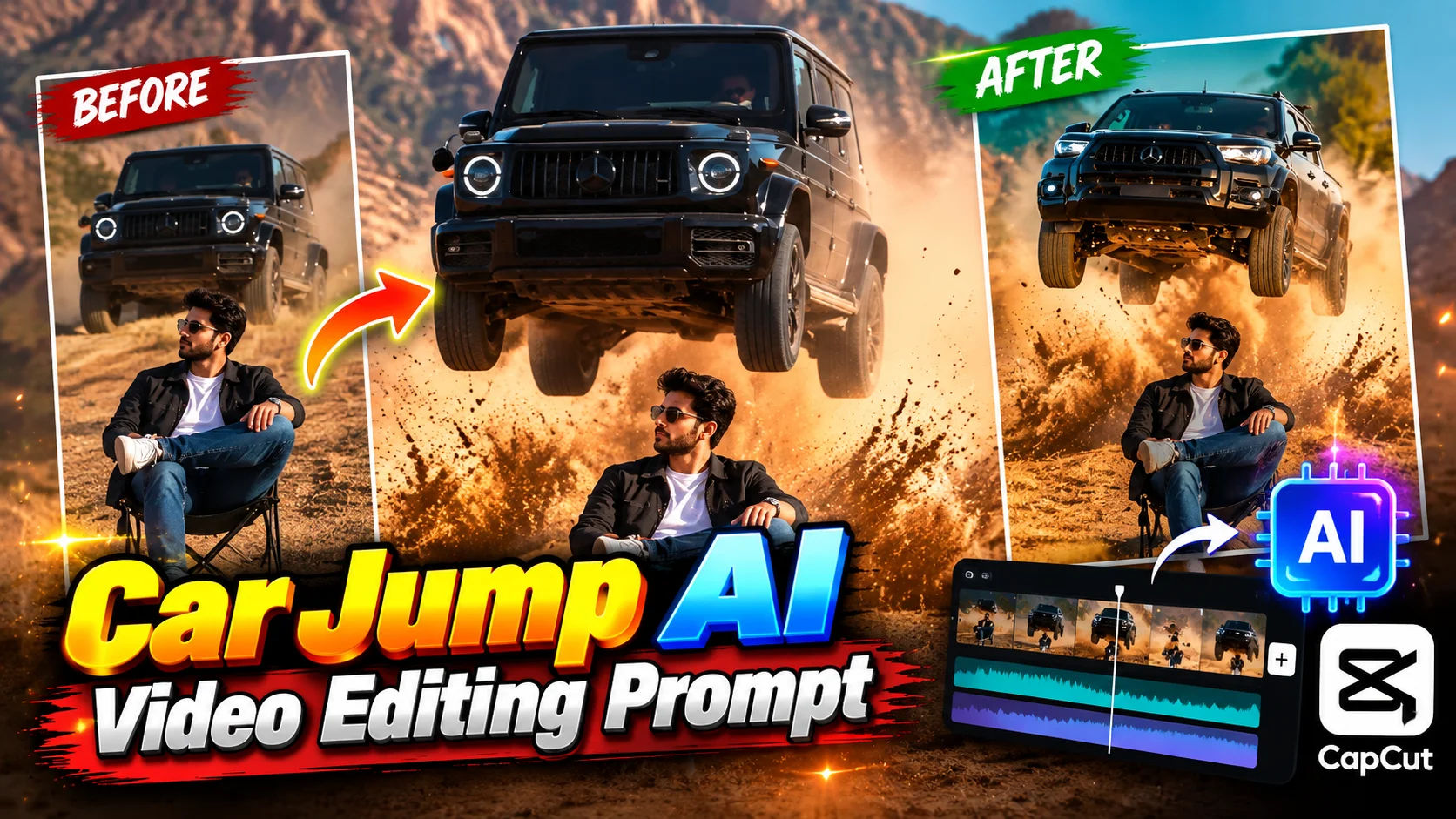
Open one, swap in your own clips, export. There is nothing to build from scratch.
What is an editing prompt?
The short version, then a real example you can try.
It is the instruction you paste into an AI tool so it knows what to do with your photo or video. Instead of dragging sliders in an app, you describe the result you want: a golden-hour portrait, keep my face the same, add some film grain. The tool does the editing.
People use the phrase for a few different things, which is why they search for it in different ways. A photo prompt is text for ChatGPT or Gemini. A video prompt describes movement, like a car jump or a slow zoom. A CapCut template or a VN code is not text for an AI at all. It is a ready-made timeline that you fill with your own clips. A Lightroom preset is a saved set of colour settings. All of them live here, so you can find the one you came for.
Here is a real photo prompt, so it is clear what you will be copying:
Turn my attached photo into a cinematic golden-hour portrait. Keep my face and features exactly the same. Soft warm backlight, shallow depth of field, light film grain, natural skin texture.
Paste that along with one clear photo of yourself and the tool restyles the light and the mood around you. That is really all there is to it.
How to write an editing prompt that works
Most bad results come from vague prompts. A good one answers six small questions.
What stays the same?
Say it plainly: keep my face, pose and clothes. If you skip this, many tools redraw you from scratch.
What is the style?
Cinematic, Polaroid, anime, black and white, 90s flash. Stick to one style per prompt.
How is it lit?
Golden hour, window light, hard flash, neon at night. Light changes the mood more than anything else.
Where are you?
A rooftop, an old street, a plain white wall. A clear background stops the AI from guessing.
What is the camera look?
Close-up, low angle, shallow depth of field, 35mm film. These words shape the framing.
How does it finish?
Grain, colour grade, skin texture. Add the word natural if you do not want plastic-looking skin.
Make my photo look cool and professional.
There is nothing to hold on to. The tool has to guess the style, the light and what to keep.Edit my photo into a moody night street portrait. Keep my face and clothes unchanged. Neon signs behind me, soft flash on my face, shallow depth of field, light film grain.
It says what to keep, what to change and how the result should feel.One habit that saves a lot of time: change one thing at a time. If the light is wrong, fix only the light and leave the rest of the prompt alone.
How to use these prompts in ChatGPT, Gemini and CapCut
Pick a style
Open a post and look at the preview first. If the mood is not what you want, you find out before you spend a try.
Copy the prompt
Copy all of it, including the line about keeping your face. People often leave that part out and wonder why the result looks different.
Paste it with your photo
In ChatGPT or Gemini, upload one clear front-facing photo, paste the prompt and send. For a CapCut template, open it in the app and replace the placeholder clips.
Adjust and save
If it is close but not right, ask for one change, such as warmer light. Save the version you like and post it.
AI Editing Bank: your free library of photo and video prompts
One place to find the edit you want, copy it and use it.
The AI Editing Bank is the collection of every prompt, template and preset on this site. Instead of searching a dozen pages, you open one post, see the finished look and copy the full text.
Inside the bank you will find AI photo prompts for ChatGPT and Gemini, AI video prompts that turn one photo into a short clip, and CapCut templates you fill with your own clips. New posts are added as styles start trending, and each one is tested before it goes live.
Everything in the AI Editing Bank is free to copy. There is no account and no paywall.
Six kinds of edits you can find here
Whatever you searched for, it probably falls into one of these six.
AI photo prompts
Text prompts for ChatGPT and Gemini. Portraits, couples, festivals, retro film, anime and black and white.
AI video prompts
Prompts that turn one photo into a short moving clip, like car jumps and roof flips.
CapCut templates
Pre-timed edits built around a trending song. You only swap in your own clips.
Lightroom presets
Saved colour settings that give a whole photo the same look in a couple of taps.
VN codes
Codes for the VN video editor that load a ready template, so you skip building the timeline.
Free prompts
Everything on the site is free to copy. No account, no paywall, no email form.
Who is behind Editing Prompt
Real person, real testing. Here is how every prompt on this site is made and checked.
Ahmad
I started this site because finding a prompt that actually works meant trying a dozen that did not. Now I run each prompt myself in ChatGPT, Gemini or CapCut, compare the result with the preview, and only then publish it.
If a prompt stops working after a tool update, I fix it or remove it. You can reach me directly, and I read every message.
Experience
Every prompt is run by hand first. The preview you see is a real result from that test, not a stock image.
Expertise
Prompts are written with clear parts: style, lighting, pose, background and mood, so they are easy to adjust.
Authoritativeness
Each post names its author, the tool it was tested in, and when it was last checked.
Trust
No sign-up, no paywall and no fake claims. Broken prompts are fixed or removed, and you can report one.
Editing Prompt is not affiliated with OpenAI, Google or CapCut.
Editing prompt questions, answered
Short, direct answers to what people ask most about AI photo and video edits.
What is an editing prompt?
It is a written instruction you give an AI tool so it can edit a photo or video the way you describe. It usually names the style, the lighting, the background and what should stay unchanged. This site collects tested ones that you can copy and paste.
What is the AI Editing Bank?
The AI Editing Bank is the free library of photo prompts, video prompts, CapCut templates, VN codes and Lightroom presets on this site. Open a post, see the finished look, copy the full text and use it in ChatGPT, Gemini or CapCut.
What does prompt mean in editing?
In AI editing, a prompt is the text you type to tell the tool what you want. In video apps like CapCut, people also use the word loosely for a template or a style, but a template is a ready-made timeline, not text for an AI.
How do I write a good prompt for photo editing?
Say what should stay the same, then name the style, the light, the background, the camera look and the finish. Stick to one style, and change only one detail at a time when you adjust it. The section above on writing a prompt has a weak and a stronger example.
Which AI is best for photo editing prompts?
ChatGPT and Gemini are the two most used for copy-paste photo prompts, and both can edit an uploaded photo. Results differ between them, so a prompt that looks great in one may need a small tweak in the other. If you can, try the same prompt in both.
How do I edit a photo with a prompt in ChatGPT or Gemini?
Open the image feature, upload one clear photo, paste the prompt and send it. If the result is close but not right, reply with a single change, such as make the light warmer, instead of starting over.
Why does the AI change my face?
It usually happens when the prompt does not say to keep your face. Add a line like keep my face and features exactly the same, use a sharp front-facing photo, and avoid asking for too many style changes at once.
Why does my result not look like the preview?
Your photo, the tool and its current version all affect the outcome, so results are close but never identical. A blurry photo, a dark photo or a cropped face are the common reasons. Try a clearer photo first.
How do I use a CapCut template?
Open the template link, tap the button that opens it in CapCut, then pick your photos or clips to fill the placeholders and export. You need the CapCut app, and a template can only fill the slots it was built with.
What is a VN code and how do I use it?
A VN code is a short code that loads a template in the VN video editor. You copy the code, open VN, paste it using the app’s import option and add your clips. Menu names can change between versions of the app.
Is it safe to upload my photo to an AI tool?
It is generally fine if you stick to photos you are comfortable sharing. Check the tool’s privacy settings, do not upload other people’s photos without asking them, and never upload ID cards or private documents.
Is everything on this site free?
Yes. Everything here is free to copy, and there is no account or paywall.
New prompts, the day they land
Follow us on Instagram for fresh photo prompts, video prompts and templates. Want a specific prompt? Send a request.
Follow on InstagramOr email us: editingprompt25@gmail.com