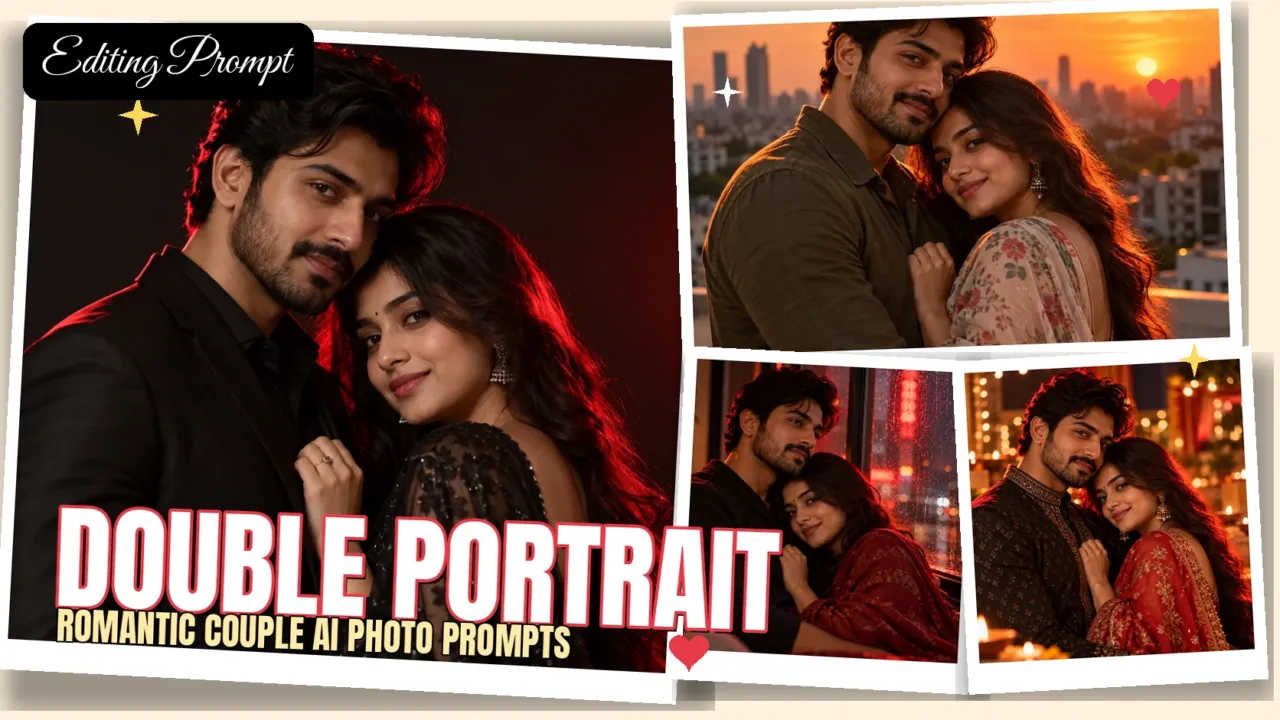
Luxury Couple Studio Portrait AI Photo Prompt (2026)
One couple, four luxury portraits. Copy a studio portrait prompt below, paste it in ChatGPT or Gemini with your couple photo, and keep both faces exactly the same in black tie, ivory white, royal velvet or golden glow.
Quick answer
A luxury couple studio portrait set: copy a prompt from this page, paste it in ChatGPT or Gemini with your couple photo, and get a black tie portrait, an ivory white portrait, a royal velvet portrait or a golden glow portrait, with both faces exactly the same in every look.
Luxury Couple Studio Portrait AI Photo Prompt: 4 looks to copy and paste
Four looks, four prompts. Tap Copy prompt, open ChatGPT or Gemini, upload your photo and paste.

Black Tie Studio Portrait prompt
Transform our photo into a photorealistic luxury studio portrait. We stand close together, he wears a black tuxedo suit and she wears a black embellished gown, dark charcoal studio backdrop with one soft spotlight from above. Keep both faces exactly the same. Soft elegant smiles at the camera, premium magazine lighting, ultra detailed, vertical 4:5.

Ivory White Studio Portrait prompt
Transform our photo into a photorealistic luxury studio portrait. We sit close together on a white sofa, he wears an ivory embroidered sherwani and she wears an ivory embellished lehenga, bright ivory studio backdrop with soft airy window light and white flowers beside us. Keep both faces exactly the same. Soft elegant smiles at the camera, clean luxury lighting, ultra detailed, vertical 4:5.
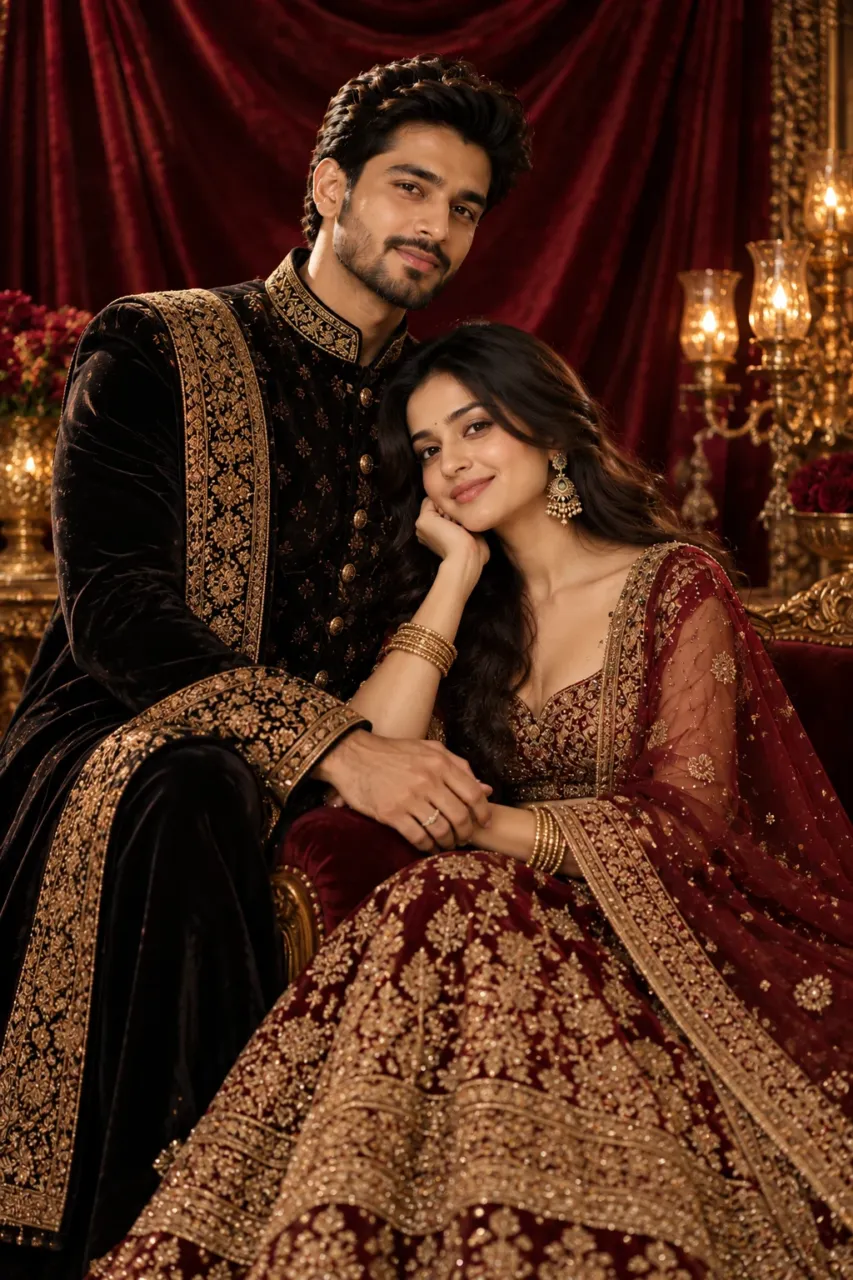
Royal Velvet Portrait prompt
Transform our photo into a photorealistic luxury studio portrait. We sit close together on a royal chair, he wears a black velvet sherwani with gold embroidery and she wears a burgundy lehenga with gold work, deep burgundy velvet draped backdrop with golden candelabra light beside us. Keep both faces exactly the same. Soft regal smiles at the camera, warm royal lighting, ultra detailed, vertical 4:5.
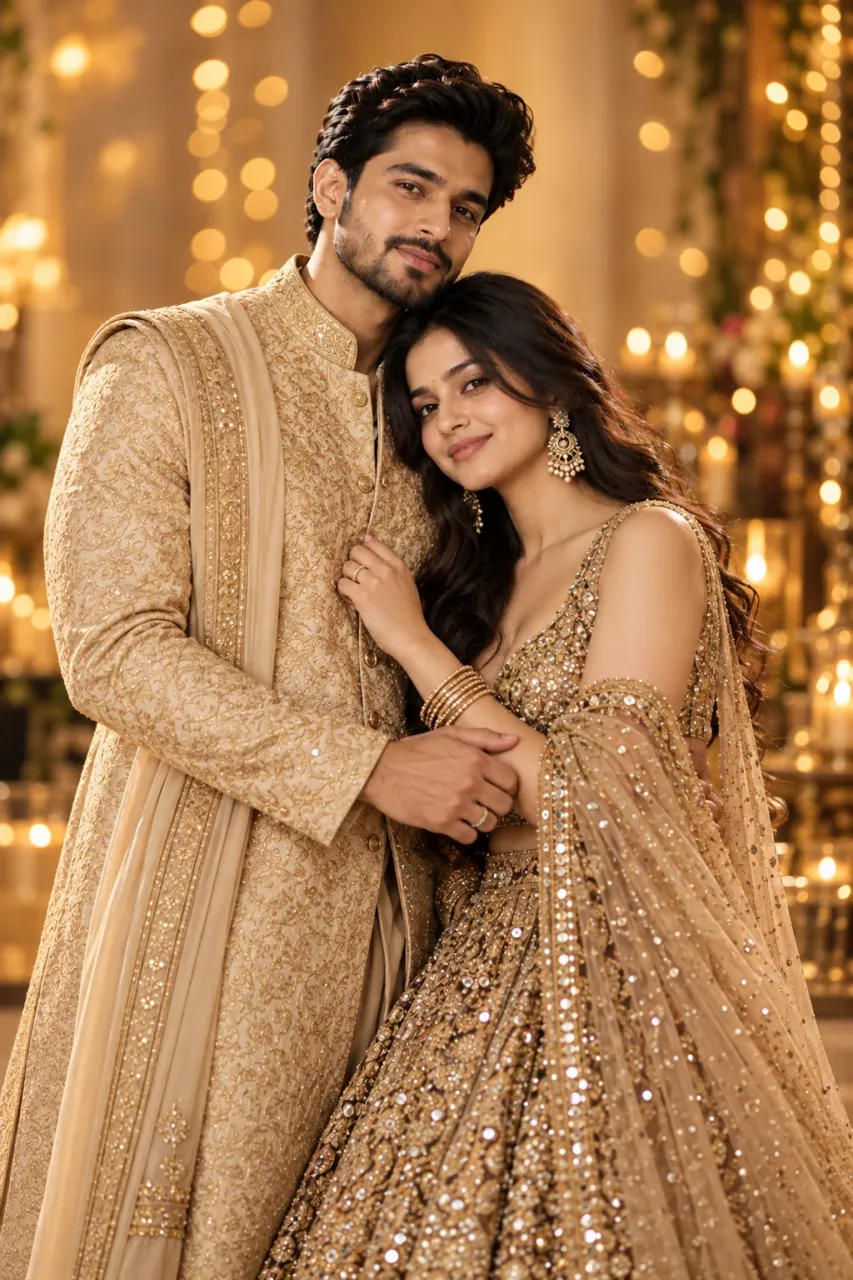
Golden Glow Portrait prompt
Transform our photo into a photorealistic luxury studio portrait. We stand close together, he wears a gold embroidered sherwani and she wears a gold embellished lehenga, warm golden backdrop with soft bokeh lights behind us. Keep both faces exactly the same. Soft glamorous smiles at the camera, golden glow lighting, ultra detailed, vertical 4:5.
Why Luxury Studio Portraits Look So Premium
A normal couple photo is flat. A luxury studio portrait is not. Controlled light, a clean backdrop and matching premium outfits make the couple look like a magazine cover, whether the backdrop is charcoal black, bright ivory, royal velvet or warm gold.
The face lock line keeps both of you recognisable in all four looks, so the set looks like one professional studio shoot done on the same day. Post them as a series and the luxury style carries the whole set. For more free picks, see the Editing Prompt homepage.
What each part of these prompts does
- The studio frame. Both faces close together in a clean portrait pose.
- The premium light. Spotlight, airy light, candlelight or golden glow.
- Keep both faces unchanged. Locks your identity across all four looks.
- The outfit line. Black, ivory, royal or gold clothes match each scene.
- Vertical 4:5. Framed for feed posts and status.
Which prompt should you pick?
- Strongest opener: the black tie look.
- Cleanest: the ivory white look.
- Most royal: the velvet portrait look.
- Most glamorous: the golden glow look.
If a face changes, add this line
Make sure the face stays exactly the same. Paste it at the end of any prompt if the first result looks like someone else.
How to use these prompts in ChatGPT and Gemini
Open your AI tool
Use the ChatGPT or Gemini app or website, sign in and pick the image creation option.
Upload your photo
Add one sharp photo where the face is clearly visible, with decent light.
Paste the prompt
Paste the full prompt and send. If a face changes, add: make sure the face stays exactly the same.
Adjust and save
If it is close, ask for one change at a time. Then download the version you like.
Easy ways to change the look
Change one phrase at a time and compare. These swaps are starting points, and results vary by tool.
- Outfit swap: name your own outfits and colours in the outfit line.
- Backdrop swap: move the ivory portrait to a garden studio setup.
- Light swap: change the spotlight to soft window light for a gentler glow.
- Theme swap: change the royal look to a wedding stage background.
Fix common problems with these prompts
Most problems come from a face drifting or a scene detail looking fake. Here is what to try first.
- Faces look different. Use one sharp couple photo and keep the face lock line.
- Light looks flat. Add: soft directional spotlight, gentle shadows, premium finish.
- Scene looks fake. Add: photorealistic, natural light, real skin texture.
- One face looks off. Name both outfits clearly so the AI frames both people equally.
AI results differ every run, so it is worth running the same prompt twice before you change it.
Questions and answers
What are luxury couple studio portrait AI photo prompts?
They are copy-paste prompts that turn your couple photo into a premium studio portrait, in black tie, ivory white, royal velvet or golden glow styles, built by ChatGPT or Gemini with both faces unchanged.
Which studio portrait look is best for a first post?
The black tie look. The charcoal backdrop with a single spotlight is the most premium frame of the four.
Can I use my own outfits in the prompt?
Yes. Replace the outfit line with your own clothes and colours, for example a navy suit or a pink lehenga, and keep the rest of the prompt the same.
Why does every prompt keep both faces the same?
Because a studio portrait only works when both people stay recognisable. The face lock line stops the AI from changing either face.
Are these studio portrait prompts free?
Yes. All 4 prompts on this page are free to copy and use.