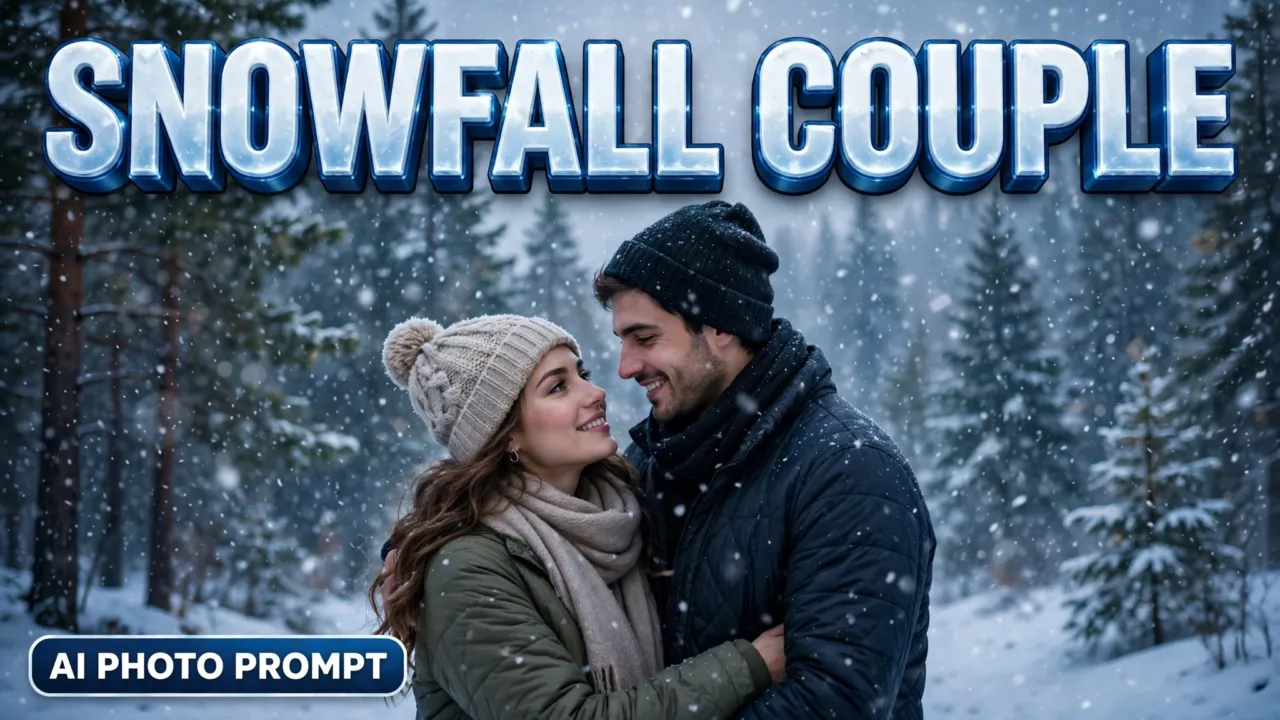
Snowfall Winter Couple AI Photo Prompt (2026)
Snowfall Winter Couple AI Photo Prompt (2026)
Turn your couple photo into a dreamy winter portrait with falling snow, pine forests and cozy cabin vibes. Copy a prompt, paste it in ChatGPT or Gemini with your photo, and you are done.
Quick answer
What is the snowfall winter couple AI photo trend? It is a winter edit where AI restyles your couple photo with falling snow, pine forests and cozy cabin vibes. Copy one of the 4 prompts below, upload a clear photo to ChatGPT or Gemini, and keep the line that says do not change the faces.
Snowfall winter couple AI photo prompt: 4 looks
Four looks, four prompts. Tap Copy prompt, open ChatGPT or Gemini, upload your photo and paste.
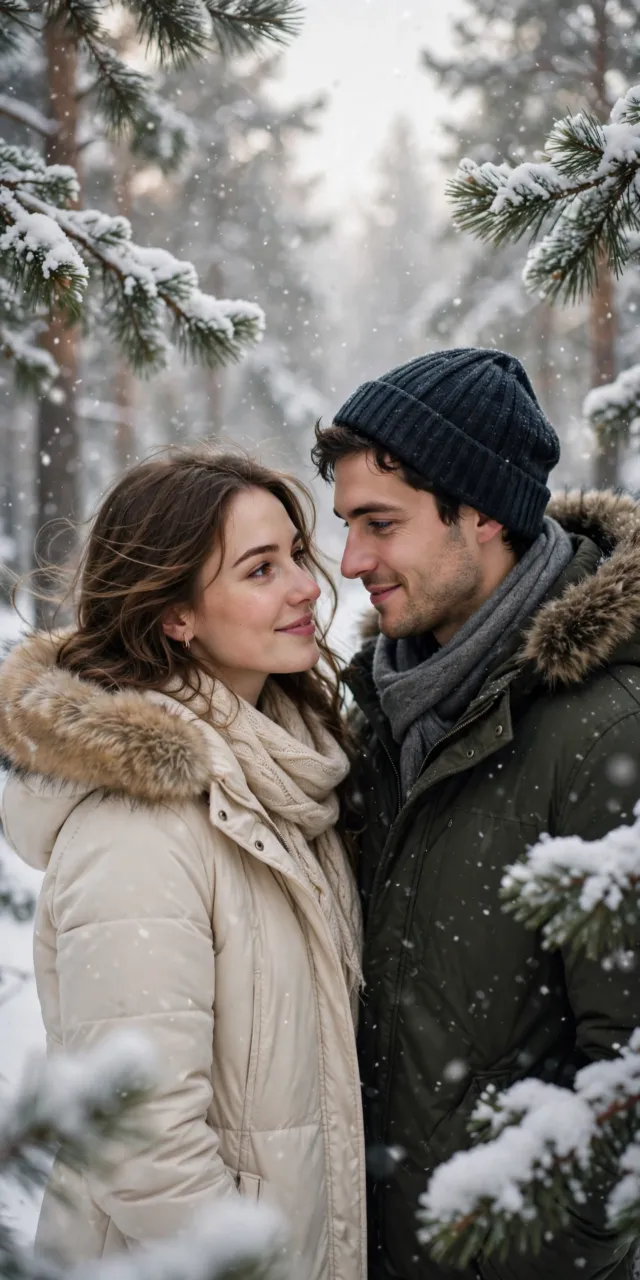
Snowy pine forest
Edit this couple photo into a winter portrait. Place the couple in warm winter coats in a snow-covered pine forest, soft snowflakes falling around them. Keep both faces exactly the same. Dreamy, romantic, soft daylight.
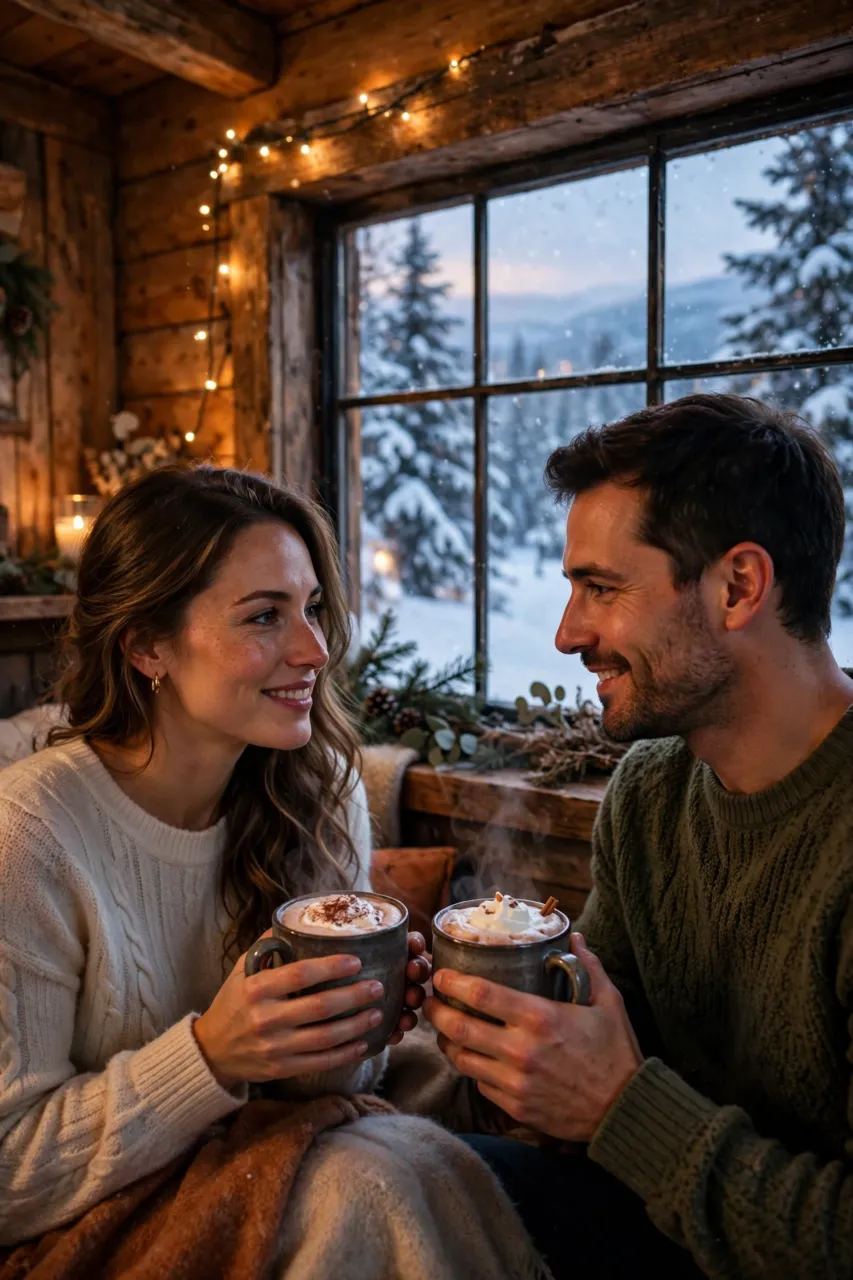
Cabin cocoa moment
Turn this photo into a cozy winter portrait. The couple holds hot cocoa mugs inside a wooden cabin, snowy landscape glowing through the window behind. Do not change either face. Warm, intimate, made for sharing.
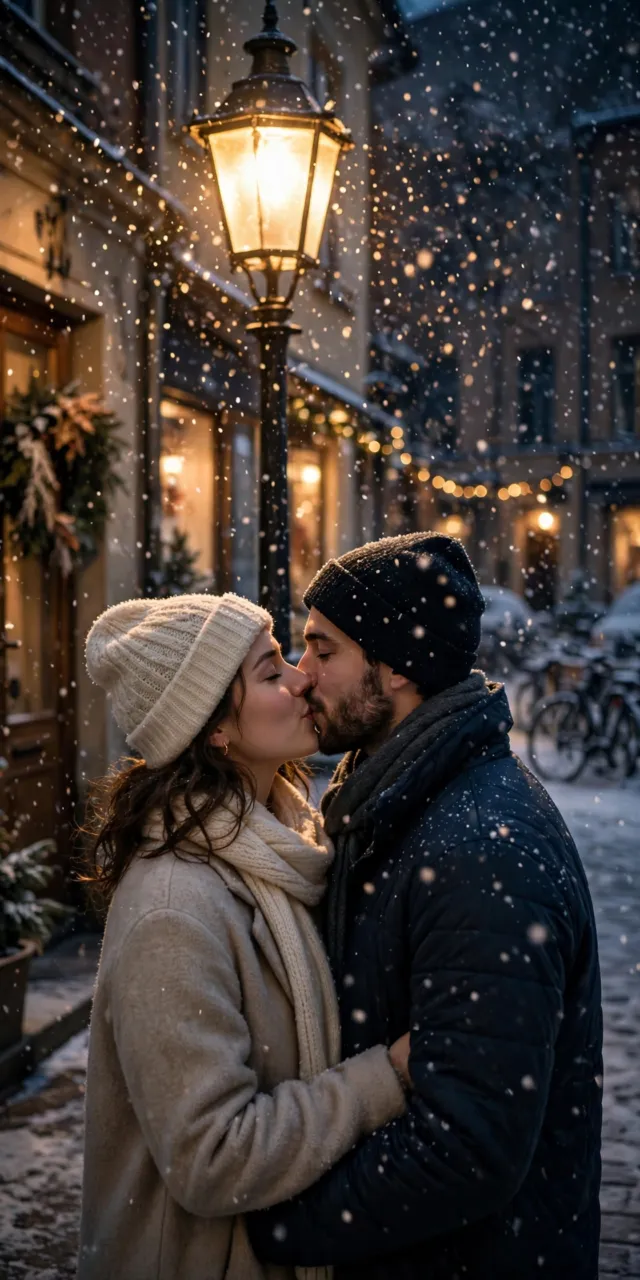
Street lamp kiss
Create a romantic snowy night portrait from this couple photo. A gentle kiss under a glowing street lamp, snowflakes falling in the lamplight, quiet winter street. Keep the couple's faces and pose the same. Cinematic, tender, magical.
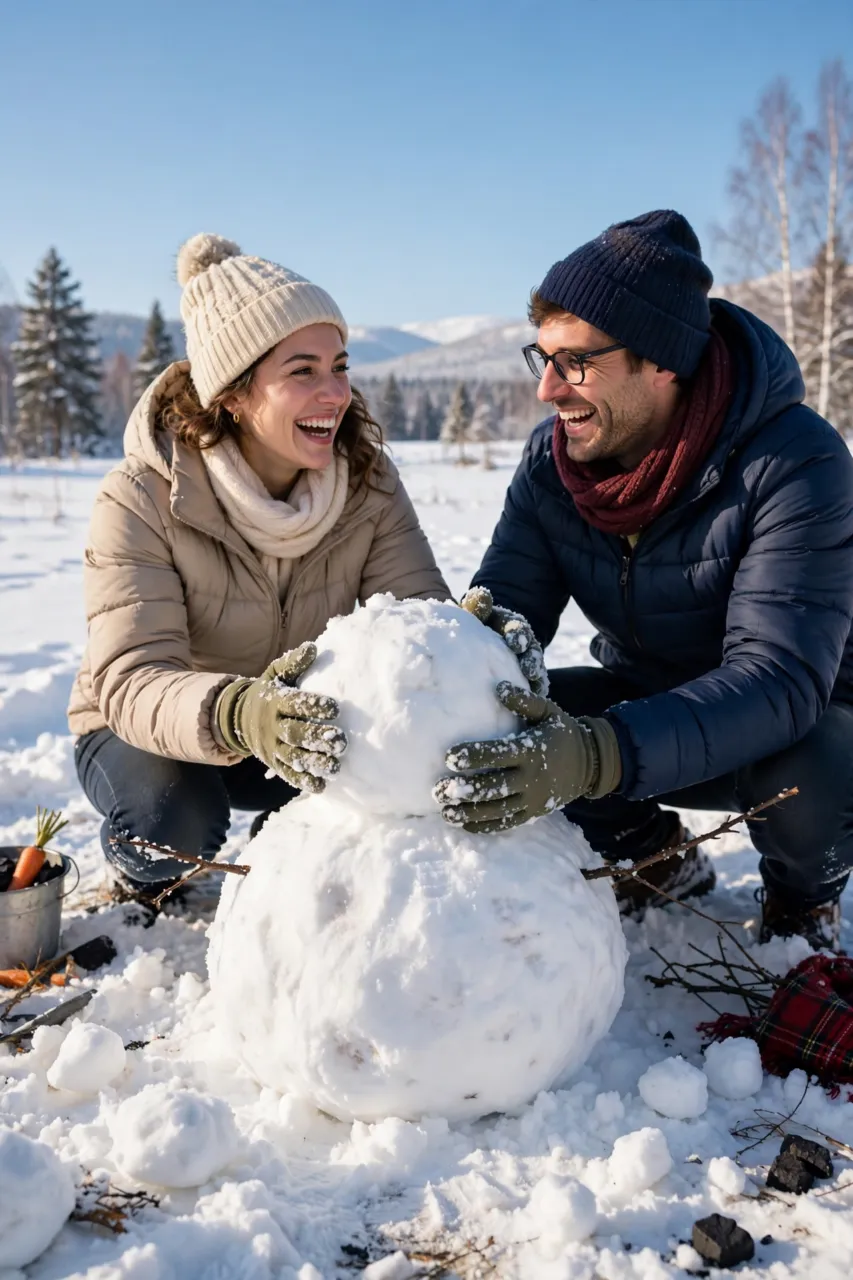
Snowman fun
Make a playful winter portrait from this photo. The happy couple builds a snowman together in a bright snowy field, clear winter day, laughter in the air. Do not change either face. Cheerful, bright, full of joy.
What is a snowfall winter couple AI photo prompt?
It is a written instruction that tells an AI image tool to restyle your couple photo as a snowy winter portrait. Instead of a plain photo, the prompt asks for falling snow, pine forests or a cozy cabin around you two.
Winter couple photos are perfect for the holiday season. With these prompts you get the snow globe look from any photo. For more free picks, see the Editing Prompt homepage.
What each part of these prompts does
- Falling snow. Soft flakes set the winter mood instantly.
- Pine forest. Snowy trees frame the romance.
- Do not change the faces. Keeps both of you recognisable, the most important line.
- Winter coats. Cozy outfits complete the seasonal story.
- Warm light. Cabin glow or lamps balance the cool snow.
Which prompt should you pick?
- For classic winter: the snowy pine forest.
- For cozy vibes: the cabin cocoa moment.
- For romance: the street lamp kiss.
- For fun: the snowman building.
If a face changes, add this line
Make sure both faces stay exactly the same. Paste it at the end of any prompt if the first result looks like someone else.
How to use these prompts in ChatGPT and Gemini
Open your AI tool
Use the ChatGPT or Gemini app or website, sign in and pick the image creation option.
Upload your photo
Add one sharp photo where faces are clearly visible, with good light.
Paste the prompt
Paste the full prompt and send. If a face changes, add: make sure the faces stay exactly the same.
Adjust and save
If it is close, ask for one change, then download the version you like.
Easy ways to change the look
Change one phrase at a time and compare. These swaps are starting points, and results vary by tool.
- Setting: swap the forest for a frozen lake or snowy village.
- Activity: try ice skating, snowball fun or a sleigh ride.
- Outfits: mention red scarves or matching beanies.
- Time: ask for bright snowy day or cozy night lamps.
- Extras: add pine trees, icicles or a snowman.
Fix common problems with snowfall prompts
Most problems come from changed faces or flat snow. Here is what to try first.
- A face looks different. Use one sharp photo and add: make sure both faces stay exactly the same.
- Snow looks fake. Repeat: natural soft snowflakes with depth and gentle motion.
- Faces look pale. Ask for natural warm skin tones against the cool snow.
- Background is empty. Ask for pine trees, falling snow and soft winter light.
- Too blue overall. Ask for balanced cool tones with warm light on the couple.
AI results differ every run, so it is worth running the same prompt twice before you change it.
Snowfall winter couple prompt questions
What is the snowfall winter couple AI photo trend?
It is a winter edit where AI restyles your couple photo with falling snow, pine forests and cozy cabin vibes. Creators type a short prompt into ChatGPT or Gemini and get a share-ready snow portrait.
Which app makes these edits?
ChatGPT and Gemini both work. Upload your couple photo, paste the prompt, and the tool builds the snowy scene around you. Results differ between tools, so try both.
Do I need to pay?
The prompts are free to copy, with no sign-up. ChatGPT and Gemini offer some free image access, but limits can change, so check the app.
How do I keep both faces the same?
Use a sharp photo where both faces are clearly visible and keep the line do not change the faces in the prompt. You can also add: make sure both faces stay exactly the same, at the end.
Why does the snow look fake?
Ask for natural soft snowflakes with depth, some near and some far. Uniform white dots look fake.
Can I use a summer photo?
Yes. The prompt rebuilds the whole scene as winter, so any clear couple photo works as the base.
Why do the outfits look strange?
Ask for realistic winter clothing in natural colors that match the photo. Bright mismatched coats can look odd.
Is it okay to post these publicly?
Yes, it is your photo and your edit. Only use photos of people who agree to be edited and shared.

Birthday Photo Editing Prompt

Couple Rooftop Dinner AI Photo Prompt

Floating Music Player AI Photo Prompt
Want more? Browse every free prompt on Editing Prompt.