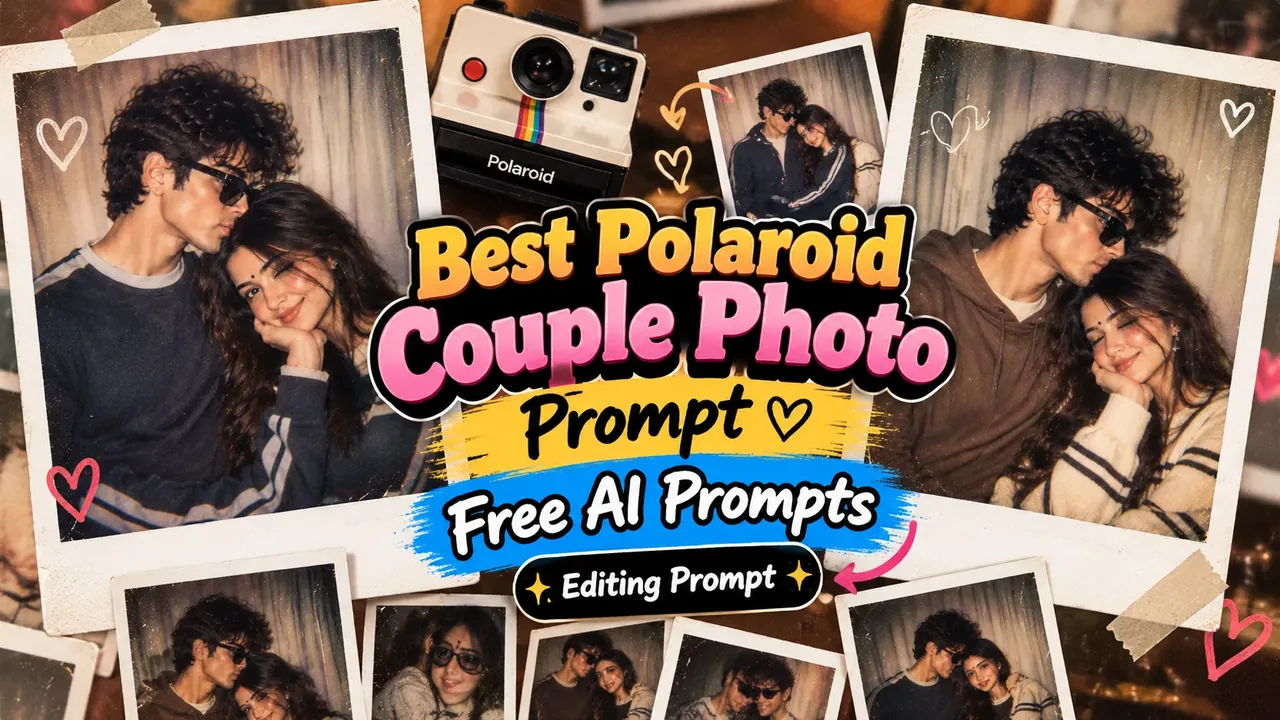
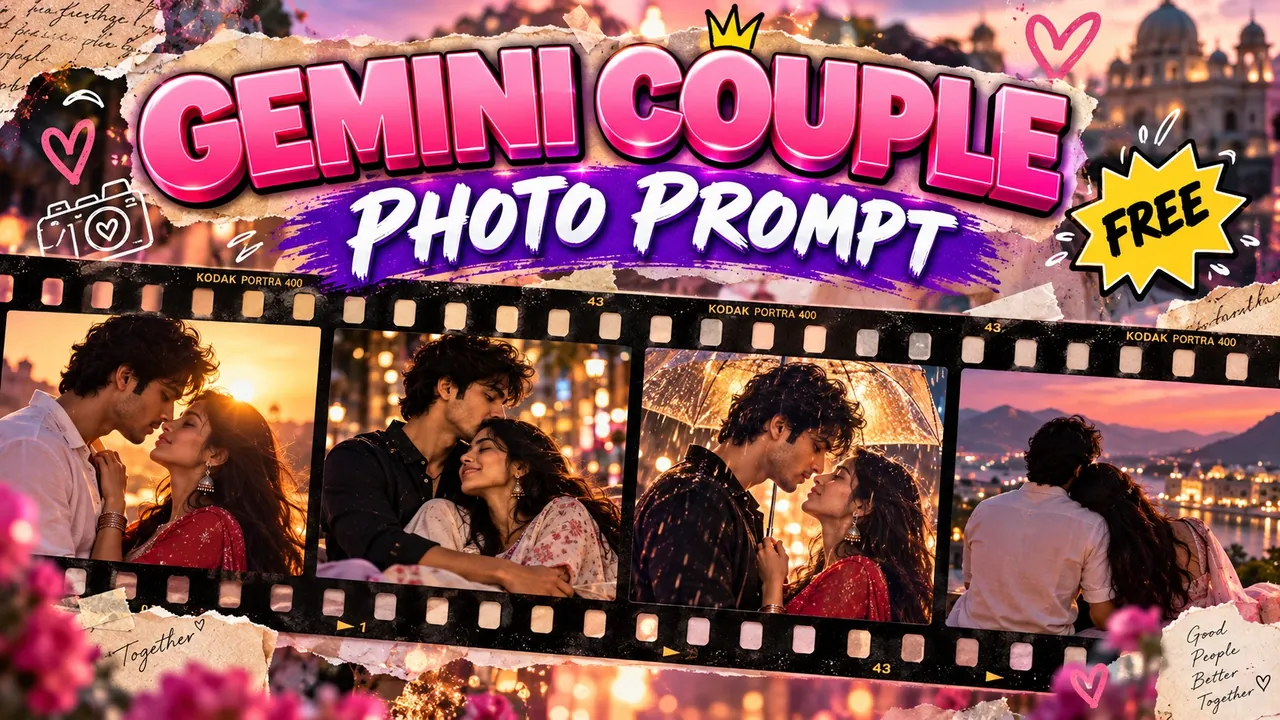
Trending AI Photo Prompts 2026 – Copy-Paste Viral Edits
Turn an ordinary selfie into a viral edit: cinematic rain portraits, golden-hour couple shots, royal looks and neon aesthetics. Copy any prompt below, paste it in ChatGPT or Gemini with your photo, and your face stays exactly the same.
Quick answer
A trending AI photo prompt is a short text that tells an AI image tool such as ChatGPT or Gemini to restyle your photo into a popular look — cinematic, aesthetic or couple edits — while keeping your exact face, skin tone and features. Pick a prompt below, upload one sharp photo, and keep the face-lock line in the text.
Trending AI photo prompt: 4 results
Tap Copy prompt, open ChatGPT or Gemini, upload your photo and paste.
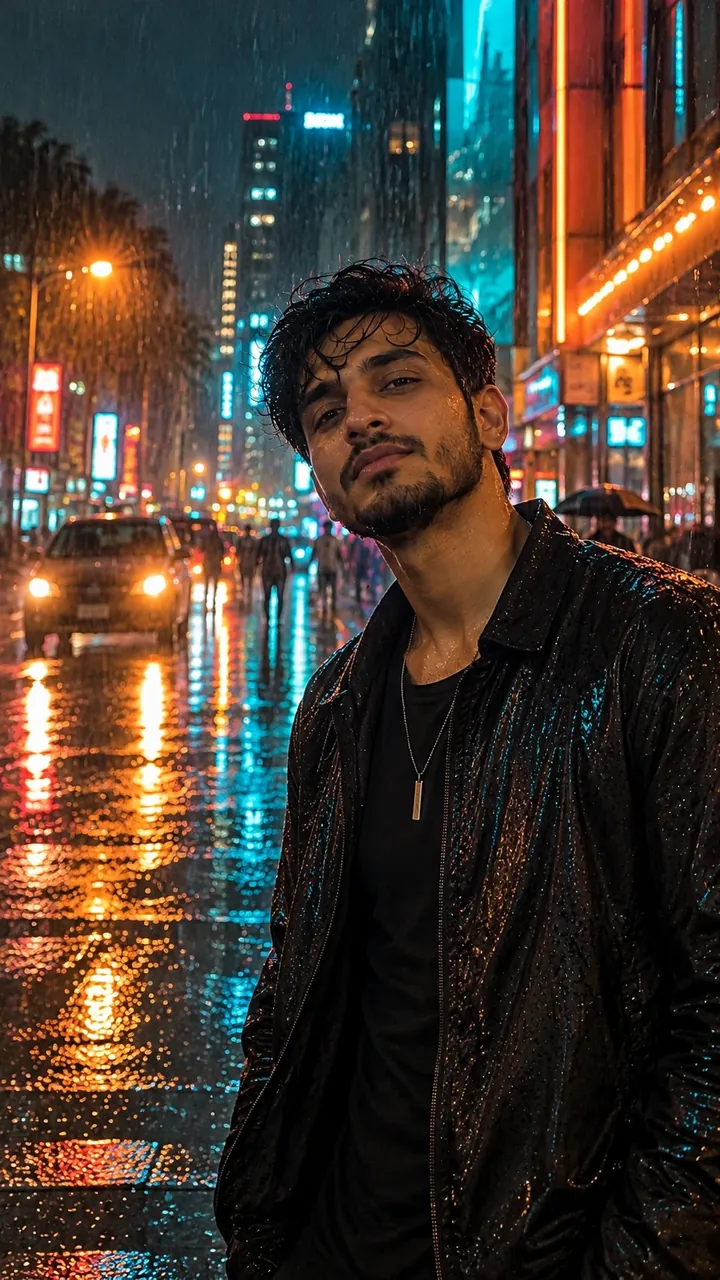
Cinematic neon rain portrait
Reference my uploaded photo for my exact face, skin tone and features. Nothing about my identity should change. Place me on a neon-lit city street in heavy rain at night, wet hair and rain droplets on my skin, teal and orange neon glow reflecting around me, blurred city lights behind. Moody cinematic shallow depth of field, ultra detailed portrait photography.
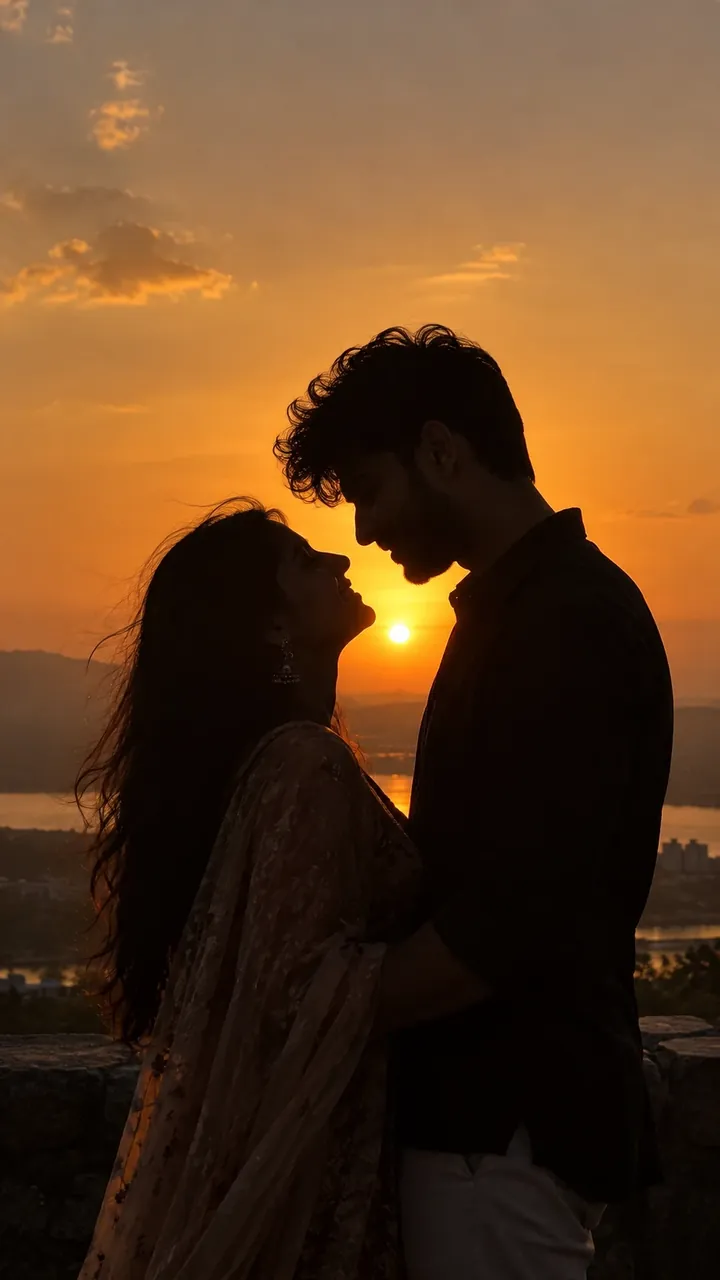
Golden hour couple silhouette
Reference our uploaded photo for both exact faces, skin tones and features. Nothing about our identities should change. Place us as a romantic silhouette on a scenic hilltop at golden hour, warm sunset glow behind us, gentle wind in the hair, dreamy lens flare. Cinematic warm color grade, ultra detailed photography.
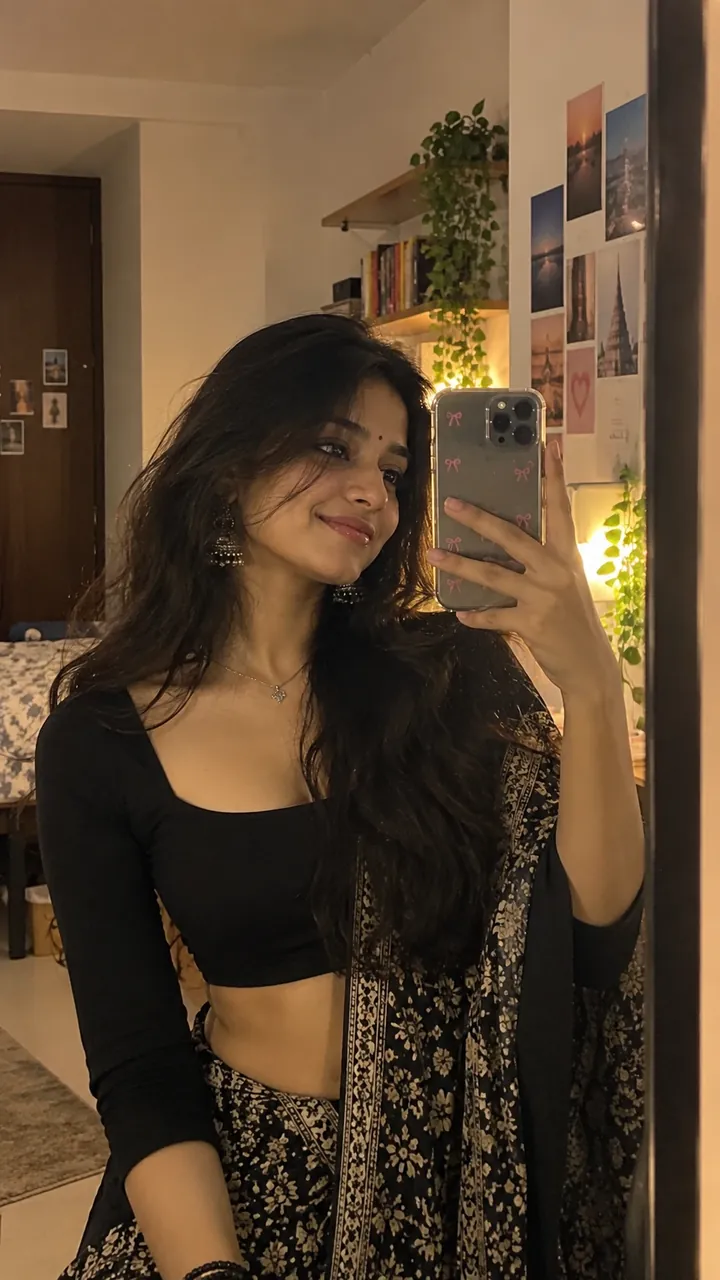
Aesthetic mirror selfie
Reference my uploaded photo for my exact face, skin tone and features. Nothing about my identity should change. Turn it into an aesthetic mirror selfie: me holding a phone, soft flash lighting, grainy film texture, casual streetwear outfit, bedroom with posters softly blurred behind. Trendy Gen-Z Instagram aesthetic, natural skin texture.
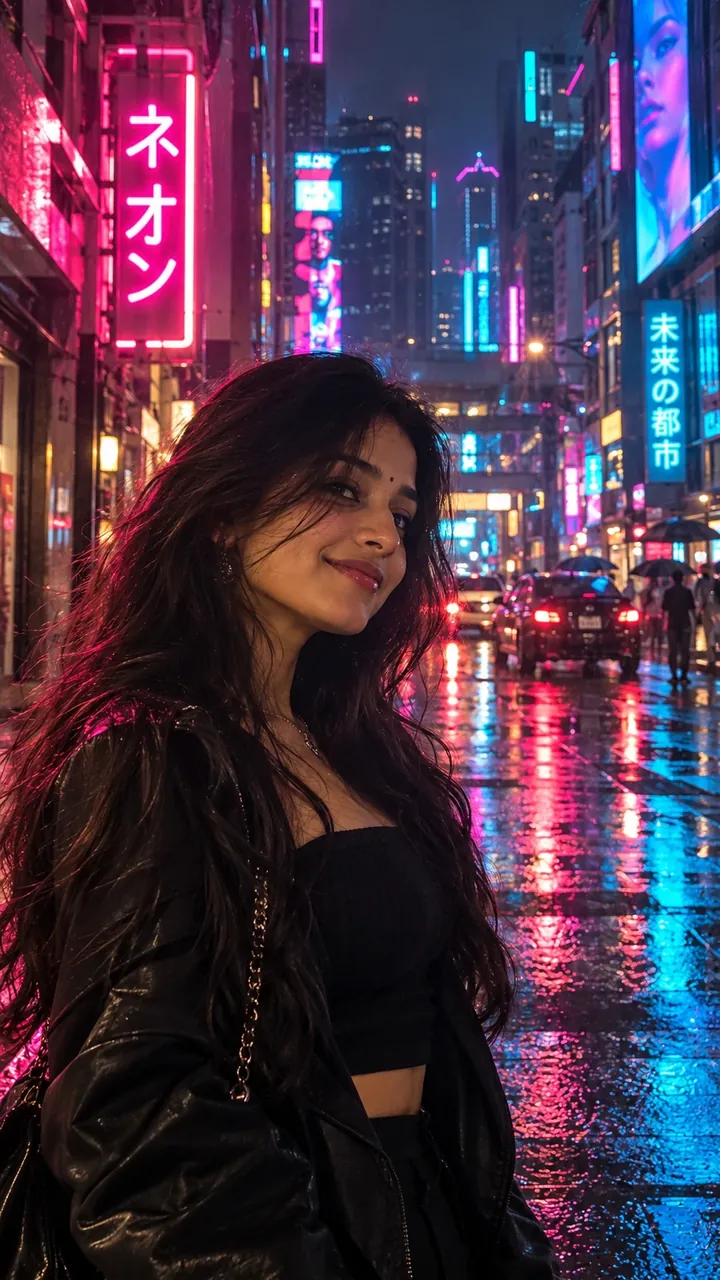
Cyberpunk city neon portrait
Reference my uploaded photo for my exact face, skin tone and features. Nothing about my identity should change. Place me in a futuristic cyberpunk city at night, neon signs in pink and cyan reflecting on wet streets, holographic advertisements glowing behind me, leather jacket with subtle glowing accents. Cinematic rim lighting, rain drops in the air, ultra-detailed portrait photography.
What is a trending AI photo prompt?
It is a written instruction that tells an AI image tool to restyle your photo into a look everyone is posting right now, without changing who you are. The tool keeps your face and swaps the lighting, outfit, background and mood.
These styles trend because they photograph well as profile pictures and status updates: dramatic rain portraits, warm couple silhouettes, royal outfits and neon aesthetics. A prompt lets you get the look from a normal selfie in seconds. For more free picks, see the Editing Prompt homepage.
What each part of the prompt does
- Reference my uploaded photo. Tells the tool to start from your real face instead of inventing one.
- Nothing about my identity should change. The face lock. It keeps your skin tone and features steady across every style.
- Style line (rain, royal, neon). Names the trending look so the result matches the aesthetic you picked.
- Lighting and background. Sets the mood — neon glow, golden hour, palace light — that makes the edit feel premium.
- Photography words. Phrases like cinematic or shallow depth of field push the tool toward a realistic photo finish.
Where to use the result
- WhatsApp DP or status: a striking portrait in the trending style of the week.
- Instagram post or Story: viral-ready edits that match what everyone is sharing right now.
- Couple posts: the couple prompts are made for anniversary posts and shared DPs.
Want a different look? Swap one phrase
Change the style line only, for example swap neon rain for golden hour, and keep the face line untouched. Changing one phrase at a time shows you exactly what each part does.
How to use this prompt in ChatGPT and Gemini
Open your AI tool
Use the ChatGPT or Gemini app or website, sign in and pick the image creation option.
Upload your photo
Add one sharp, front-facing photo in good light, with your face fully visible.
Paste the prompt
Paste the full prompt, including the line about keeping your exact face, and send.
Adjust and save
If it is close, ask for one change, such as softer light or a full-body frame. Then download the version you like.
Easy ways to change the look
Change one phrase at a time and compare. These swaps are starting points, and results vary by tool.
- Style: try cyberpunk street, underwater dream or vintage film instead of neon rain.
- Lighting: ask for softer daylight for a natural look, or stronger neon for drama.
- Outfit: name the clothing clearly — techwear jacket, embroidered outfit or streetwear.
- Framing: ask for a full-body shot to show the outfit, or a tight close-up for a DP.
- Mood: change the expression from serious to a soft smile for a friendlier edit.
Fix common problems with these prompts
Most problems come from the tool changing the face or missing the style. Here is what to try first.
- My face changed. Repeat: keep my exact face, skin tone and features. Use a sharper, front-facing photo.
- The style looks weak. Strengthen the style line with concrete detail: heavy rain, glowing neon signs, wet reflections.
- The photo looks flat. Add: dramatic lighting, shallow depth of field, cinematic color grade.
- It looks over-edited. Add: natural skin texture, realistic photography, subtle retouch only.
- Extra people appeared. Add: only one person, no text, no watermark.
AI results differ every run, so it is worth running the same prompt twice before you change it.
Trending AI photo prompt questions
What is a trending AI photo prompt?
It is a short written instruction that asks an AI image tool to restyle your photo into a popular current look — cinematic rain, golden hour, royal or neon — while your face, skin tone and features stay exactly the same as in your uploaded photo.
Will the AI keep my face the same?
It should, because every prompt on this page includes a face-lock line. If a result still drifts, repeat the line “keep my exact face” at the end and upload a clearer, well-lit photo.
Which is better for photo prompts, ChatGPT or Gemini?
Both follow the same text. Gemini is often faster for quick edits, while ChatGPT handles longer detailed prompts well. If one misses the style, run the same prompt in the other and compare.
Do I need a good quality photo?
Yes. A sharp, front-facing photo in good light gives the tool a clean face to preserve. Blurry or side-angle photos are the most common reason faces change.
Can I use these prompts for couple photos?
Yes. The couple prompts on this page are written for two people and lock both faces. Upload one photo where both faces are clearly visible.
Are these prompts free?
The prompts are free to copy, with no sign-up. ChatGPT and Gemini both offer some free image access, but limits can change, so check the app you use.
Why does my result look different from the preview?
AI results differ every run. Run the same prompt twice before changing it, and change only one phrase at a time so you can see what each part does.