Royal Wedding Couple AI Photo Prompt (2026)
Turn a plain couple photo into a grand royal Indian wedding portrait, palaces and marigolds included, with both faces kept exactly the same. Copy a prompt below, paste it into ChatGPT or Gemini with your photo, and you are done.
Quick answer
A royal wedding couple AI photo prompt is a short instruction that tells an AI image tool to restyle your photo as a majestic Indian wedding scene, royal outfits and palace backgrounds included, while keeping both faces unchanged. Copy one of the 4 prompts below, upload one clear photo of the couple, and keep the line that says do not change the faces.
Royal wedding couple AI photo prompt: 4 looks
Four royal settings, four prompts. Tap Copy prompt, open ChatGPT or Gemini, upload your photo and paste.
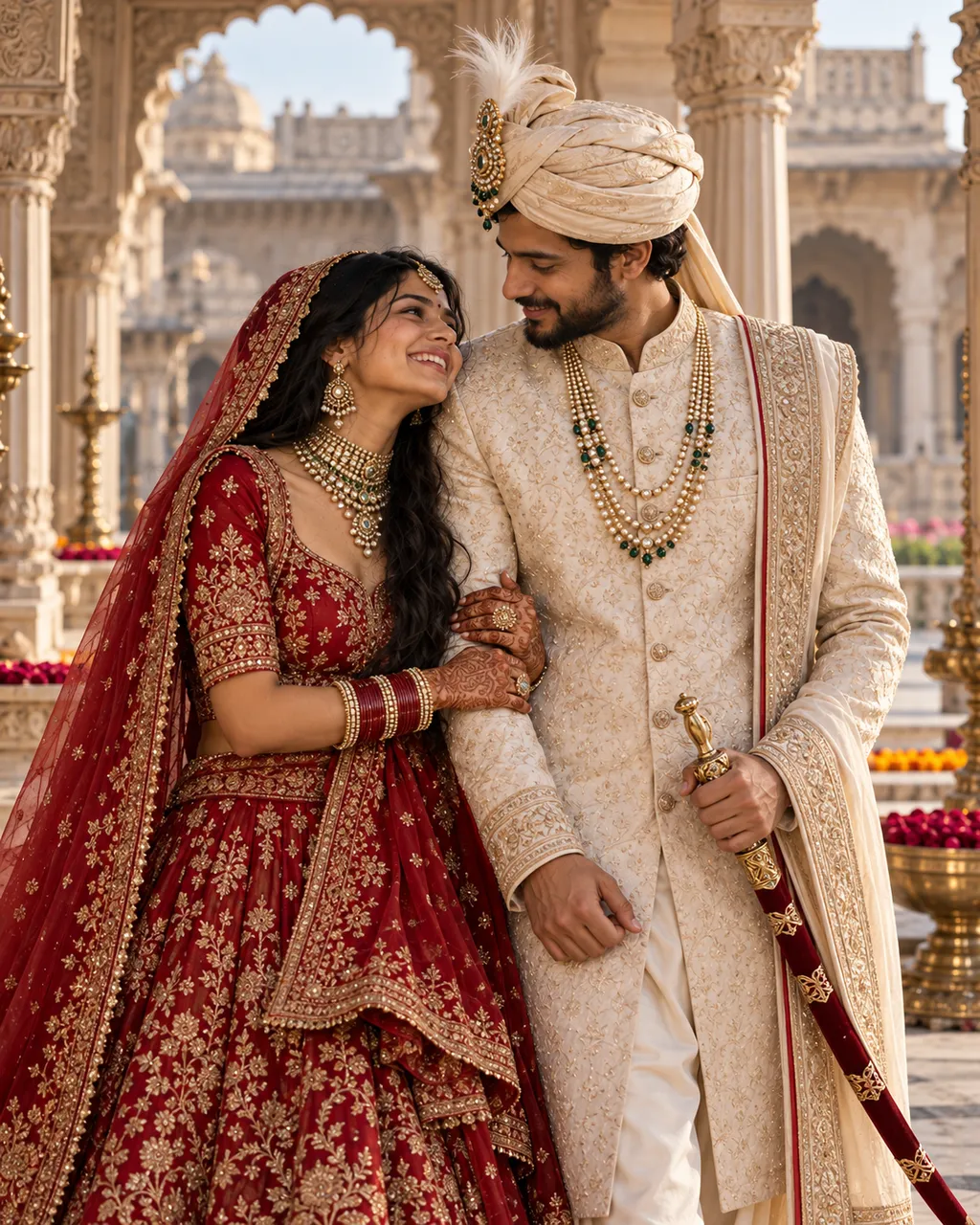
Palace courtyard portrait
Turn our photo into a grand royal Indian wedding portrait in a palace courtyard. The bride wears a deep red lehenga with gold embroidery and traditional jewelry, the groom wears an ivory sherwani with a turban. Ancient arches and carved pillars behind them, soft daylight. Regal, elegant mood. Keep both faces exactly the same as the uploaded photo, do not change, beautify or reshape them. Rich colors, natural skin texture, vertical 4:5 photo.
Flower mandap ceremony
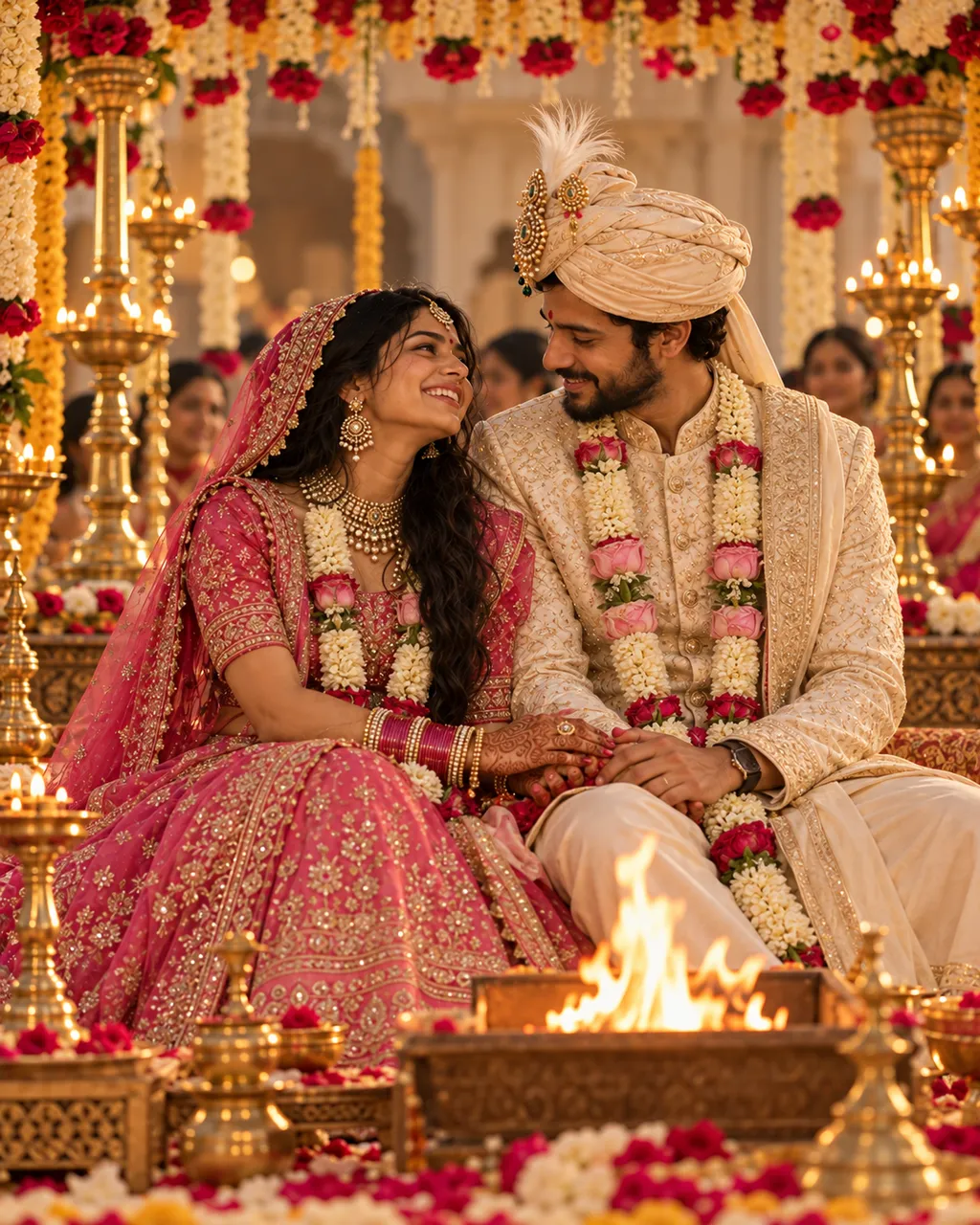
Turn our photo into a royal wedding ceremony under a flower mandap. The couple sits together beneath a canopy of marigolds and roses, brass lamps glowing on both sides, guests blurred in the background, a softly lit sacred fire in front. Joyful, traditional mood. Keep both faces exactly the same as the uploaded photo, do not change, beautify or reshape them. Warm ceremonial light, vertical 4:5 photo.
Royal night portrait
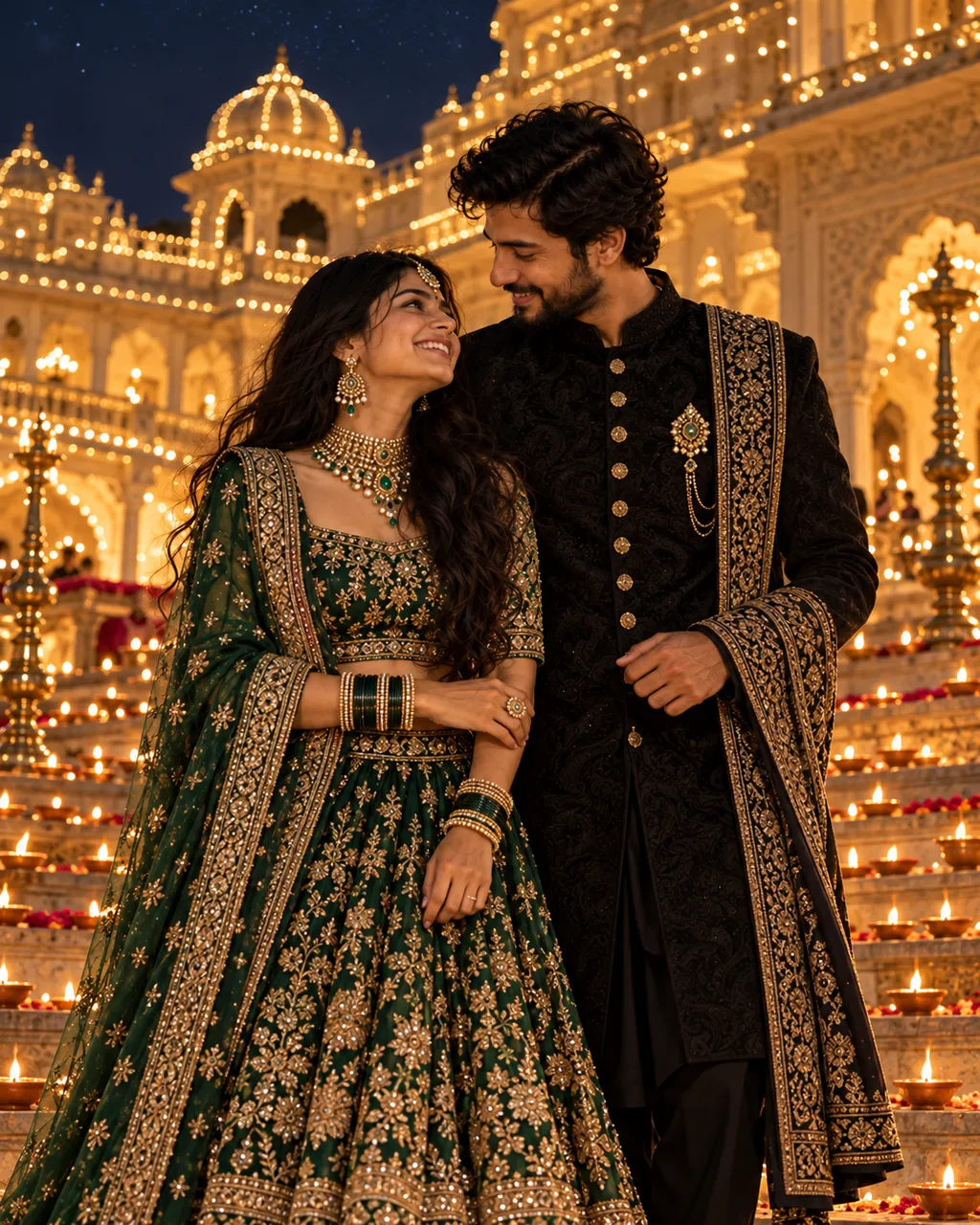
Turn our photo into a majestic royal wedding night portrait. The couple stands on palace steps lit by hundreds of diyas and fairy lights, the palace glowing golden behind them, night sky above. The bride wears an emerald lehenga, the groom wears a black sherwani with gold buttons. Grand, cinematic mood. Keep both faces exactly the same as the uploaded photo, do not change, beautify or reshape them. Night photography, warm highlights, vertical 4:5 photo.
Garland exchange moment
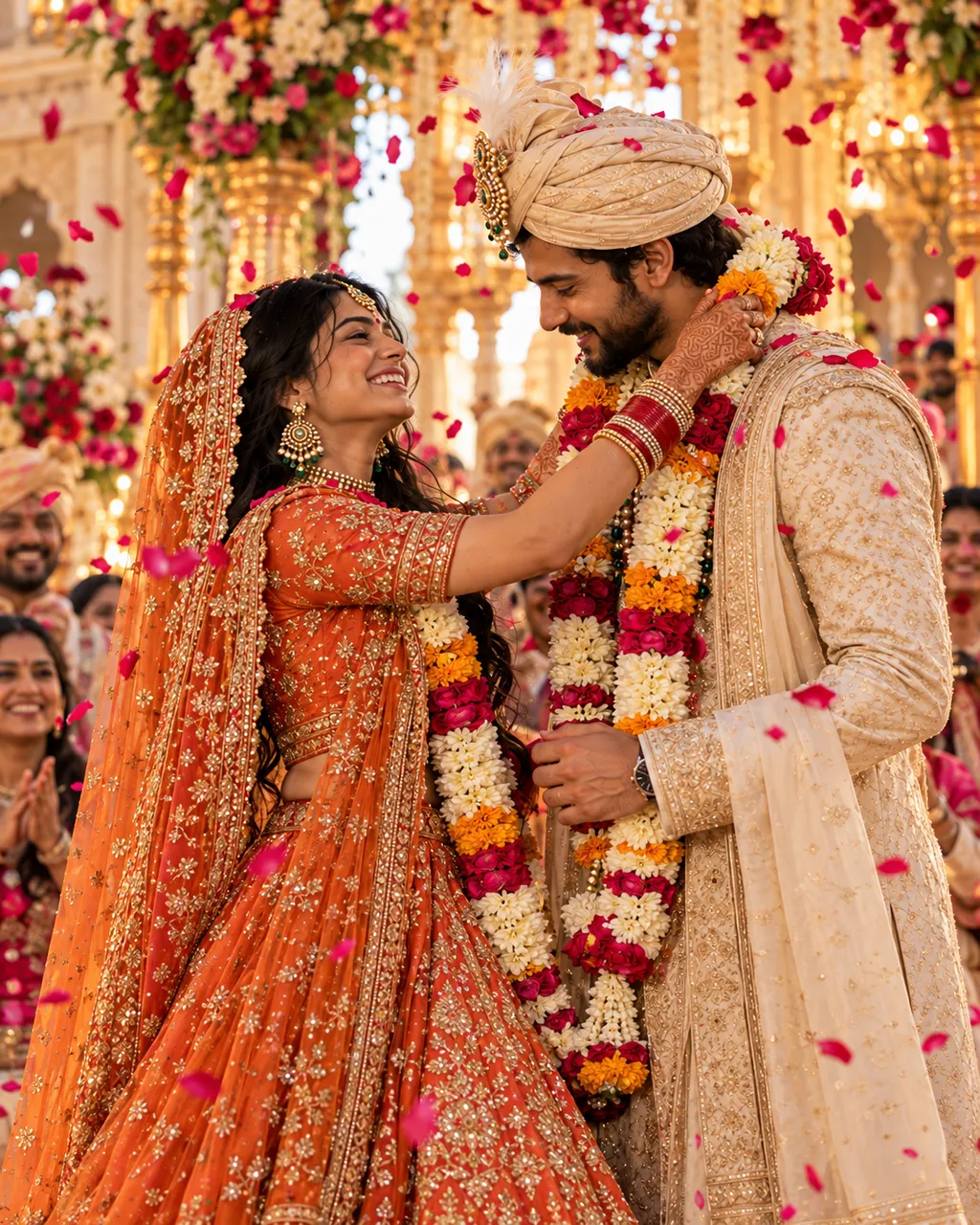
Turn our photo into a candid royal wedding moment of the varmala ceremony. The bride places a marigold garland around the groom’s neck, both laughing joyfully, flower petals falling in the air, decorated stage behind them. Lively, emotional mood. Keep both faces exactly the same as the uploaded photo, do not change, beautify or reshape them. Bright festive light, vertical 4:5 photo.
What is a royal wedding couple AI photo prompt?
It is a written instruction that tells an AI image tool to turn a regular couple photo into a grand Indian wedding scene. Royal weddings photograph beautifully because every detail, from jewelry to arches, is rich.
These prompts describe the outfits, the jewelry and the venue in detail, so the result feels like a real royal celebration instead of a costume shoot. For more free picks, see the Editing Prompt homepage.
What each part of these prompts does
- Palace, mandap, night, varmala. Four royal settings, four different photos.
- Lehenga, sherwani, jewelry. Named outfits give the AI real fabrics to draw.
- Keep both faces exactly the same. The face-lock, keeps both people recognisable.
- Diyas and marigolds. The details that make it unmistakably Indian royal.
- Vertical 4:5 photo. The familiar phone-photo shape.
Which prompt should you pick?
- Most grand: the palace courtyard portrait.
- Traditional ceremony: the flower mandap ceremony.
- Cinematic wow: the royal night portrait.
- Candid and joyful: the garland exchange moment.
If a face changes, add this line
Make sure the faces stay exactly the same. Paste it at the end of any prompt if the first result looks like someone else.
How to use these prompts in ChatGPT and Gemini
Open your AI tool
Open the ChatGPT or Gemini app or website and choose the image option.
Upload your photo
Add one clear photo where both faces are easy to see, with good light.
Paste the prompt
Paste the full prompt and send. If a face shifts, add: make sure the faces stay exactly the same.
Adjust and save
If it is close, ask for one change, such as a different background or outfit. Then download the version you like.
Easy ways to change the look
Change one phrase at a time and compare. These swaps are starting points, and results vary by tool.
- Colors: red and gold for classic, emerald or pastel for a modern royal feel.
- Venue: palace courtyard, fort gate, lakeside pavilion or heritage haveli.
- Time: daylight for detail, night for drama with diyas.
- Guests: add a blurred baraat, or keep it just the couple.
Fix common problems with wedding prompts
Most problems come from jewelry that melts or outfits that look like costumes. Here is what to try first.
- Jewelry looks melted. Simplify it: name two or three pieces clearly, then retry.
- Outfits look costume-like. Add: realistic fabric folds, natural drape.
- A face changed. Use a sharper photo plus the face-lock line.
- The background overpowers the couple. Add: couple clearly in focus, background softly blurred.
AI results differ every run, so it is worth running the same prompt twice before you change it.
Royal wedding prompt questions
What is a royal wedding couple AI photo prompt?
It is a short written instruction that tells an AI image tool to restyle a photo of two people as a grand Indian wedding scene, with royal outfits and palace backgrounds, while keeping both faces unchanged.
Which photo should I upload?
One clear photo that shows both people with good light works best. Wedding scenes need solid face detail, so avoid blurry or backlit originals.
How do I keep both faces the same?
Use a sharp, front-facing photo and keep the line keep both faces exactly the same in the prompt. If a face still drifts, paste make sure the faces stay exactly the same at the end and run it again.
Why does the jewelry look wrong?
Tiny details are the hardest part for AI. Name fewer pieces, keep them simple, and retry.
Can I use my own wedding colors?
Yes, name them clearly, like emerald and gold or pastel pink and ivory. The AI follows color words well.
ChatGPT or Gemini, which is better here?
Both follow the same text. If one gives dull fabrics, try the other and compare.
Is it free to use these prompts?
The prompts are free to copy with no sign-up. ChatGPT and Gemini both offer free image access with limits that can change, so check the app.