Trending Kali Mata AI Video Tutorial (2026)
Create a divine Kali Mata AI video from your photo. Traditional iconography, glowing effects, cinematic transformation: follow this free tutorial.
Trending Kali Mata AI Video Tutorial by Editing Prompt
Create a divine Kali Mata AI video from your photo. Traditional iconography, glowing effects, cinematic transformation: follow this free tutorial.
Listed on Editing Prompt · Link checked 15 October 2026
#kalimata #navratri #kalipuja #aivideo #fyp #viral
Quick answer
What is the trending Kali Mata AI video tutorial? It is a free guide to making a divine Kali Mata transformation video from your photo using AI video tools. Follow the steps below to create yours for Reels and Shorts.
Kali Mata AI Video Tutorial | Editing Prompt
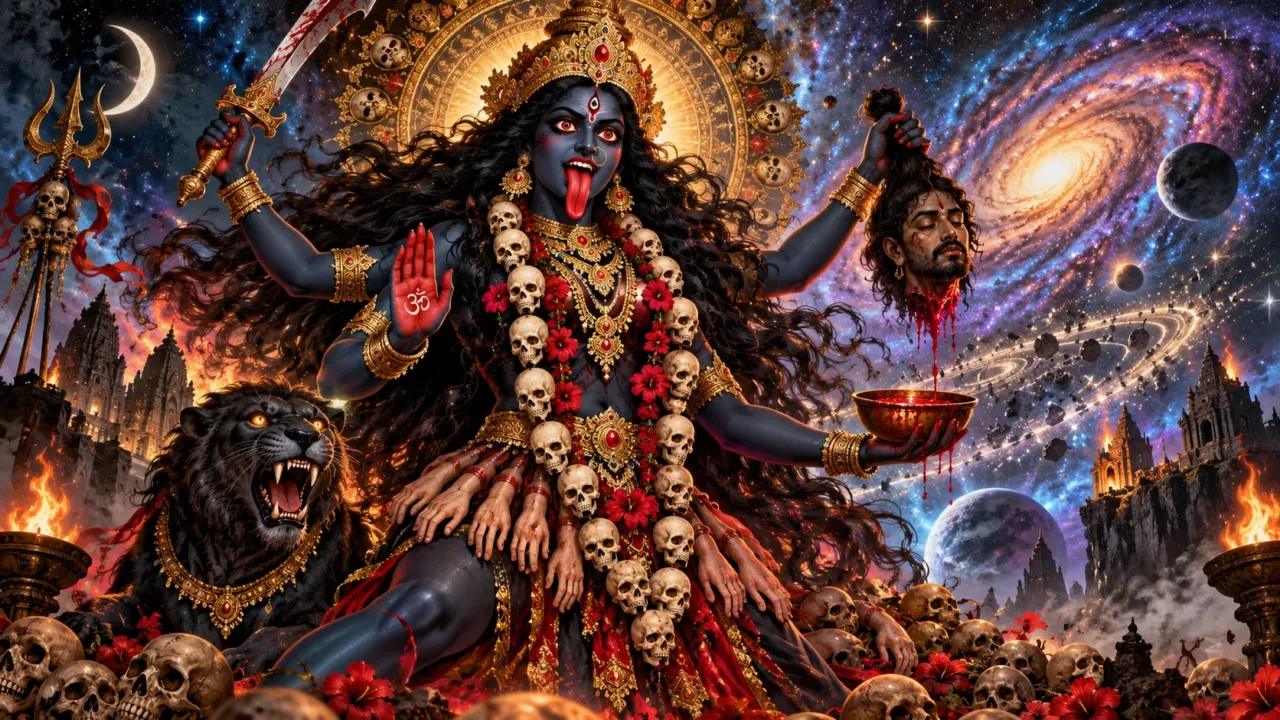
This tutorial shows you how to create the trending Kali Mata AI video from one photo. The effect transforms your portrait with divine styling, traditional iconography and glowing cinematic effects.
What you need
| Detail | Value |
|---|---|
| Template names | Kali Mata AI Filter, Divine Kali Transform |
| Also searched as | kali mata capcut template, kali mata ai video, durga kali video edit |
| What it does | AI transforms your photo into a divine Kali Mata video with traditional iconography and glowing effects |
| Clips needed | 1 photo |
| Export size | 9:16 vertical |
| Cost | Free |
| Best posted | During Navratri and Kali Puja |
Key points
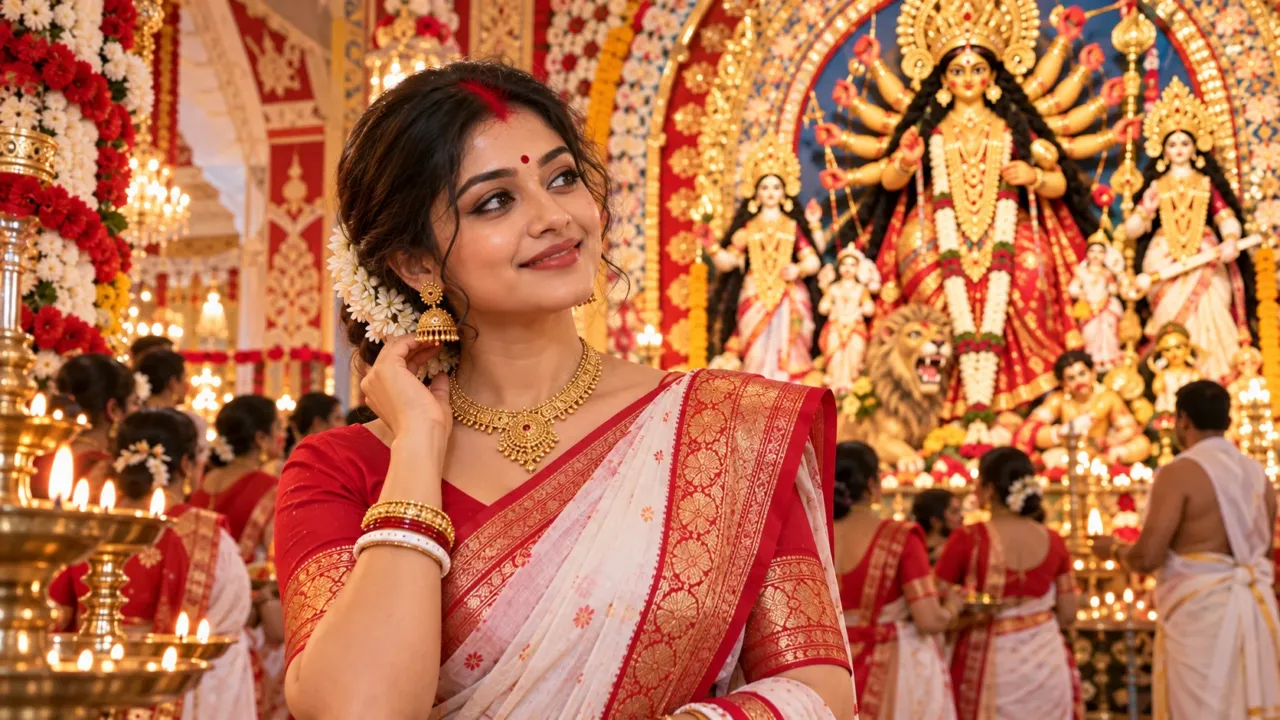
- One clear photo. A front-facing portrait with good light works best.
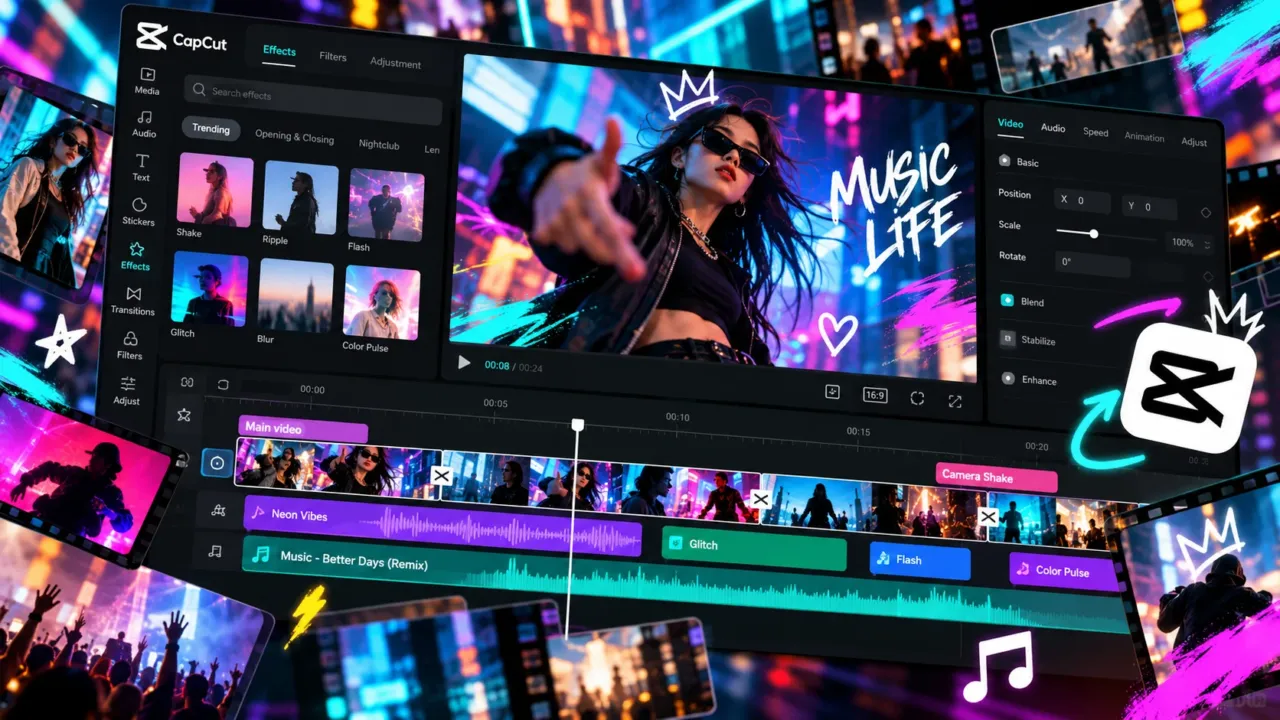
- An AI video app. CapCut, or any AI video tool with image-to-video.
- Two minutes. The whole process takes under five minutes.
How to use this template from Editing Prompt
Open the template
Use the button on this page to open it in the app.
Add your clips
Add your clips or photos in the placeholders.
Preview
Preview the edit and swap any clip that looks off.
Export and post
Export in 9:16 and post as a Reel, Short or TikTok.
Tips for a better Kali Mata video
- Respectful intent. This is a devotional edit; create it with reverence.
- Clear photo. Sharp facial features give the cleanest transformation.
- Good light. Well-lit portraits transform most cleanly.
- Trending audio. Pair with a devotional trending sound.
- Post timing. Share during Navratri or Kali Puja for maximum reach.
Note: If the AI video looks off, try a different photo with clearer lighting.
Editing Prompt: kali mata ai video tutorial questions
What is the Kali Mata AI video trend?
It is a devotional AI video edit that transforms your photo into a divine Kali Mata representation with traditional iconography and glowing effects. Creators use AI video tools to make the transformation.
Is it respectful to make this edit?
Many devotees create these with deep reverence as digital devotion. Create it respectfully and it is widely embraced.
Which app makes Kali Mata AI videos?
CapCut's AI video features and other image-to-video AI tools can create this effect. Follow the steps on this page.
Is it free?
The tutorial is free. AI video tools offer some free generations; check your app for current limits.
What photo works best?
A sharp, well-lit front-facing portrait gives the cleanest divine transformation.
Can I post it on Reels and Shorts?
Yes. Export in 9:16 for Instagram Reels, YouTube Shorts and TikTok.
What is Editing Prompt?
Editing Prompt is a website by Ahmad that shares free AI video tutorials and CapCut templates. Every tutorial is tested before publishing.
When should I post it?
During Navratri and Kali Puja, when devotional content peaks.