Prompt for Couple Photo (ChatGPT + Gemini) (2026)
One good prompt for couple photo editing is all it takes. Copy a prompt below, paste it in ChatGPT or Gemini with your photo, and get a fresh couple picture with both faces kept the same.
Quick answer
A prompt for couple photo editing is a short text that tells an AI tool how to rebuild a photo of two people: new background, new light, new mood, same faces. The three prompts below work in both ChatGPT and Gemini, and each one is written so you can copy it exactly as it is.
Prompt for couple photo: 3 ready looks
Three looks, three prompts. Tap Copy prompt, open ChatGPT or Gemini, upload your photo and paste.
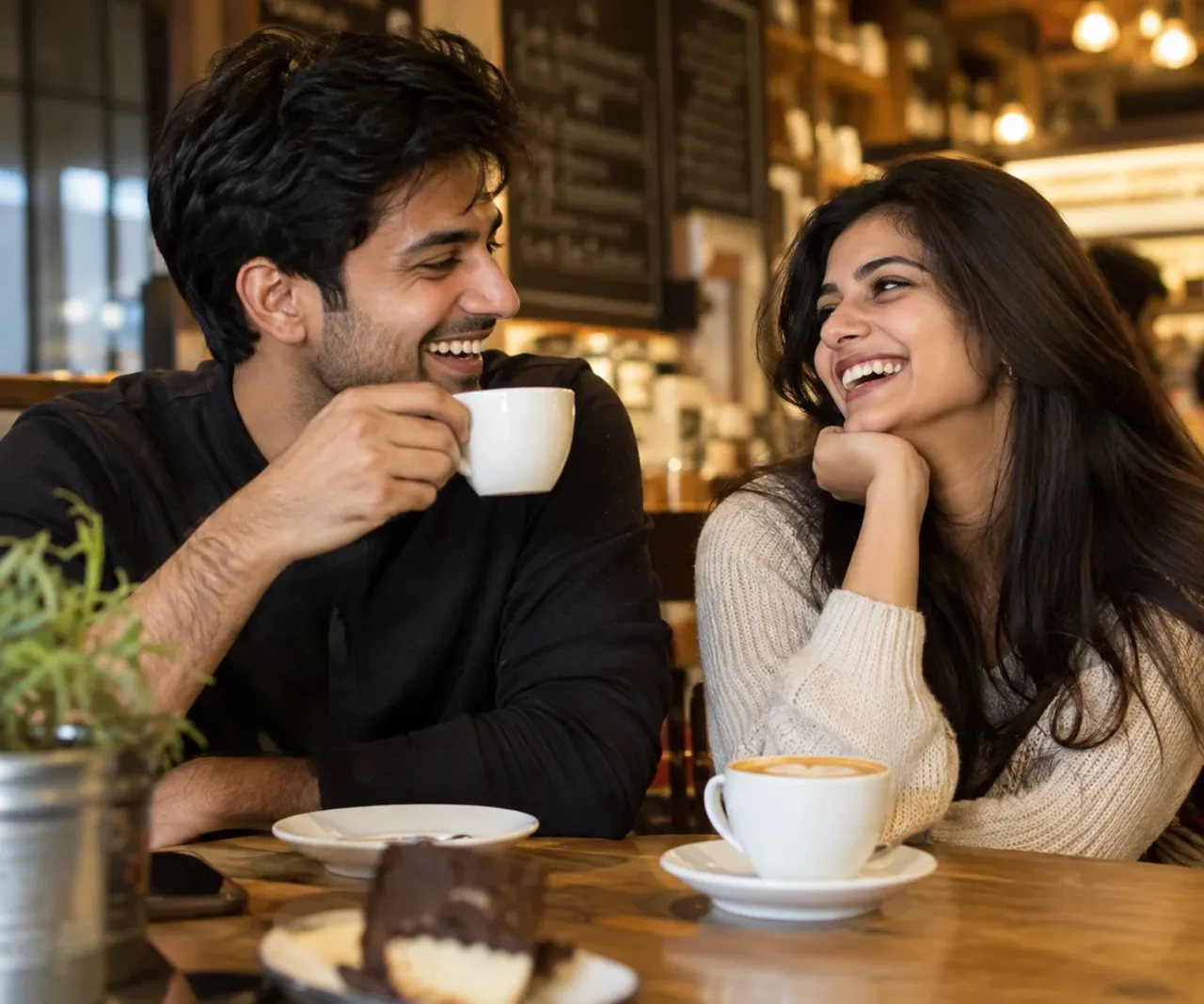
Clean studio couple portrait prompt
Turn this photo into a clean studio portrait of us standing close together, soft grey seamless background, gentle key light on our faces, sharp focus and natural skin texture. Keep both faces exactly unchanged, Indian couple, calm confident expressions. Professional photo-studio quality, no props, no text.
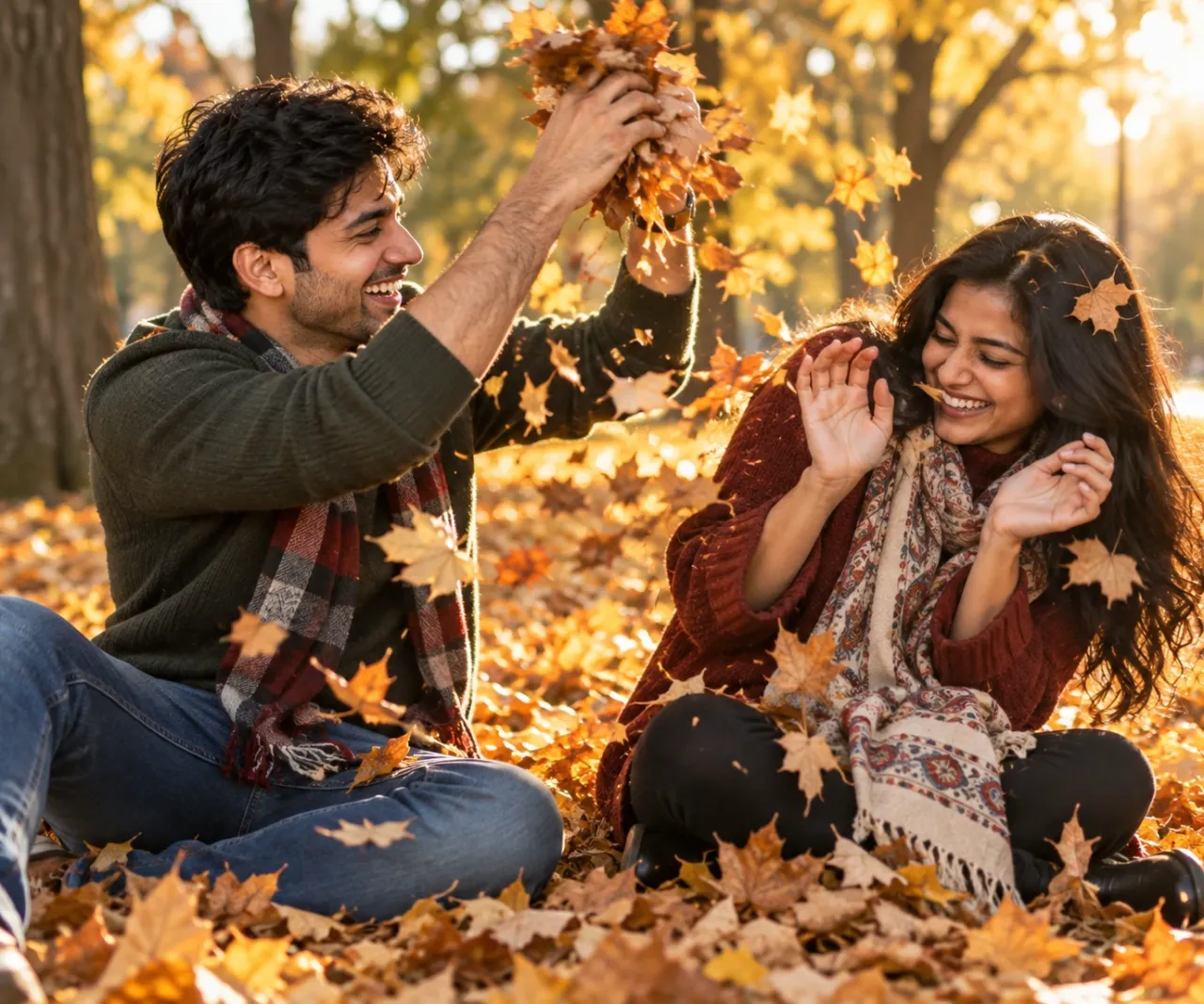
Sunny park picnic couple prompt
Restyle this couple photo into a sunny park picnic scene: us sitting on a checkered blanket on green grass, laughing together, tall trees and soft sunlight around us. Keep both faces exactly unchanged, Indian couple, joyful natural expressions. Bright cheerful daylight, no extra people, no text.
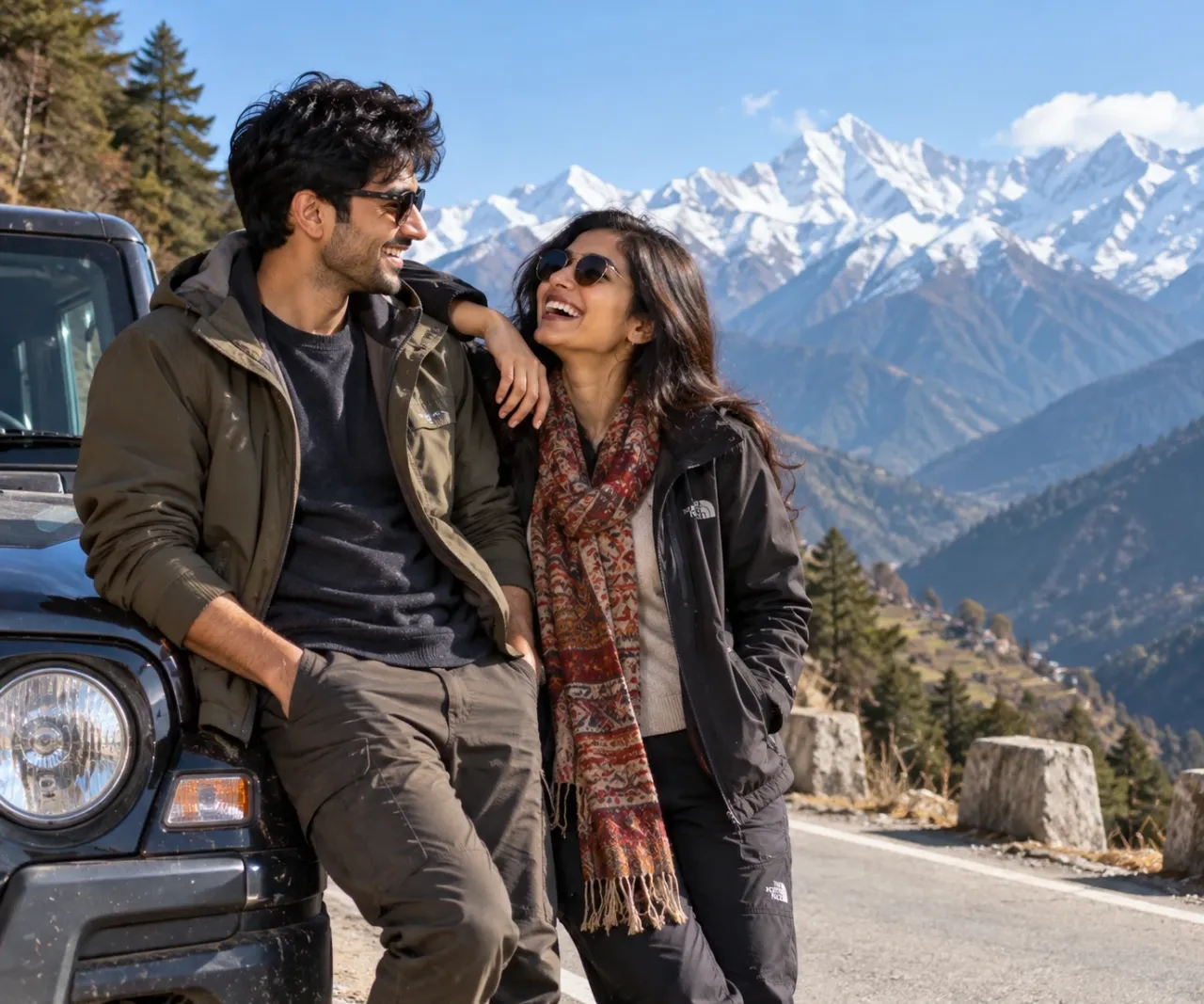
Night city lights couple prompt
Transform this photo into a night city shot of us standing close together on a lively street, glowing shop signs and bokeh lights behind us, cool blue tones with warm highlights. Keep both faces exactly unchanged, Indian couple, relaxed happy mood. Sharp night photography look, no watermark, no text.
What is a prompt for couple photo editing?
It is a written instruction that tells an AI tool how to turn one couple photo into a new picture. You describe what should change, and the faces stay the same.
These three prompts show the range: a clean studio portrait, a sunny picnic and a night street scene. Each is complete on its own, so you paste it without editing anything. For more free picks, see the Editing Prompt homepage.
What each part of these prompts does
- The scene line. Studio, park picnic or night street is set in the first sentence.
- The light. Soft key light, bright daylight or glowing night bokeh decides the mood.
- The pose. Standing close, laughing on a blanket or together on a street.
- Keep both faces exactly unchanged. The face-lock line that keeps both people recognisable.
- The background. Grey seamless, green park or city bokeh, described plainly.
- Clean finish. No props, no text, no watermark in all three.
- Indian couple. Keeps features and skin tones natural.
Which prompt should you pick?
- Profile or print: the clean studio portrait.
- Happy, casual share: the sunny park picnic.
- Cool, modern feed: the night city lights.
If a face changes, add this line
Make sure the faces stay exactly the same. Paste it at the end of any prompt if the first result looks like someone else.
How to use these prompts in ChatGPT and Gemini
Open your AI tool
Use the ChatGPT or Gemini app or website, sign in and pick the image creation option.
Upload your photo
Add one sharp photo where both faces are clearly visible, with good light.
Paste the prompt
Paste the full prompt and send. If a face changes, add: make sure the faces stay exactly the same.
Adjust and save
If it is close, ask for one change, such as brighter daylight or warmer night tones. Then download the version you like.
Easy ways to change the look
Change one phrase at a time and compare. These swaps are starting points, and results vary by tool.
- Background: swap the studio grey for a plain white wall or a library shelf.
- Time of day: change the picnic to golden evening light for a softer feel.
- Outfits: name matching outfits, such as white shirts and jeans for both.
- Mood: change laughing to a quiet smile or a playful piggyback.
- Weather: add light rain or autumn leaves to the park scene.
Fix common problems with couple photo prompts
Most problems come from faces drifting or backgrounds going wrong. Here is what to try first.
- A face looks different. Use one sharp, front-facing photo and add: make sure the faces stay exactly the same.
- The studio background is not clean. Repeat: plain seamless background, no objects.
- The picnic looks staged. Add: candid, natural laughter, unposed.
- Night shot is too dark. Add: well-lit faces, glowing bokeh behind.
- Extra people appeared. Add: only the two people, no one else in frame.
- Skin looks plastic. Add: natural skin texture, realistic detail.
AI results differ every run, so it is worth running the same prompt twice before you change it.
Couple photo prompt questions
What is a prompt for couple photo editing?
It is a short text that tells an AI tool like ChatGPT or Gemini how to rebuild a photo of two people with a new scene, light and mood. The prompts on this page keep both faces unchanged and are ready to copy and paste.
Which is better for couple photos, ChatGPT or Gemini?
Both follow the same text well. ChatGPT often gives cleaner studio-style results, while Gemini can be strong on natural outdoor scenes. Try the same prompt in both and keep the better one.
How do I keep both faces the same?
Upload one sharp photo where both faces are clearly visible and keep the line keep both faces exactly unchanged in the prompt. The extra line make sure the faces stay exactly the same helps when a face drifts.
Can I use these for a profile picture?
Yes. The clean studio portrait prompt is made for that: plain background, sharp focus and natural expressions work well as a couple DP or profile photo.
What if the background looks wrong?
Name it plainly in one line, such as plain grey seamless background, no objects. Simple background phrases are the most reliable.
Is it free?
The prompts are free to copy, with no sign-up. ChatGPT and Gemini both offer some free image access, but limits can change, so check the app.
Recent posts
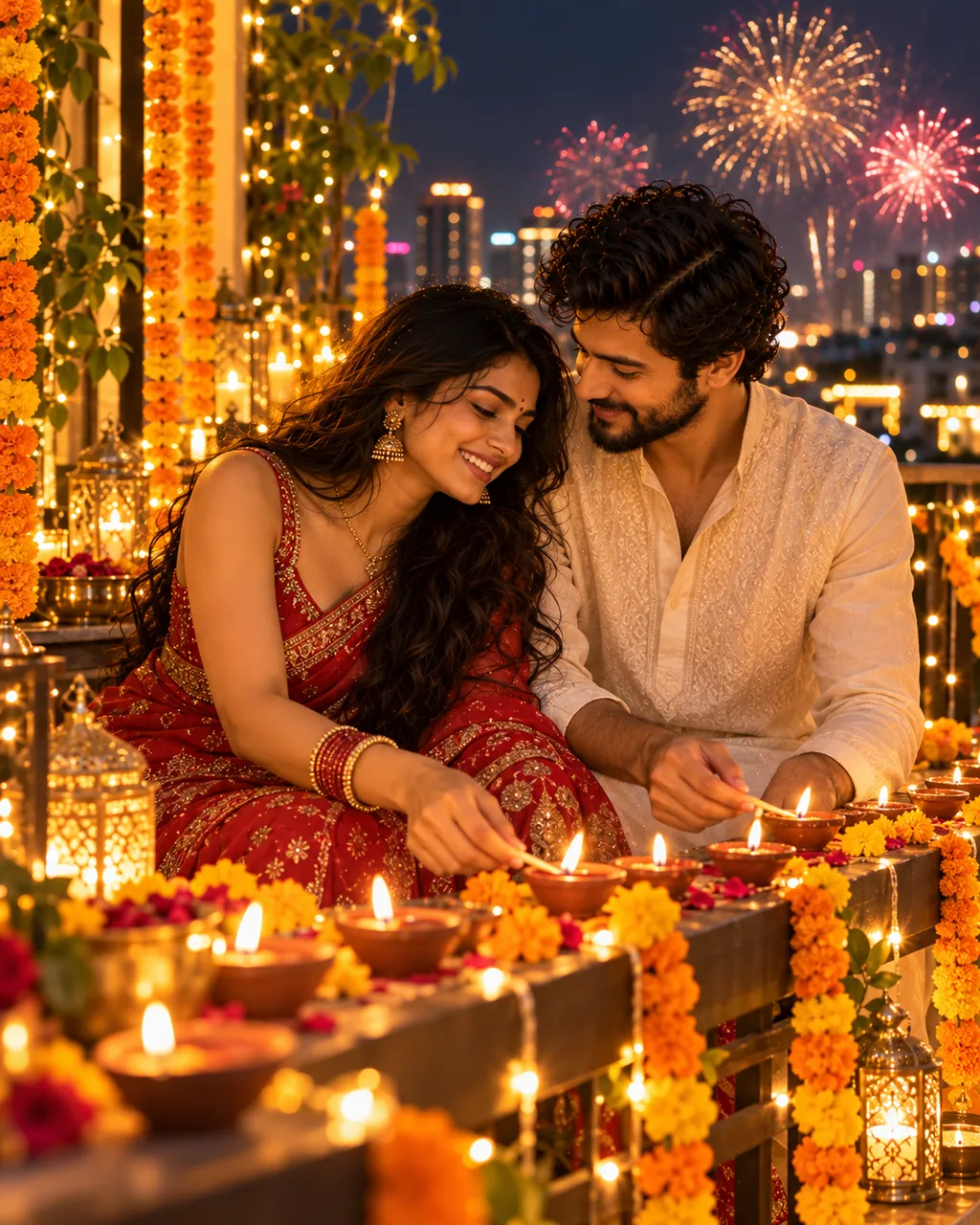
Diwali Celebration Couple AI Photo Prompt
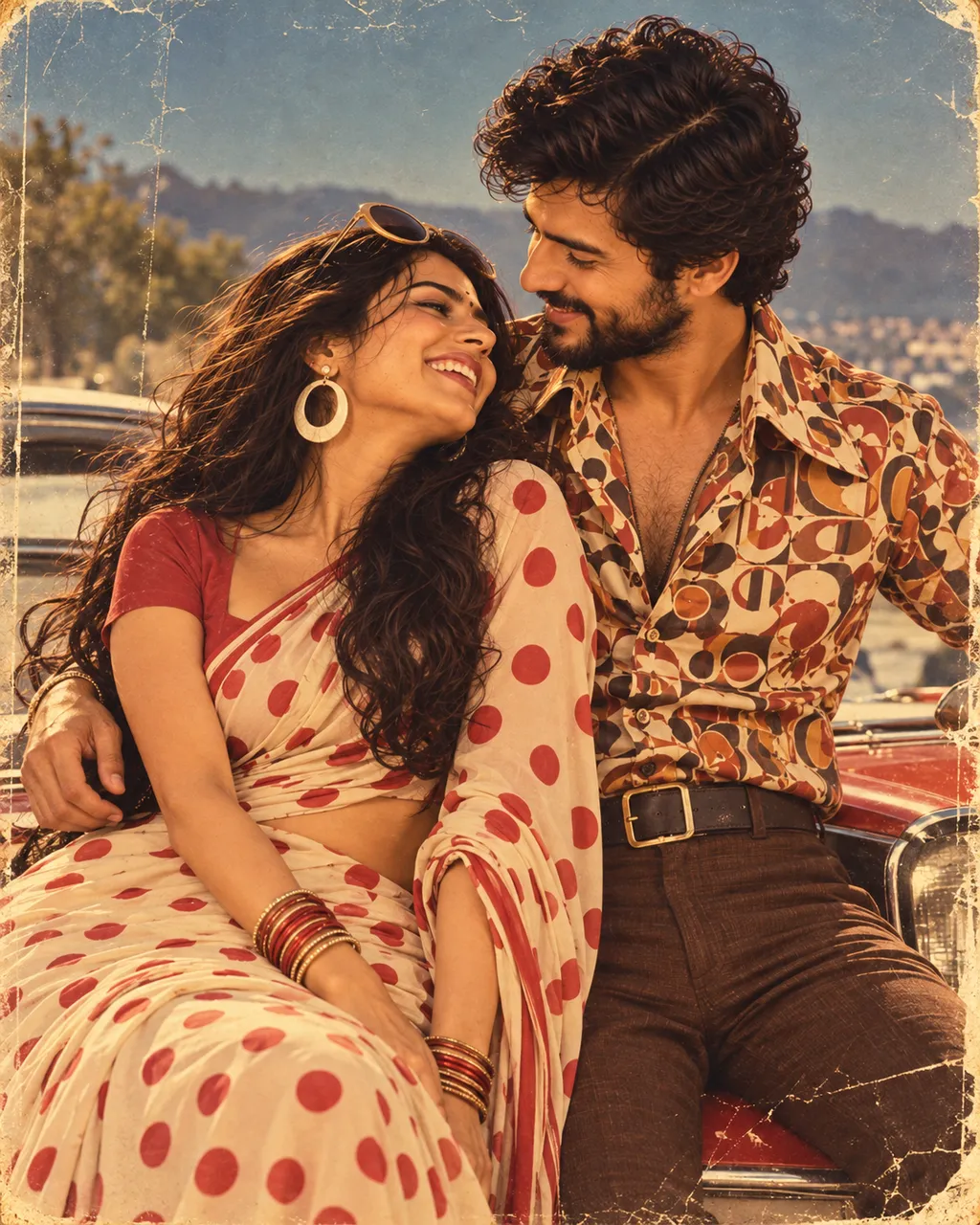
Retro 70s Bollywood Couple AI Photo Prompt
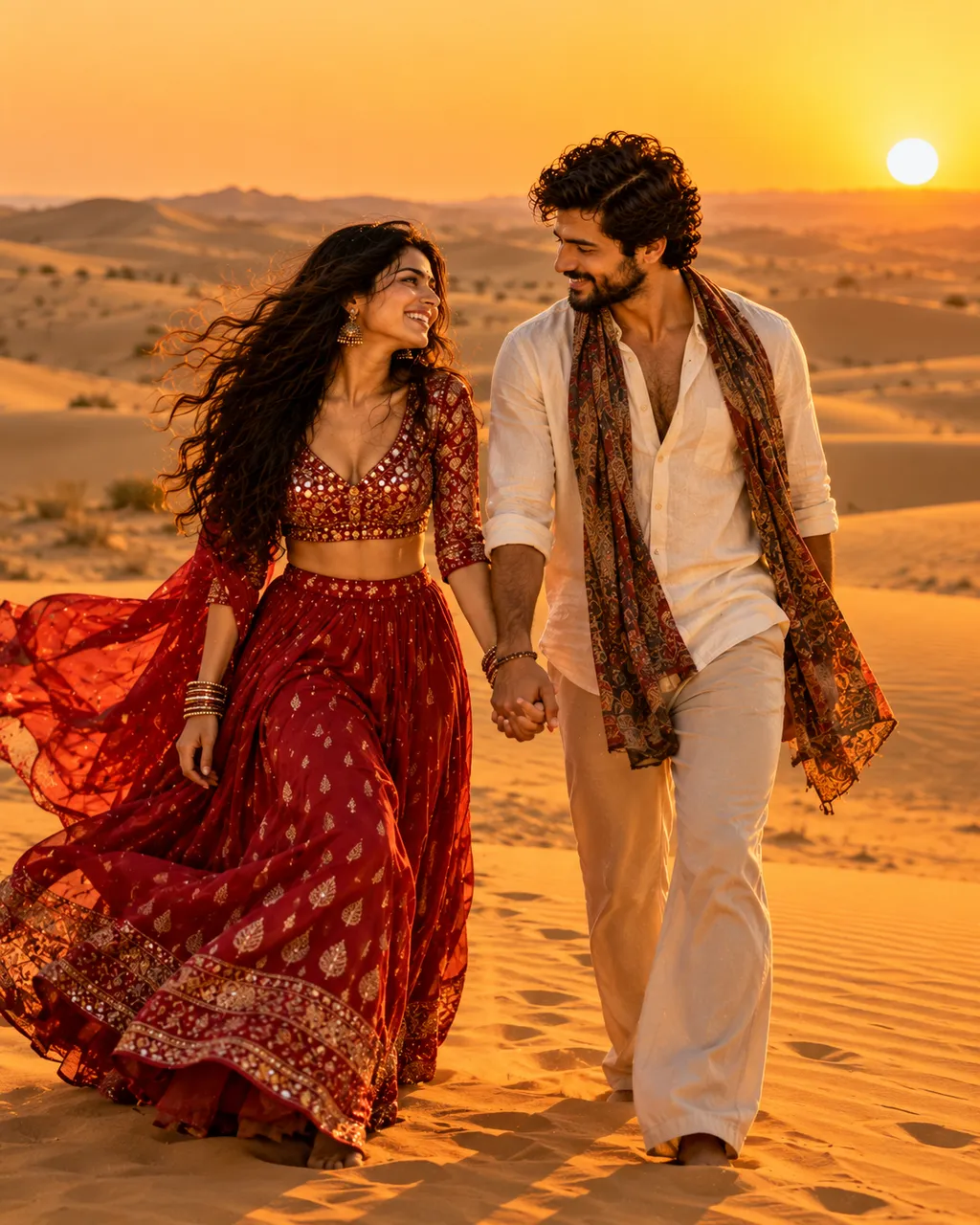
Desert Safari Couple AI Photo Prompt
Want more? Browse every free prompt on Editing Prompt.