Editing Prompt ChatGPT: AI Photo Prompts Text to Copy and Paste (2026)
Pure copy paste text, no screenshots to retype. Pick a ChatGPT photo editing prompts text block below, paste it with your photo, and keep your face exactly the same.
Quick answer
An editing prompt ChatGPT users can trust is plain text: copy a ChatGPT photo editing prompts text block from this page, paste it in ChatGPT with your photo, and get a finished AI photo. This page has 3 ready text prompts: a vintage 90s film look, a mountain travel look and a wedding guest look, each with your face kept exactly the same.
Editing Prompt ChatGPT: 3 looks to copy and paste
Three looks, three prompts. Tap Copy prompt, open ChatGPT or Gemini, upload your photo and paste.
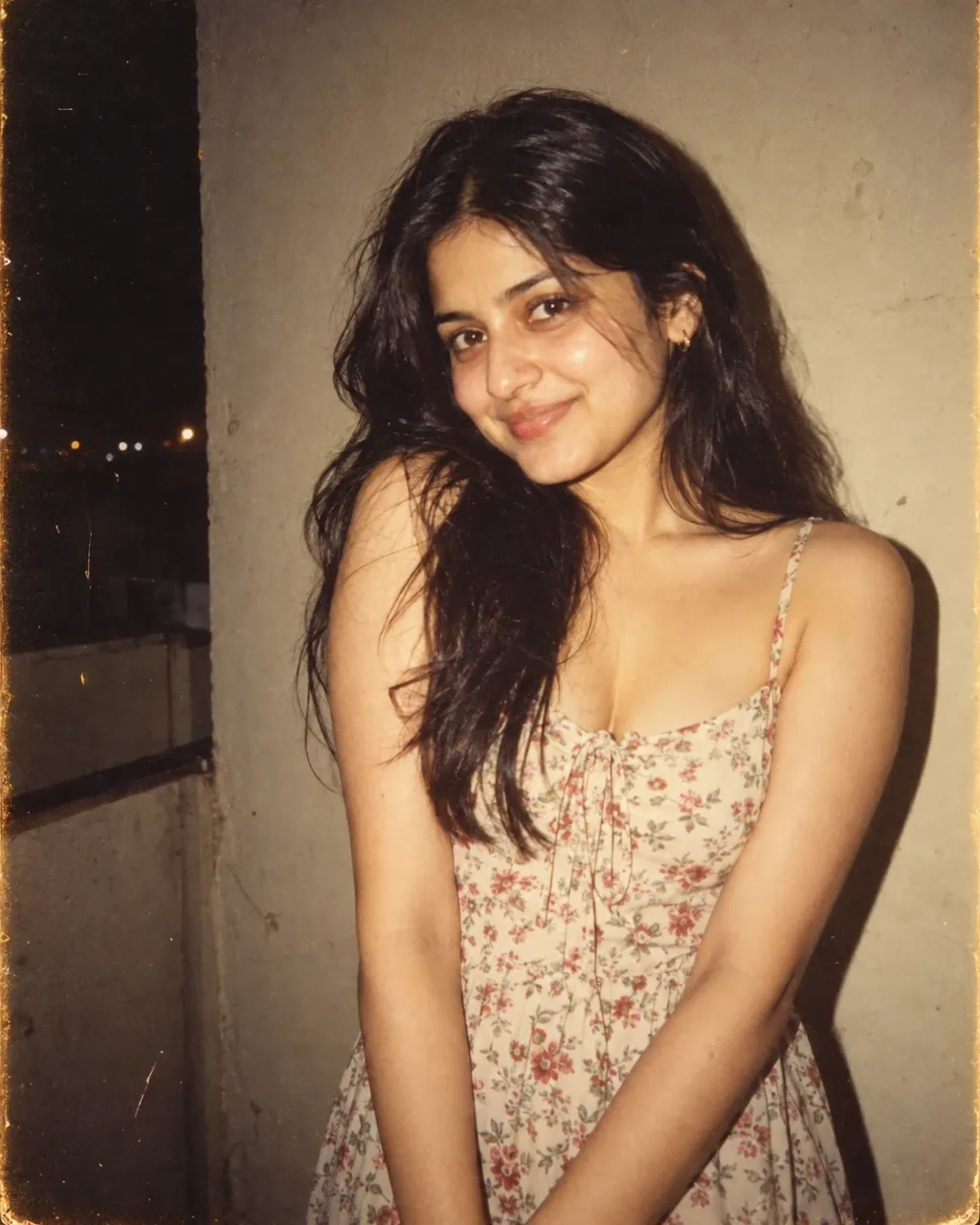
Vintage 90s Film Look prompt
Transform my photo into a photorealistic vertical portrait with a vintage 90s film look. I wear a floral summer dress, harsh camera flash light on my face, warm faded colours, fine film grain and soft shadows behind me. Keep my face and features exactly the same. Nostalgic disposable camera mood, ultra detailed, vertical 4:5.
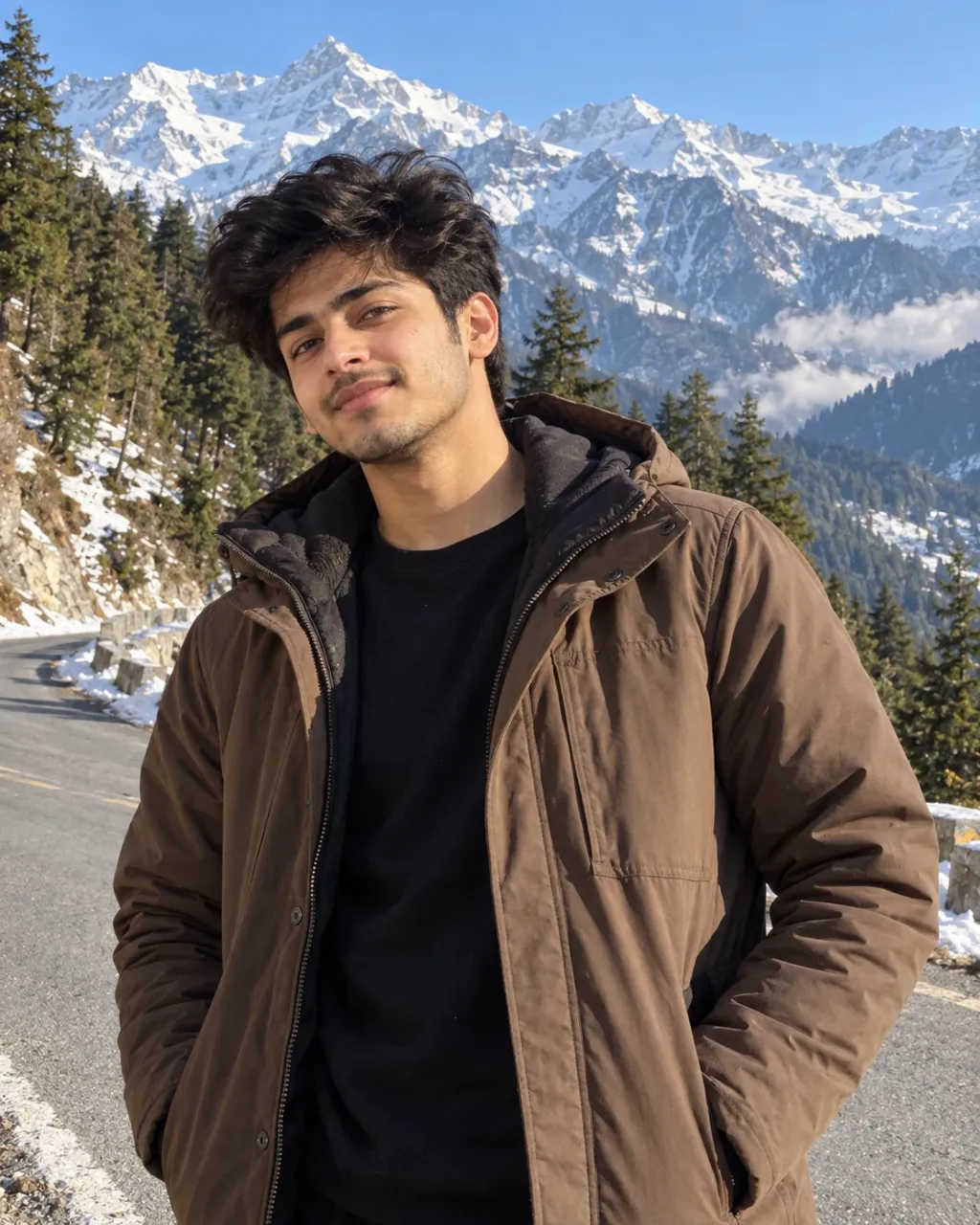
Mountain Travel Look prompt
Transform my photo into a photorealistic vertical travel portrait in the mountains. I wear a brown winter jacket over a black t-shirt, snow peaks and pine trees stand behind me, cold morning light on my face. Keep my face and features exactly the same. Fresh travel mood, ultra detailed, vertical 4:5.
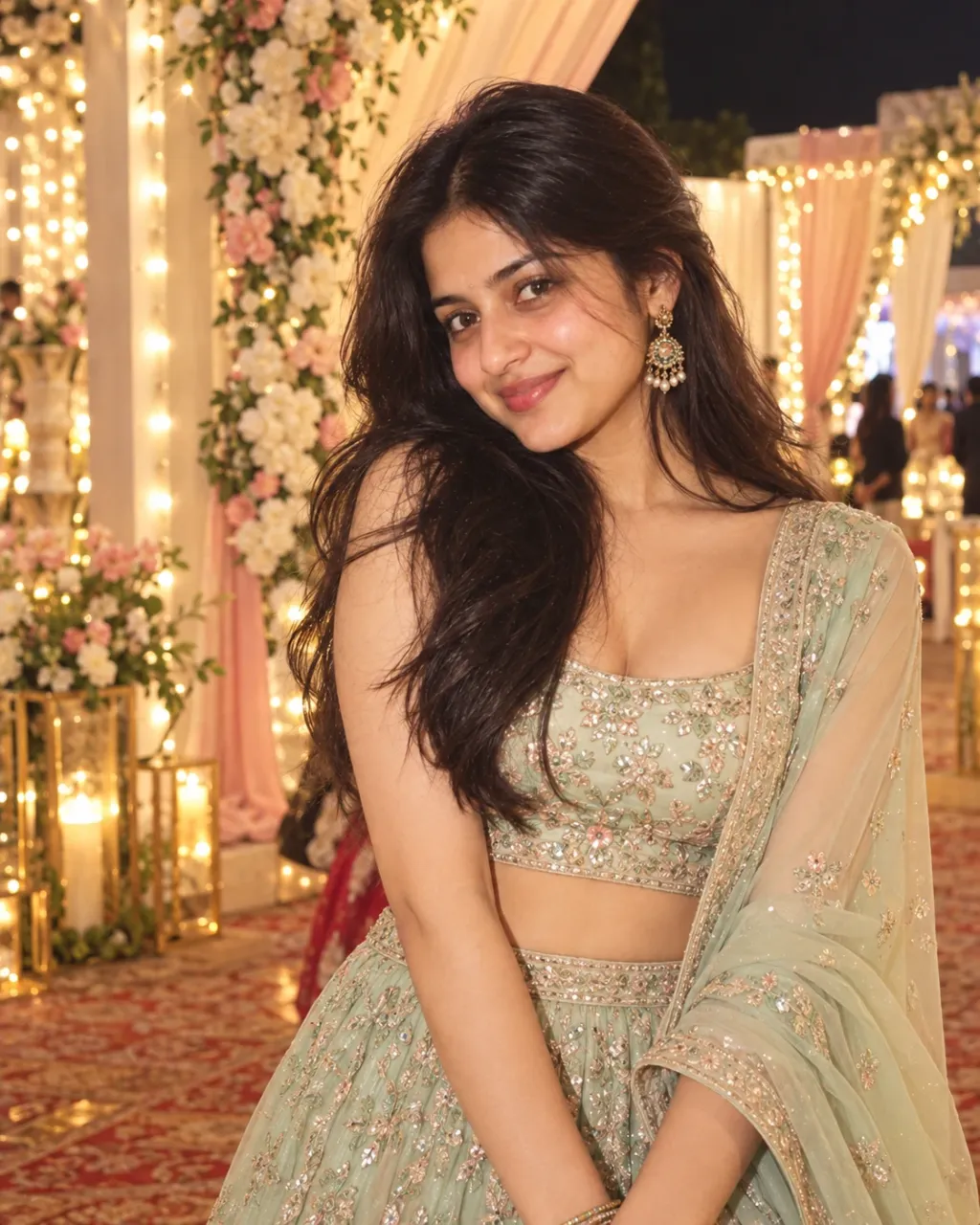
Wedding Guest Look prompt
Transform my photo into a photorealistic vertical portrait at a decorated wedding venue. I wear a pastel mint lehenga with light jewellery, fairy lights and flower decorations glow softly behind me. Keep my face and features exactly the same. Elegant festive smile, rich warm colours, ultra detailed, vertical 4:5.
Why Text Prompts Work Best in ChatGPT
ChatGPT reads instructions like a photographer reads a brief. A clear text prompt that names the outfit, the place, the light and the face lock gives it everything it needs in one paste, which is why an editing prompt chatgpt ai photo fans share is always written as clean copy paste text, never as a screenshot.
The 3 prompts on this page are written in that exact style: short lines, no slang, one scene per prompt. Copy the full text without cutting the face lock line and the likeness stays strongest. For more free picks, see the Editing Prompt homepage.
What each part of these prompts does
- The scene line. Film wall, mountain road or wedding venue sets the picture.
- The outfit line. Dress, jacket or lehenga completes the look in words.
- Keep the face unchanged. The most important line in the text, never delete it.
- The light line. Flash, cold morning light or warm fairy lights set the mood.
- Vertical 4:5. Framed for DP, status and feed posts.
Which prompt should you pick?
- Most viral: the vintage 90s film look.
- Best travel DP: the mountain travel look.
- Best festive post: the wedding guest look.
If a face changes, add this line
Make sure the face stays exactly the same. Paste it at the end of any prompt if the first result looks like someone else.
How to use these prompts in ChatGPT and Gemini
Open your AI tool
Use the ChatGPT or Gemini app or website, sign in and pick the image creation option.
Upload your photo
Add one sharp photo where the face is clearly visible, with decent light.
Paste the prompt
Paste the full prompt and send. If a face changes, add: make sure the face stays exactly the same.
Adjust and save
If it is close, ask for one change at a time. Then download the version you like.
Easy ways to change the look
Change one phrase at a time and compare. These swaps are starting points, and results vary by tool.
- Era swap: change 90s film to 2000s digicam in the vintage prompt.
- Place swap: name a beach or a desert instead of mountains.
- Outfit swap: change the lehenga colour to red or royal blue.
- Season swap: add monsoon rain behind the wedding venue.
Fix common problems with these prompts
Most problems come from a face drifting or a scene detail looking fake. Here is what to try first.
- Face looks different. Paste the full text again, the face lock line was probably cut.
- Film look too strong. Change heavy grain words to light film grain.
- Background looks fake. Add: softly blurred background, natural depth of field.
- Colours look dull. Add: warm rich colours, soft glow on skin.
AI results differ every run, so it is worth running the same prompt twice before you change it.
Questions and answers
What is an editing prompt for ChatGPT?
It is a block of instruction text you paste into ChatGPT with your photo. The text describes the outfit, scene and light, and ChatGPT generates the edited photo with your face unchanged.
Why is the prompt given as text, not an image?
Text can be copied exactly. A screenshot of a prompt loses words when you retype it, and one missing line, like the face lock, changes the whole result.
Can I use the same text prompt in Gemini?
Yes. These ChatGPT photo editing prompts text blocks also work in Gemini with the same steps.
Which look is best for a first try?
The vintage 90s film look. It works with almost any plain photo and the flash style hides small background problems.
Are these ChatGPT prompts free?
Yes. All 3 text prompts on this page are free to copy and use.
Recent posts
Editing Prompt AI: AI Photo Editor Prompt Generator (2026)
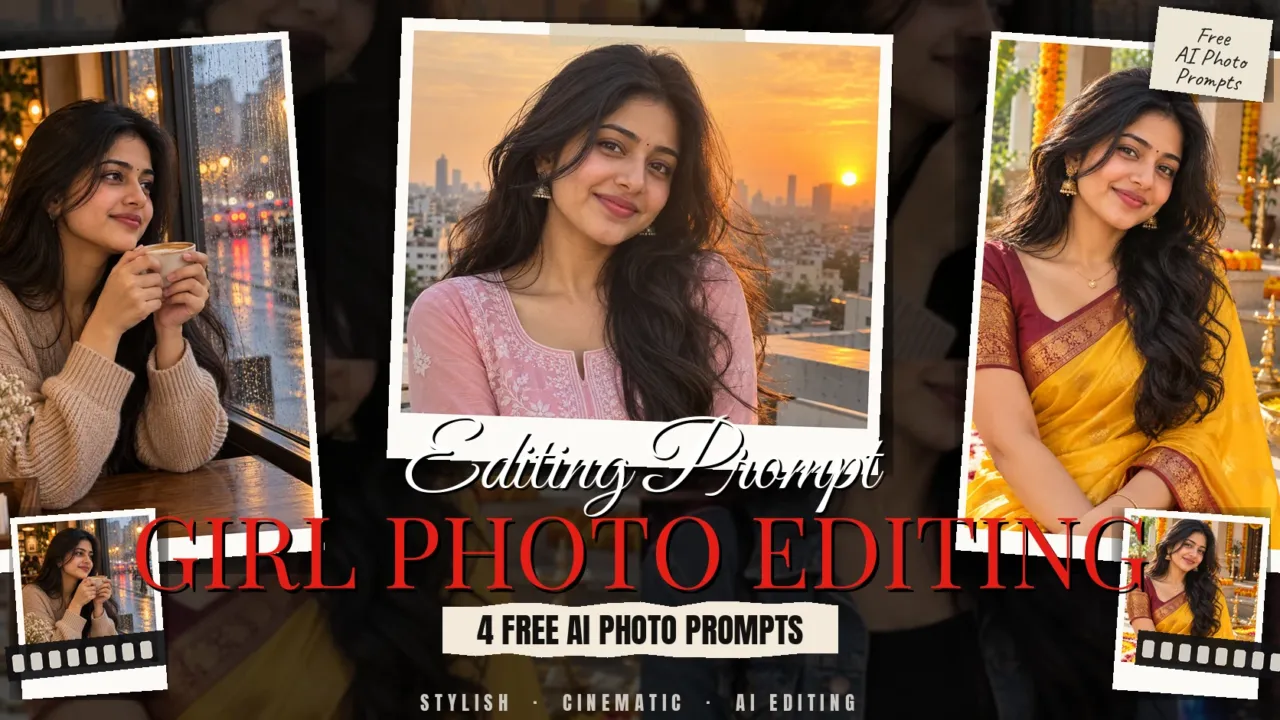
Girl Photo Editing Prompt ChatGPT (2026)

AI Birthday Photo Prompt for Girls (2026)
Want more? Browse every free prompt on Editing Prompt.