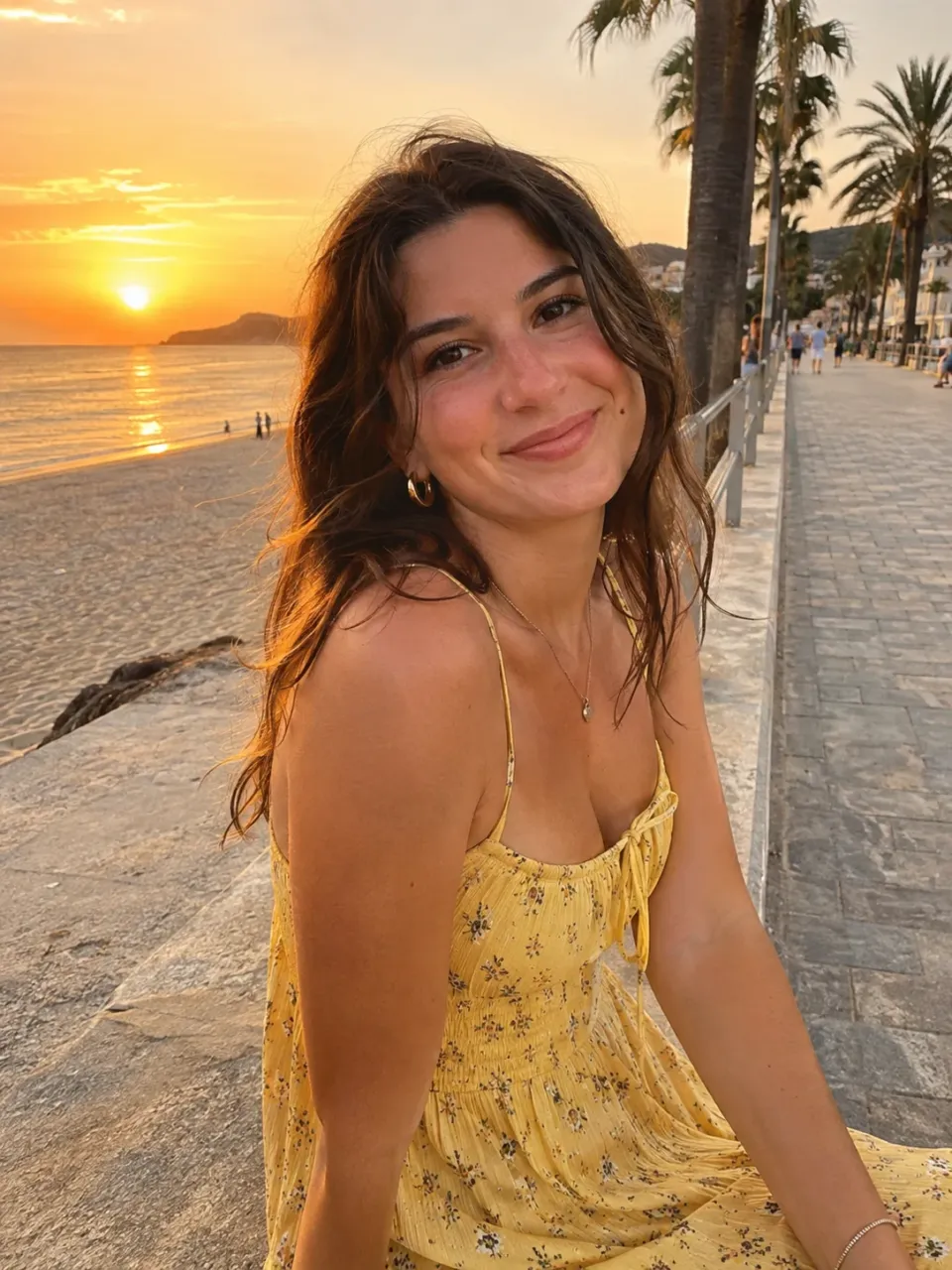
editing bank 2026: 4 New AI Photo Prompts for 2026
If you want new 2026 style photos without a photoshoot, these editing bank 2026 ideas are made for you. Just copy any prompt below, paste it in ChatGPT or Gemini, and create a new photo in minutes.
This post gives you 4 original editing bank 2026 AI photo prompts for ChatGPT and Gemini, with neon night, festive, mountain, and studio looks.
editing bank 2026 Prompts
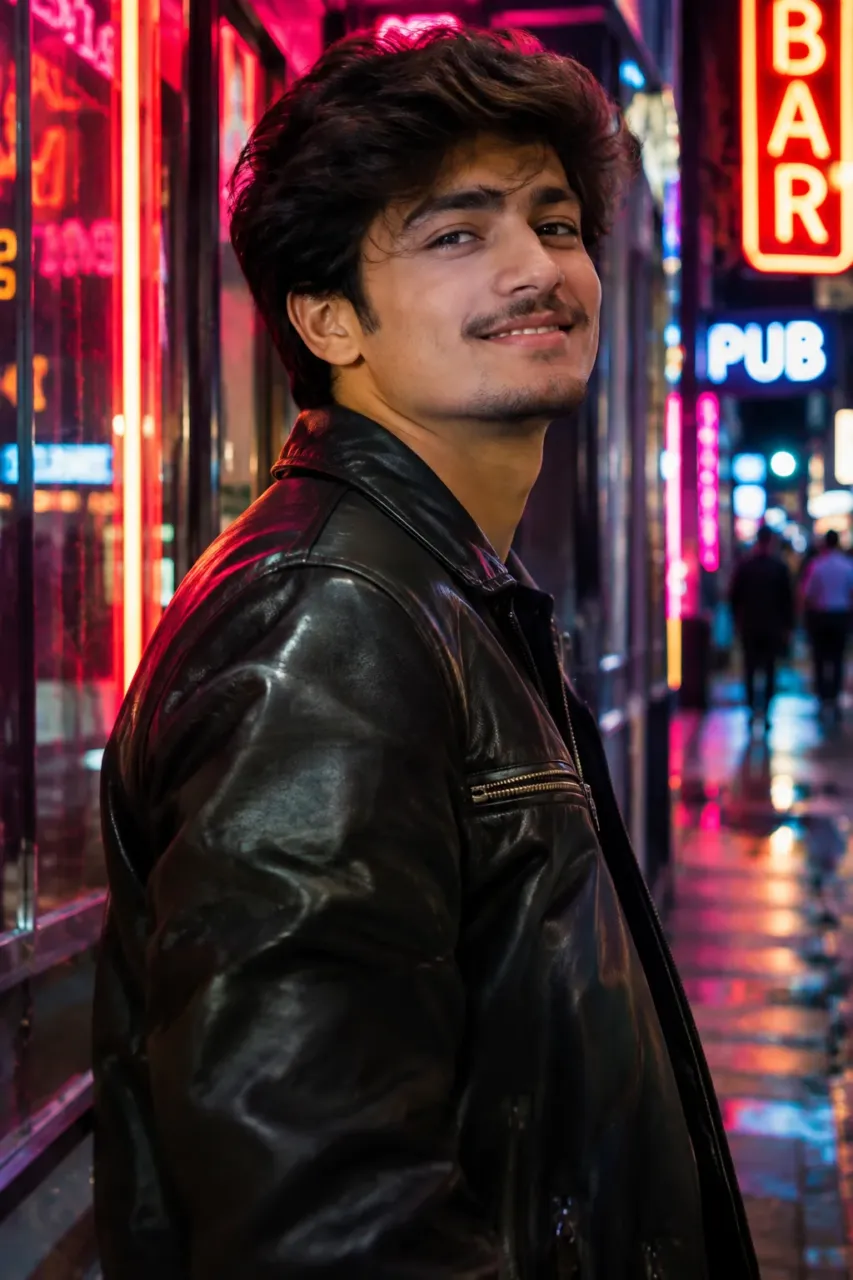
2026 Neon Night Portrait
Bright neon signs, dark street, bold night look.
Golden 2026 Festive Look
Golden saree, festive lights, warm diya glow.

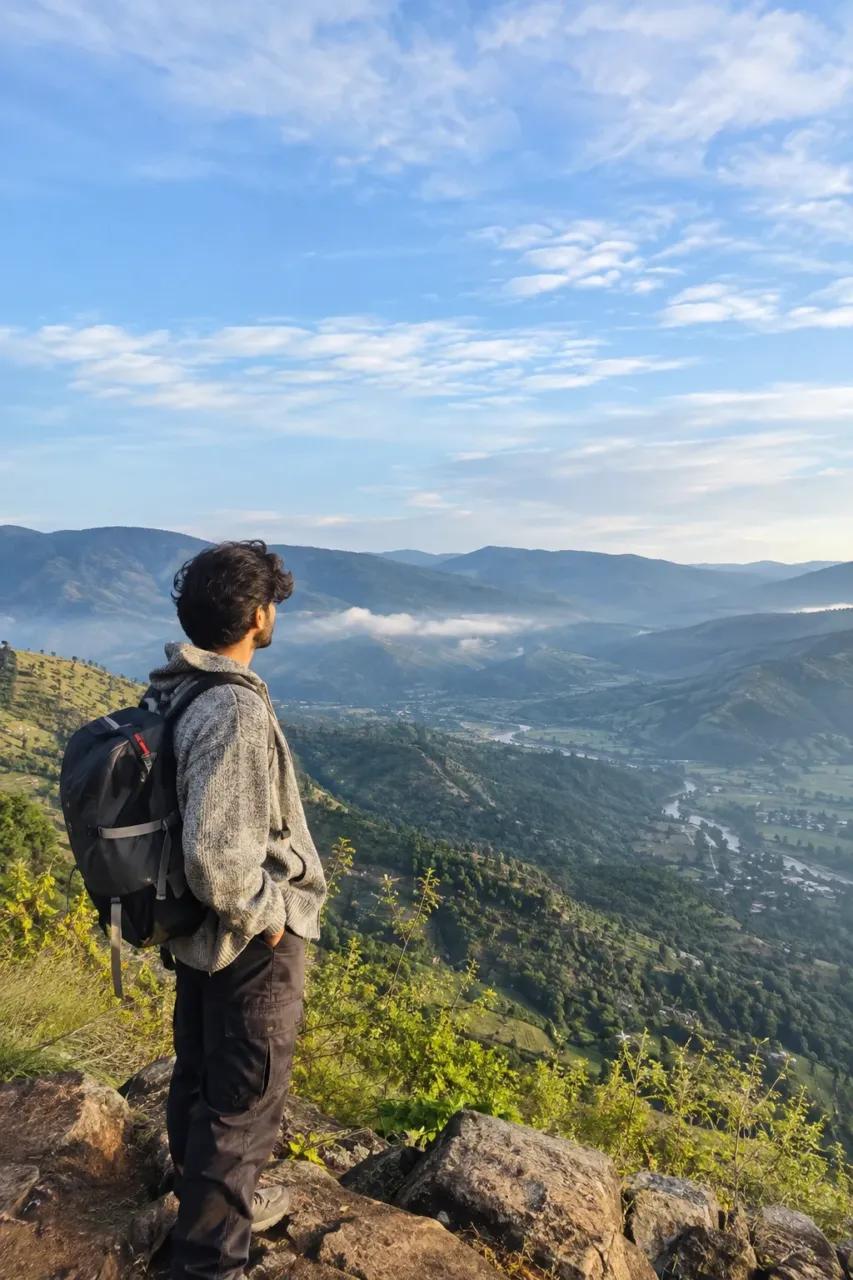
2026 Mountain Travel Shot
High mountains, cool air, free travel mood.
2026 Pastel Studio Portrait
Soft pastel shades, clean studio light, simple and classy.

What Is Inside These Prompts
- 4 original editing bank 2026 photo prompts, each with a different setting and mood.
- Neon night, festive golden, mountain travel, and pastel studio looks.
- Prompts work in both ChatGPT and Gemini, free to copy and paste.
- Every prompt keeps the same face from your uploaded photo.
- Perfect for Instagram DP, WhatsApp profile, and reels covers.
How to Use These Prompts
- Open ChatGPT or Gemini on your phone or computer.
- Copy any prompt from the cards above using the copy button.
- Paste the prompt in the chat box and upload your photo if the prompt asks for a reference photo.
- Send it and wait for the AI image to generate.
- Download the photo and share it on Instagram or WhatsApp.
How to Change These Prompts
- Change the outfit colour or style to match your own choice.
- Change the background, for example beach, street, or mountains.
- Change the time of day, morning light looks soft, evening light looks warm.
- Keep your face and pose the same and change only one thing at a time.
Fix Common Problems
- If the face looks different, upload a clear front-facing photo and keep the words ‘keep the same face’ in the prompt.
- If the background looks fake, ask for ‘natural light’ and ‘realistic background’ in the same prompt.
- If colours look dull, add ‘bright and vibrant colours’ before generating again.
- If the image looks blurry, generate again, AI results change on every try.
Frequently Asked Questions
Are these editing bank 2026 prompts free to use?
Yes, all 4 prompts are free. Copy any prompt and paste it in ChatGPT or Gemini, no payment or signup is needed.
Which app works best, ChatGPT or Gemini?
Both work well. ChatGPT gives more realistic faces, Gemini is faster. Try the same prompt in both and keep the better result.
Can I use my own photo with these prompts?
Yes, upload your own photo first, then paste the prompt. The AI keeps your face and changes the setting, outfit, and lighting.
Can I change the outfit in these prompts?
Yes, change the jacket, dress, or colour words in the prompt and keep the rest the same. Change only one thing at a time for the best result.