Couple Prompts for AI Photo Generator (2026)
The best couple prompts for AI photo generators, in one place. Copy any of the three below, paste it in ChatGPT, Gemini or your favourite AI generator with your photo.
Quick answer
Couple prompts for AI are short texts that tell any AI photo generator how to restyle a picture of two people. The three below work across tools: an autumn park, soft snowfall and a riverside ghat at dusk. Each keeps both faces unchanged and is ready to copy and paste.
Couple prompts for AI: 3 generator-ready looks
Three looks, three prompts. Tap Copy prompt, open your AI photo generator, upload your photo and paste.
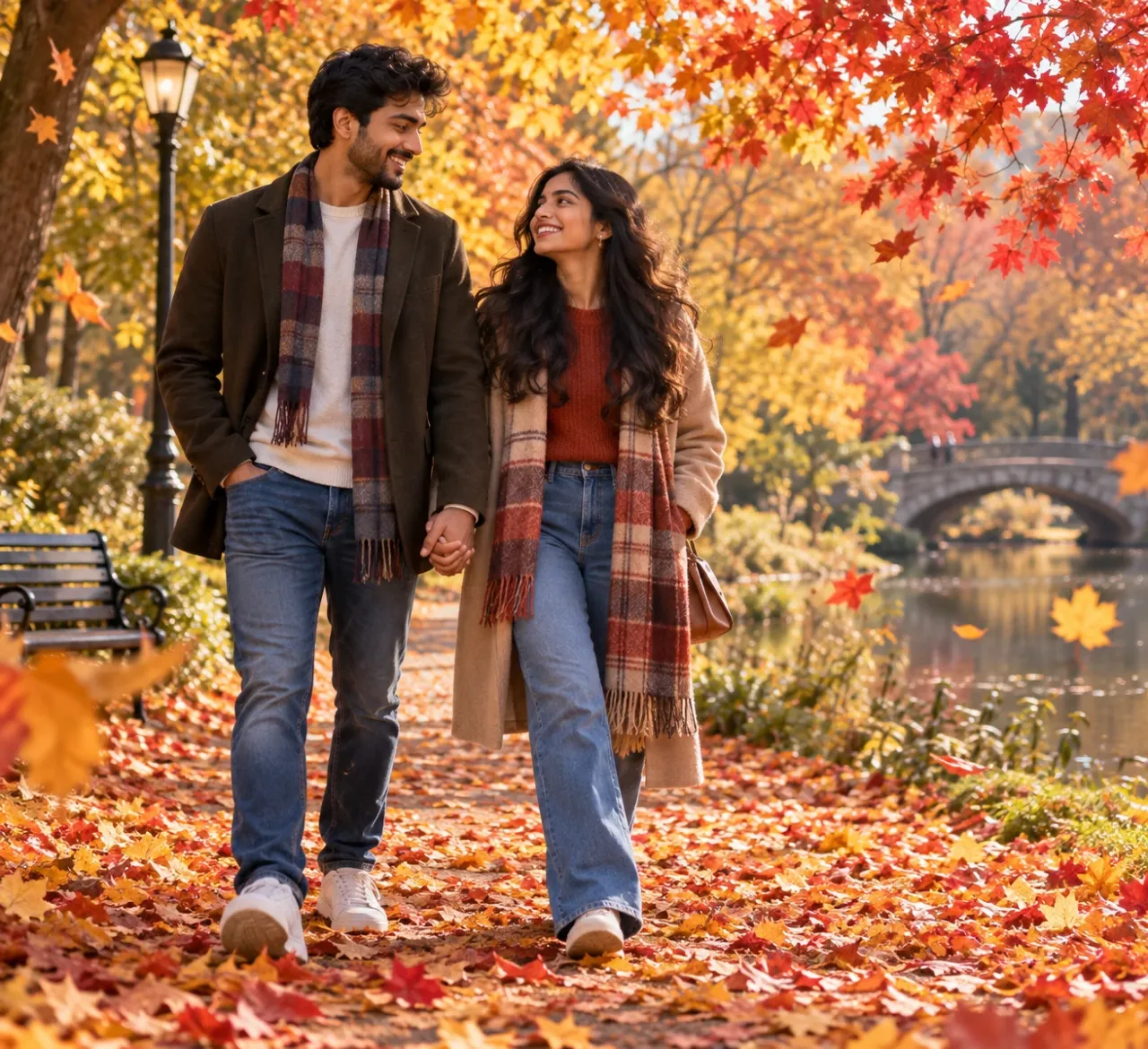
Autumn park couple prompt
Turn this photo into an autumn park scene of us walking hand in hand on a leaf-covered path, golden and red leaves falling around us, soft warm afternoon light. Keep both faces exactly unchanged, Indian couple, cozy happy expressions. Rich fall colors, sharp and natural, no text, no watermark.
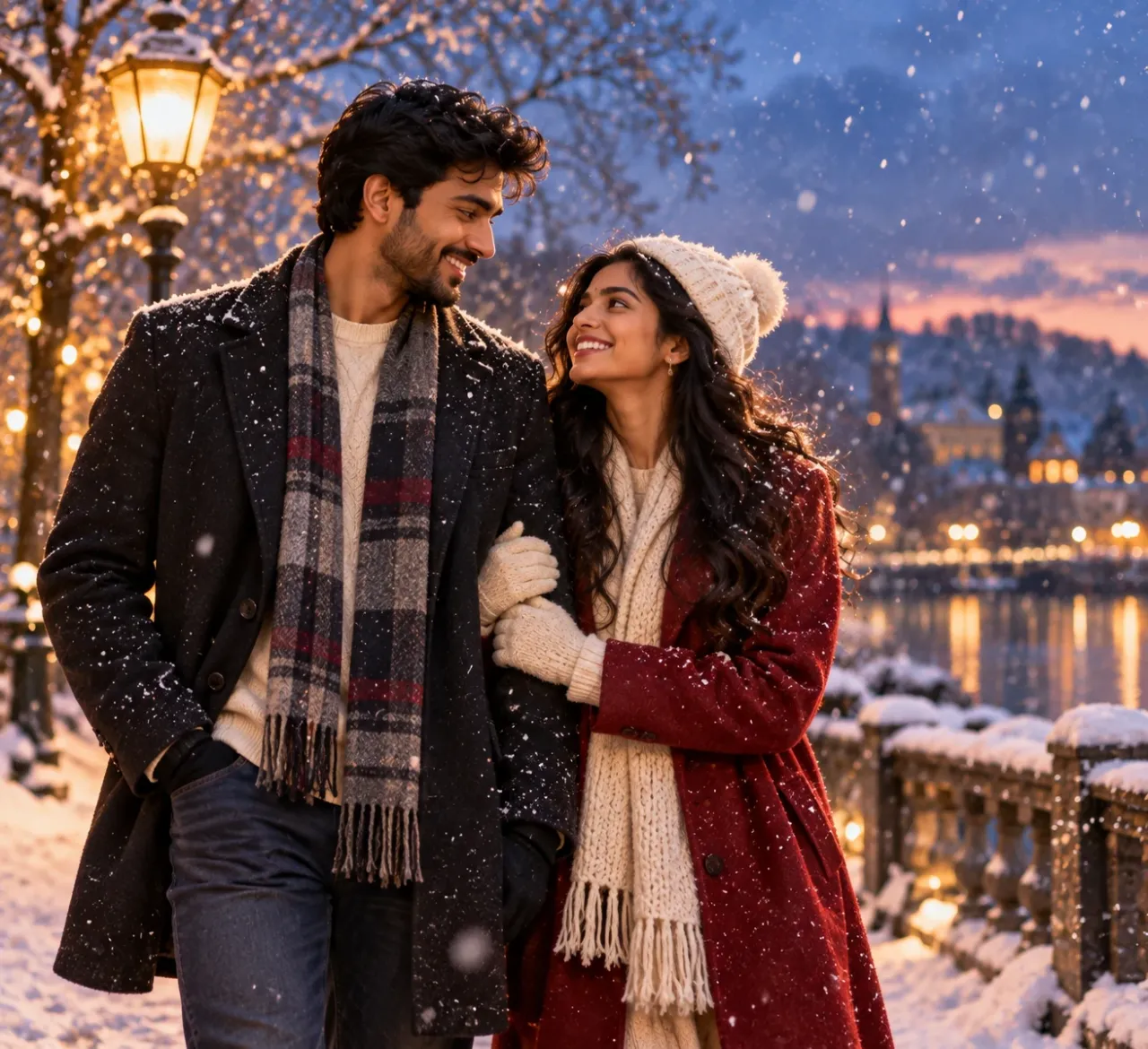
Soft snowfall couple prompt
Restyle this couple photo into a soft snowfall scene: us standing close together in warm coats, snowflakes gently falling, glowing street lamp and dusky blue sky behind us. Keep both faces exactly unchanged, Indian couple, tender warm smiles. Magical winter feel, no extra people, no text.
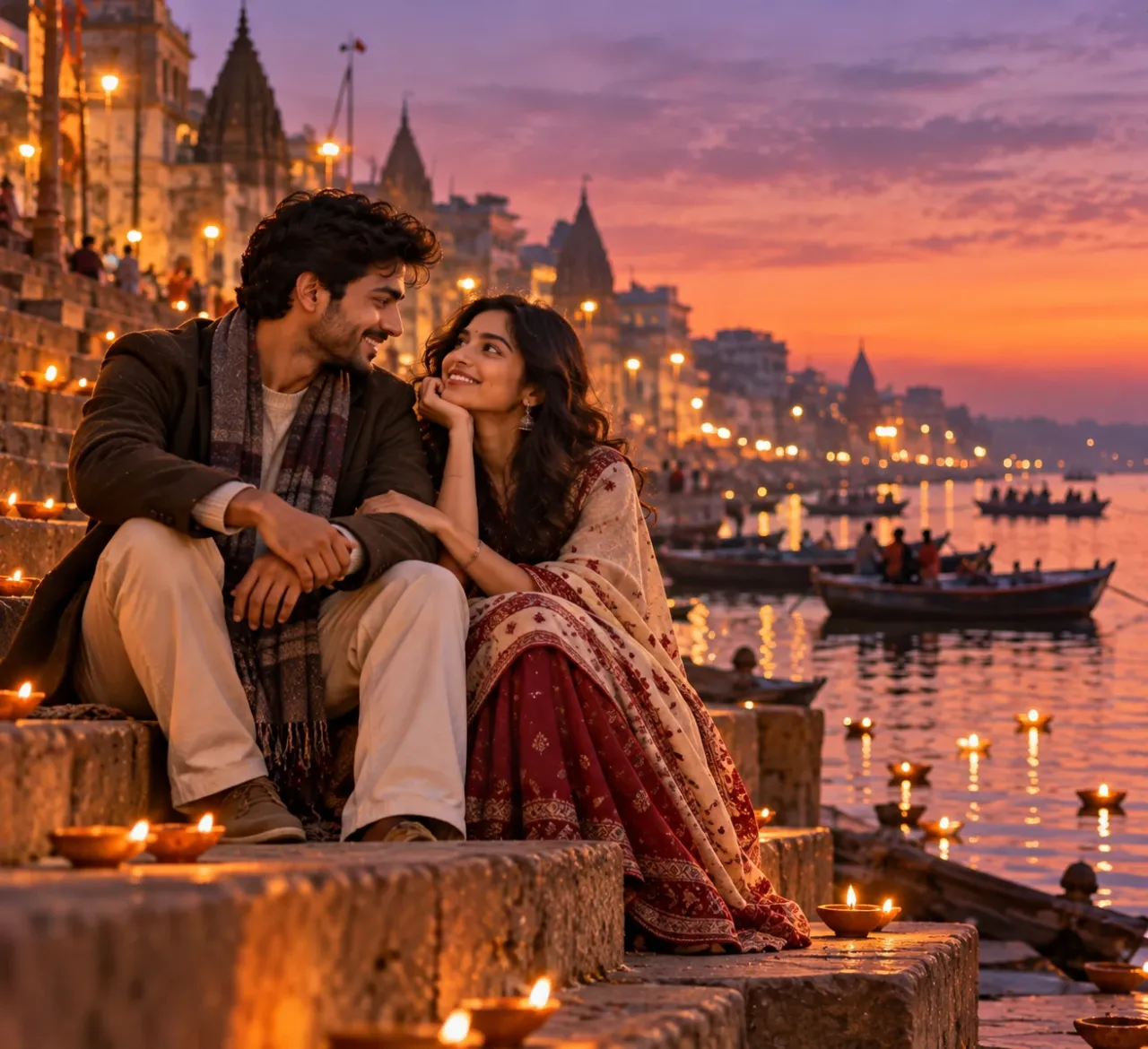
Riverside ghat dusk couple prompt
Transform this photo into a riverside ghat at dusk: us sitting together on old stone steps by the water, small diyas glowing nearby, boats and a purple-orange sky behind us. Keep both faces exactly unchanged, Indian couple, peaceful reflective mood. Soulful cinematic tones, no watermark, no text.
What are couple prompts for AI photo generators?
They are short, tool-neutral texts that work in any AI photo generator. No special syntax, just a clear description of the scene.
These three use seasons and places every generator understands: autumn leaves, falling snow and a riverside ghat. Universal scenes mean fewer surprises, whichever tool you use. For more free picks, see the Editing Prompt homepage.
What each part of these prompts does
- The scene. Autumn park, snowfall street or riverside ghat, set in one line.
- Seasonal details. Falling leaves, snowflakes or glowing diyas sell the setting.
- The light. Warm afternoon, dusky blue lamp glow or purple-orange dusk.
- Keep both faces exactly unchanged. The face-lock line in every prompt.
- The mood. Cozy, tender or peaceful and reflective.
- Clean finish. No text, no watermark, no extra people.
- Indian couple. Keeps features and skin tones natural.
Which prompt should you pick?
- Warm, colorful post: the autumn park.
- Magical winter share: the soft snowfall.
- Soulful, cinematic feed: the riverside ghat.
If a face changes, add this line
Make sure the faces stay exactly the same. Paste it at the end of any prompt if the first result looks like someone else.
How to use these prompts in any AI photo generator
Open your AI generator
Use ChatGPT, Gemini or any AI photo tool, sign in and pick the image creation option.
Upload your photo
Add one sharp photo where both faces are clearly visible, with good light.
Paste the prompt
Paste the full prompt and send. If a face changes, add: make sure the faces stay exactly the same.
Adjust and save
If it is close, ask for one change, such as deeper autumn colors or softer snow. Then download the version you like.
Easy ways to change the look
Change one phrase at a time and compare. These swaps are starting points, and results vary by tool.
- Season: swap autumn for spring blossoms or monsoon rain.
- Place: change the ghat to a lake, a fort or a tea garden.
- Time: change dusk to early morning mist for a calmer feel.
- Outfits: name them, such as woolen coats for the snow or shawls for the ghat.
- Mood: change the pose to a twirl in leaves, a snowball laugh or quiet sitting.
Fix common problems with AI generator prompts
Most problems come from the tool misreading the scene. Here is what to try first.
- A face looks different. Use one sharp, front-facing photo and add: make sure the faces stay exactly the same.
- Leaves look pasted on. Add: natural falling leaves, realistic depth.
- Snow looks fake. Add: realistic snowflakes, soft natural winter light.
- Ghat looks generic. Add: old stone steps, river boats, traditional diyas.
- Extra people appeared. Add: only the two people, no one else in frame.
- Text or watermark appeared. Repeat: no text, no watermark, no logos.
AI results differ every run, so it is worth running the same prompt twice before you change it.
AI couple prompt questions
What are couple prompts for AI photo generators?
They are short, tool-neutral texts that tell any AI photo generator how to restyle a picture of two people. The three on this page cover an autumn park, soft snowfall and a riverside ghat, and each keeps both faces unchanged.
Which AI generator works best?
ChatGPT and Gemini both follow these prompts well. Smaller generators vary, so if one struggles with faces, run the same prompt in ChatGPT or Gemini.
How do I keep both faces the same?
Upload one sharp photo where both faces are clearly visible and keep the line keep both faces exactly unchanged in the prompt. Add make sure the faces stay exactly the same if a face still drifts.
Can I use these for seasonal posts?
Yes. The autumn and snowfall prompts are made for seasonal sharing, and the ghat works beautifully for festive or reflective posts.
Can I change the location?
Yes. Swap one place phrase, such as riverside ghat for a mountain lake, and keep the rest of the prompt the same for a reliable variation.
Is it free?
The prompts are free to copy, with no sign-up. Most AI generators offer some free image access, but limits can change, so check the app.
Recent posts
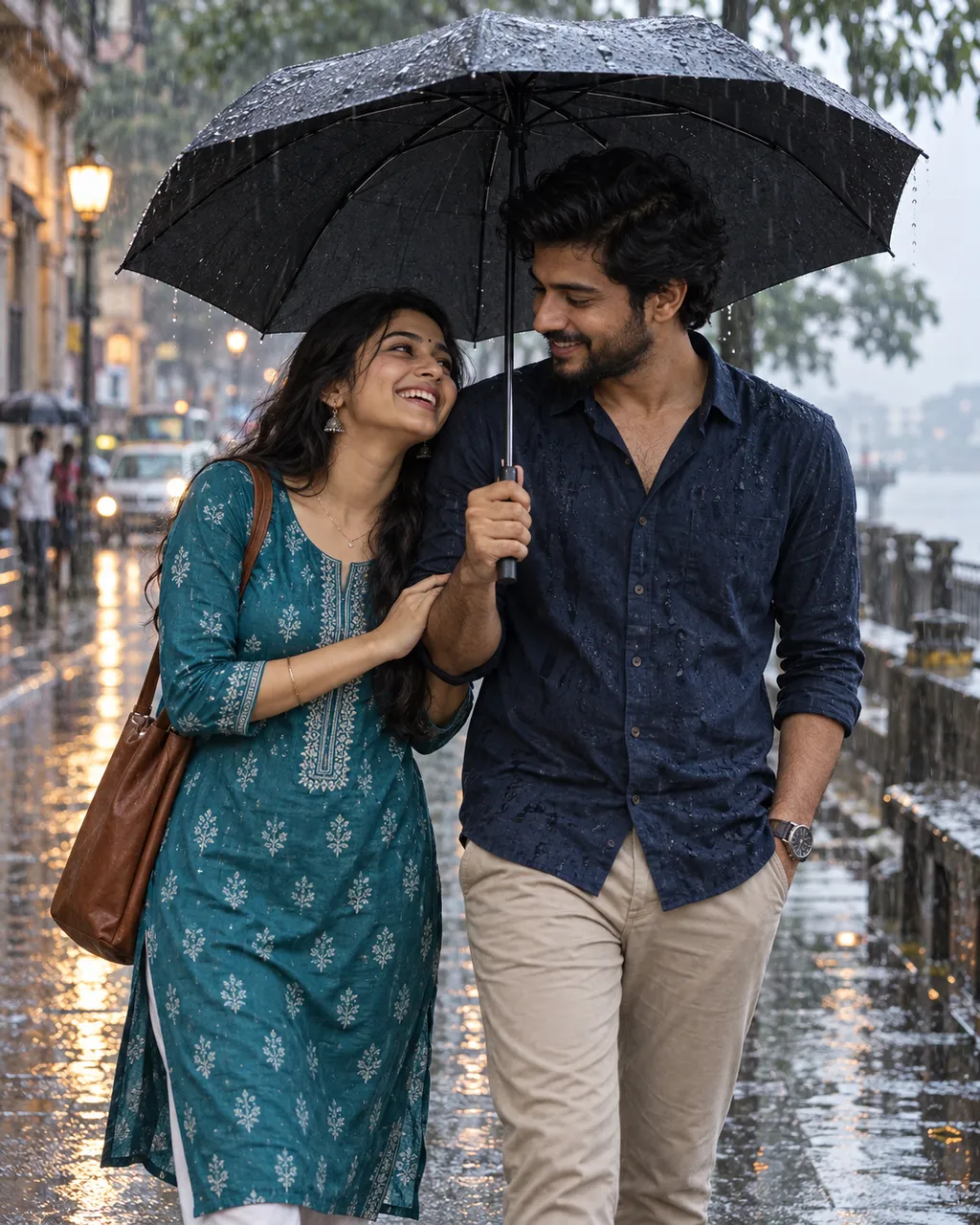
Monsoon Rain Couple AI Photo Prompt

Beach Sunset Couple AI Photo Prompt
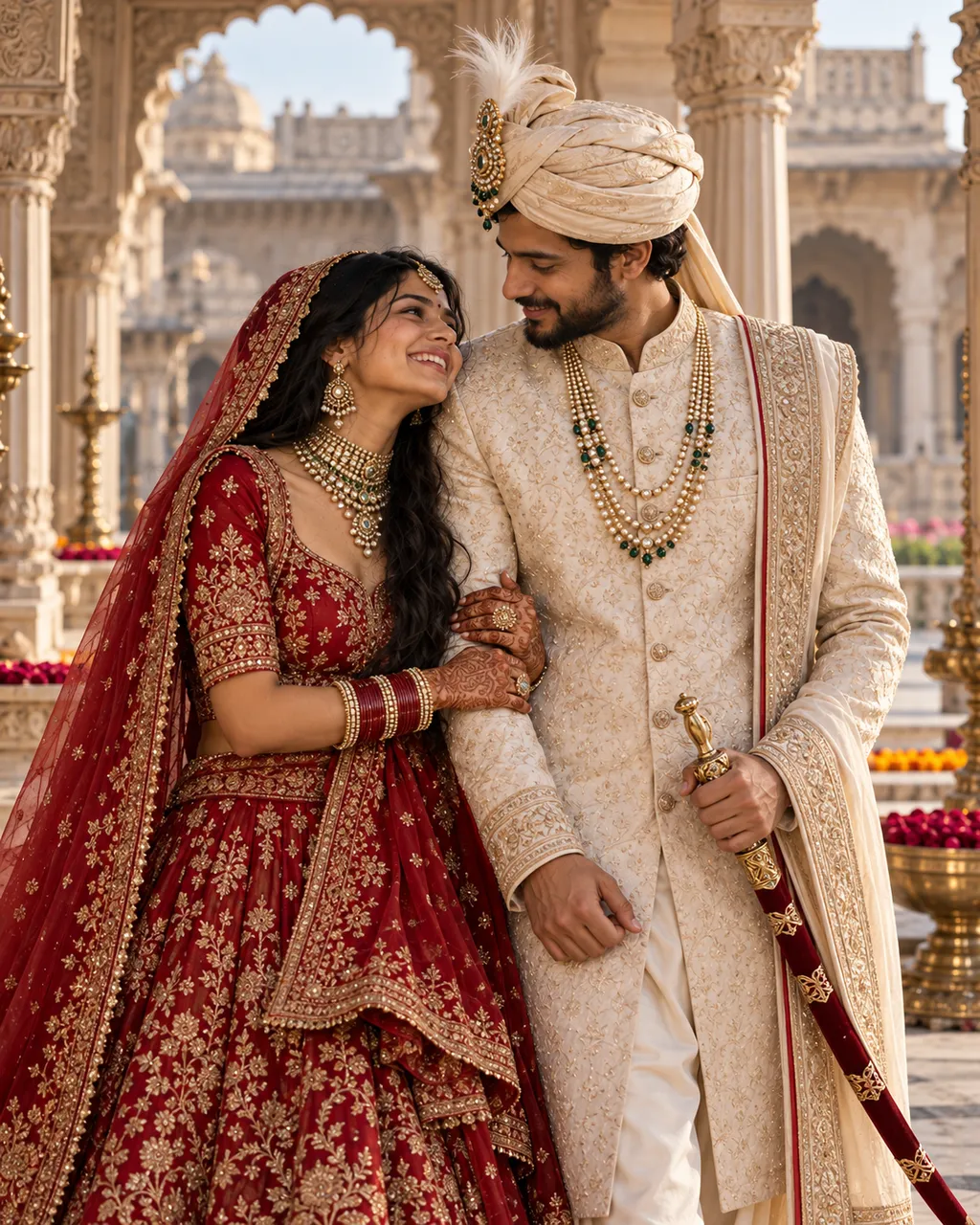
Royal Wedding Couple AI Photo Prompt
Want more? Browse every free prompt on Editing Prompt.