Couples Prompt for AI Photo Editing (2026)
Turn any couple photo into a polished, share-ready picture with a ready-made couples prompt. Copy one below, paste it in ChatGPT or Gemini with your photo, and keep both faces exactly the same.
Quick answer
A couples prompt is a short copy-paste text that tells an AI tool like ChatGPT or Gemini how to restyle a photo of two people, changing the scene, outfits or mood while keeping both faces unchanged. Pick a prompt below, upload one clear couple photo, and paste the full text to get a new look in seconds.
Couples prompt: 3 looks
Three everyday looks, three prompts. Tap Copy prompt, open ChatGPT or Gemini, upload your photo and paste.

Cafe date candid couple prompt
Turn this photo into a warm candid shot of us on a cafe date, sitting across a small wooden table with two coffee cups, soft window light on our faces and a gently blurred cafe behind us. Keep both faces exactly unchanged, Indian couple, natural skin tones. Cozy real-life feel, no text, no watermark.

Festive traditional couple prompt
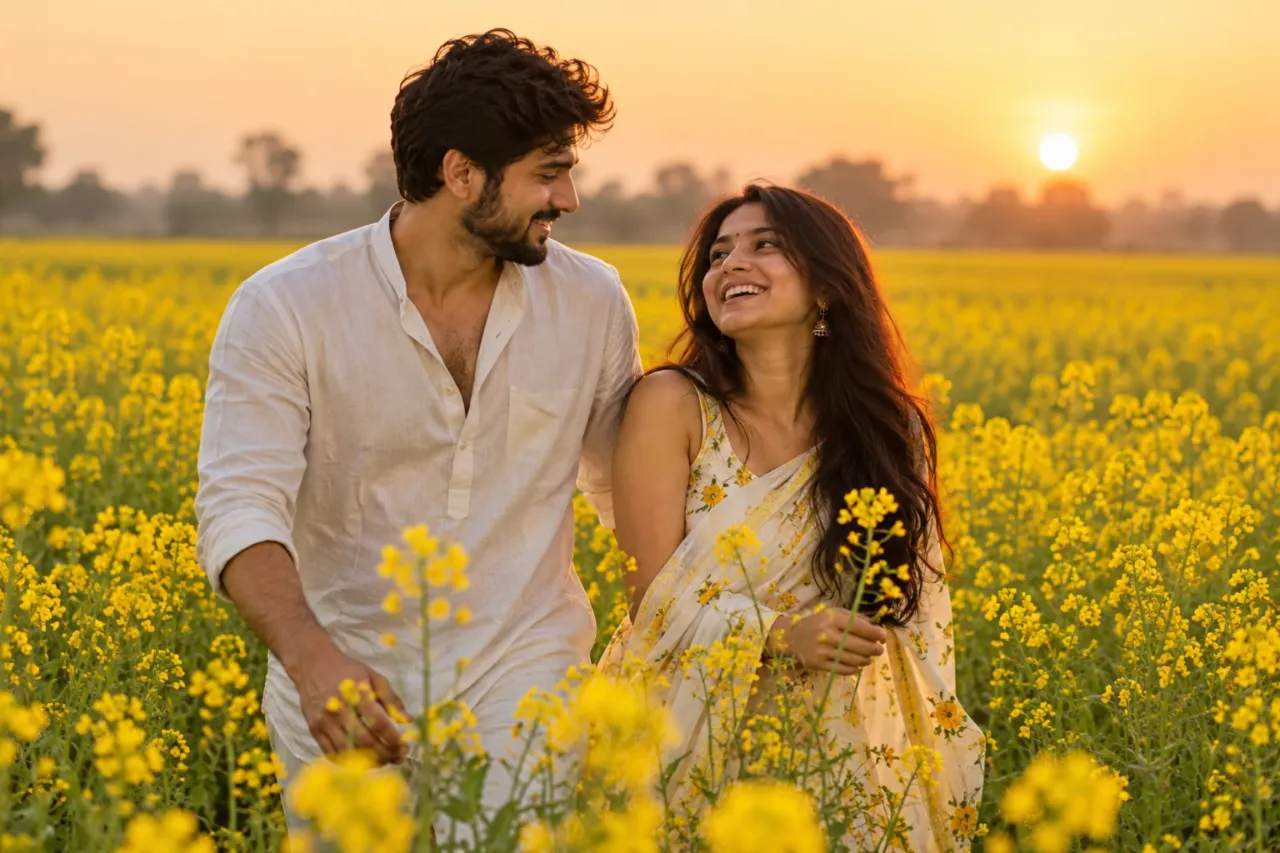
Restyle this couple photo into a festive portrait: the woman in an elegant maroon saree with gold jewelry and the man in a cream kurta, standing close together in a softly lit decorated home. Keep both faces exactly unchanged, Indian couple, warm golden light. Rich festive colors, sharp and natural, no extra people, no text.
Cinematic rain walk couple prompt
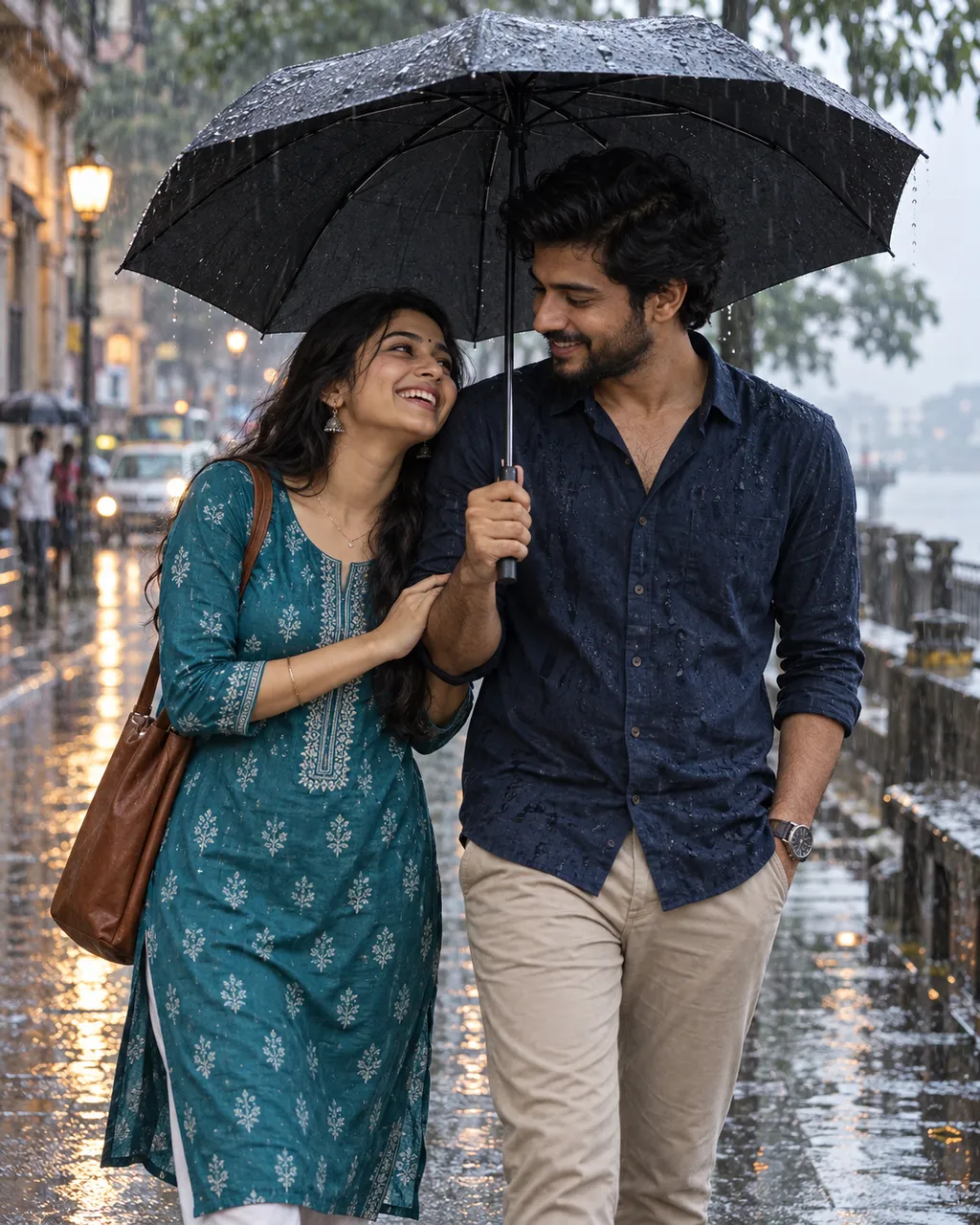
Transform this photo into a cinematic shot of us walking together under one black umbrella in light rain on a quiet street, city lights blurred behind us and wet reflections on the road. Keep both faces exactly unchanged, Indian couple, moody blue and warm orange tones. Film-still quality, no watermark, no text.
What is a couples prompt?
It is a short written instruction that tells an AI image tool how to change a couple photo while keeping the people recognisable. Instead of learning editing software, you describe the scene, the outfits and the light in plain words.
The prompts on this page cover three everyday scenes: a cafe date, a festive home portrait and a rainy street walk. Each one names the setting, the light and the mood, so the tool does not have to guess. For more free picks, see the Editing Prompt homepage.
What each part of these prompts does
- The scene line. Sets a cafe, a decorated home or a rainy street in one sentence.
- The outfits. Maroon saree and cream kurta for the festive shot, everyday clothes for the other two.
- The light. Soft window light, warm golden home light or night city glow decides the whole mood.
- Keep both faces exactly unchanged. Locks the faces so both people stay recognisable.
- The background. A gently blurred cafe, a festive home or a wet street with reflections.
- No text, no watermark. Keeps the picture clean and ready to share.
- Indian couple. Keeps features, outfits and skin tones natural.
Which prompt should you pick?
- Everyday post: the cafe date candid.
- Festival or family share: the festive traditional portrait.
- Dramatic, moody feed: the cinematic rain walk.
If a face changes, add this line
Make sure the faces stay exactly the same. Paste it at the end of any prompt if the first result looks like someone else.
How to use these prompts in ChatGPT and Gemini
Open your AI tool
Use the ChatGPT or Gemini app or website, sign in and pick the image creation option.
Upload your photo
Add one sharp photo where both faces are clearly visible, with good light.
Paste the prompt
Paste the full prompt and send. If a face changes, add: make sure the faces stay exactly the same.
Adjust and save
If it is close, ask for one change, such as warmer light or different outfits. Then download the version you like.
Easy ways to change the look
Change one phrase at a time and compare. These swaps are starting points, and results vary by tool.
- Background: swap the cafe for a rooftop, a park bench or a quiet bookstore.
- Outfits: name the clothes, such as denim jackets for both, instead of leaving them open.
- Light: change warm golden light to cool morning light for a calmer feel.
- Mood: change the pose to laughing together, forehead touch or a side hug.
- Season: add autumn leaves, winter jackets or spring flowers around the couple.
Fix common problems with couples prompts
Most problems come from a face drifting or the scene looking off. Here is what to try first.
- A face looks different. Use one sharp, front-facing photo and add: make sure the faces stay exactly the same.
- The outfits look wrong. Name each outfit clearly, including colors, for both people.
- The background looks messy. Add: clean simple background, softly blurred.
- It looks too AI-perfect. Add: natural skin texture, candid amateur photo.
- Extra people appeared. Add: only the two people, no one else in frame.
- Text or watermark appeared. Repeat: no text, no watermark, no logos.
AI results differ every run, so it is worth running the same prompt twice before you change it.
Couples prompt questions
What is a couples prompt?
It is a short copy-paste text that tells an AI tool like ChatGPT or Gemini how to restyle a photo of two people, changing the scene, outfits or mood. The prompts on this page keep both faces unchanged and work with one uploaded photo.
Do these prompts work in both ChatGPT and Gemini?
Yes. The wording is plain and tool-neutral. If one tool changes a face or misses the mood, run the same prompt in the other and compare.
How do I keep both faces the same?
Upload one sharp photo where both faces are clearly visible, and keep the line keep both faces exactly unchanged in the prompt. The face-lock line on this page adds make sure the faces stay exactly the same for stronger results.
Can I change the outfits in these prompts?
Yes. Each prompt names outfits you can replace, such as the maroon saree and cream kurta in the festive prompt. Naming colors and styles gives a more exact result than leaving it open.
What kind of photo should I upload?
One clear, well-lit photo where both faces are visible and not covered. Front-facing photos give the most reliable face match.
Is it free to use these prompts?
The prompts are free to copy, with no sign-up. ChatGPT and Gemini both offer some free image access, but limits can change, so check the app. Only edit photos of people who agree to it.
Recent posts
Monsoon Rain Couple AI Photo Prompt

Beach Sunset Couple AI Photo Prompt
Royal Wedding Couple AI Photo Prompt
Want more? Browse every free prompt on Editing Prompt.