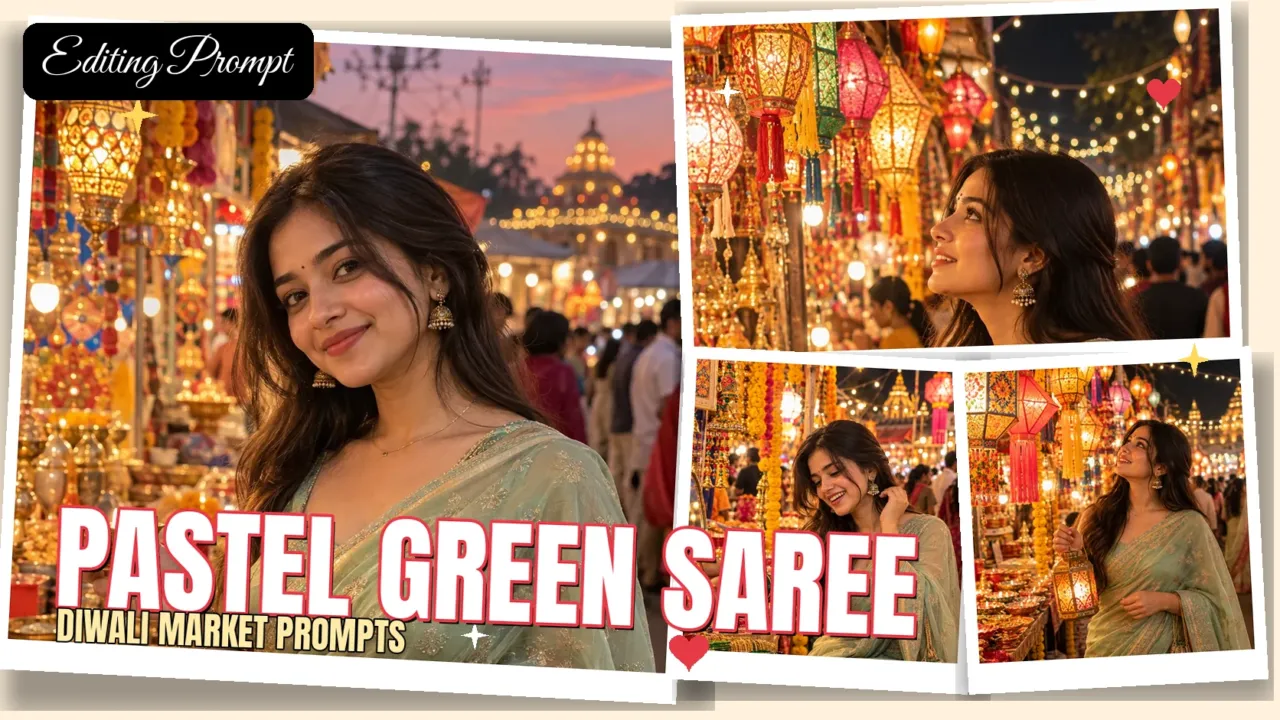
Diwali Night Diya in Hands AI Photo Prompt for Girls (2026)
One girl, four flames. Copy a Diwali night diya in hands prompt below, paste it in ChatGPT or Gemini with your photo, and get diyas, fireworks and night glow.
Quick answer
A Diwali night diya in hands set: copy a prompt from this page, paste it in ChatGPT or Gemini with your photo, and get a flame portrait, a balcony diya look, a lighting diyas look or a skyward diya look, all in warm night light.
Diwali Night Diya in Hands AI Photo Prompt for Girls: 4 looks to copy and paste
Four looks, four prompts. Tap Copy prompt, open ChatGPT or Gemini, upload your photo and paste.
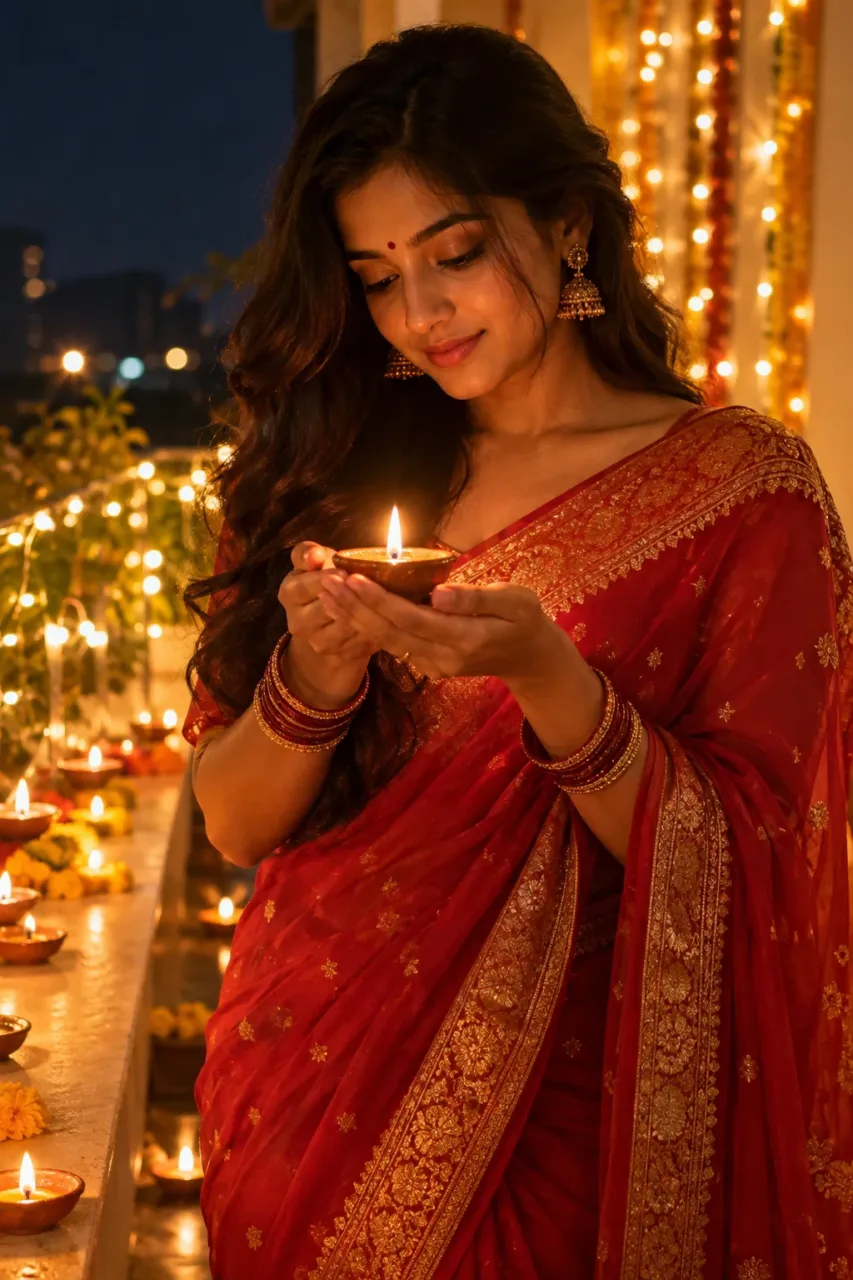
Flame Portrait prompt
Transform my photo into a photorealistic Diwali photo. A young Indian woman in a red saree holds a lit diya in both hands at night, looking down at the flame with a soft smile, diyas and fairy lights around, warm glow. Keep my face exactly the same. Ultra detailed, vertical 4:5.
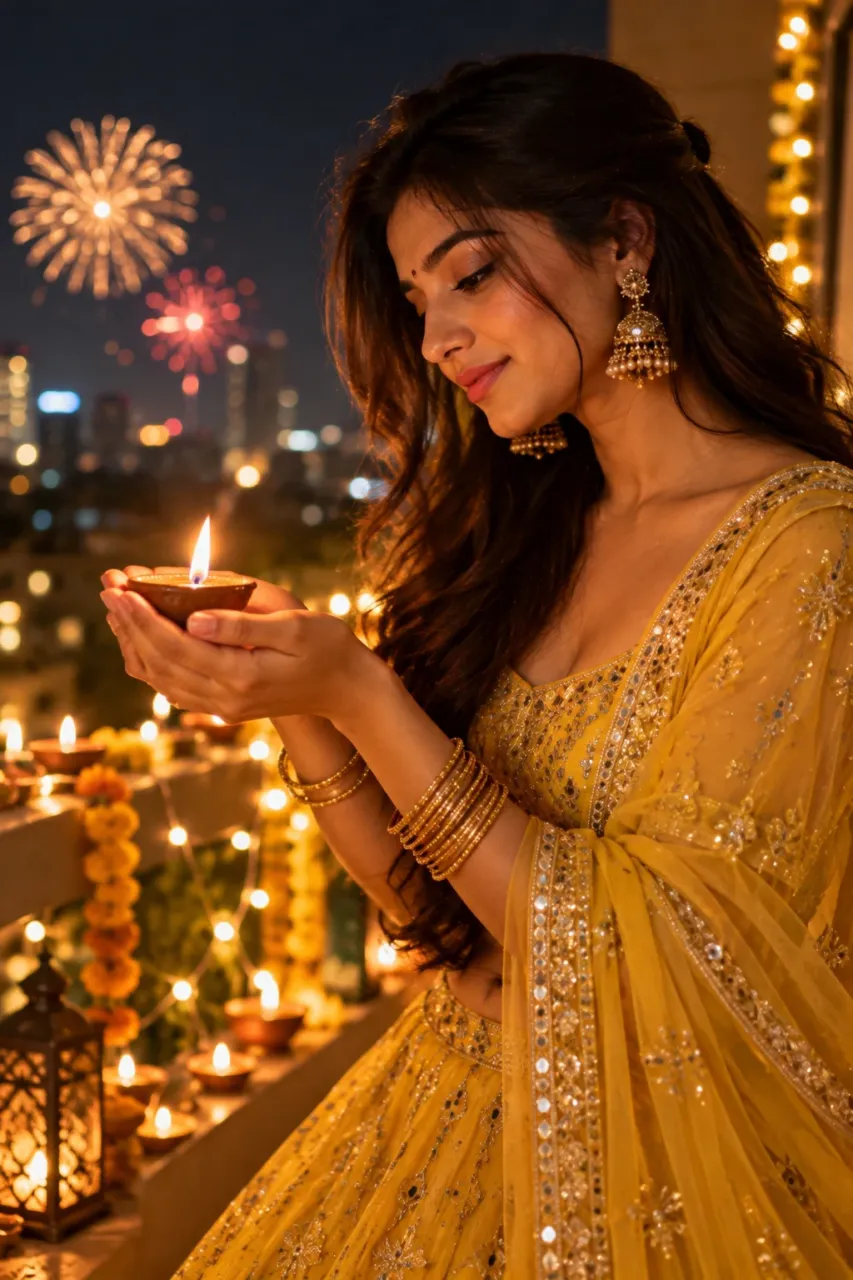
Balcony Diya prompt
Transform my photo into a photorealistic Diwali photo. A young Indian woman in a yellow lehenga holds a diya toward the camera at night, face turned toward the diya in side profile, fireworks softly blurred behind, warm glow. Keep my face exactly the same. Ultra detailed, vertical 4:5.
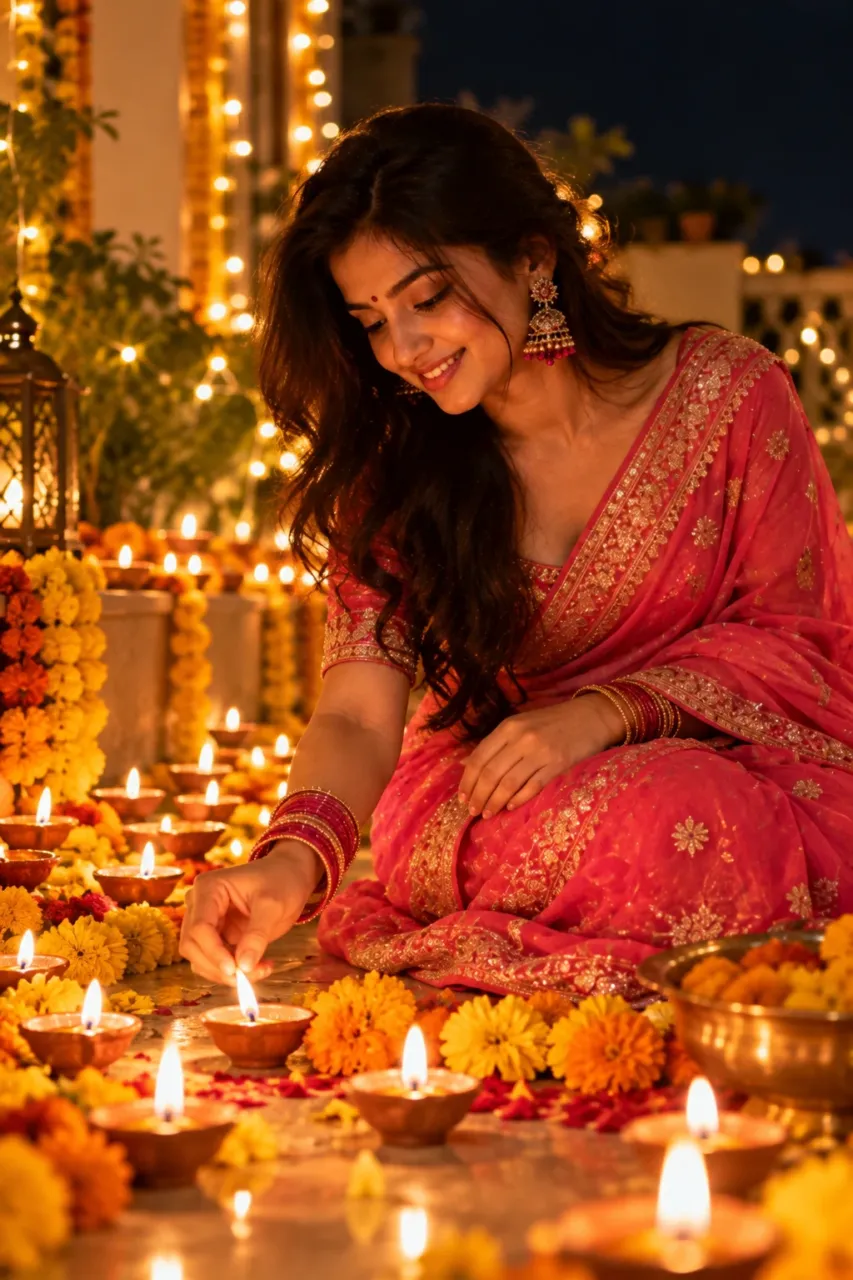
Lighting Diyas prompt
Transform my photo into a photorealistic Diwali photo. A young Indian woman in a pink saree sits among rows of lit diyas at night, lighting one more diya and smiling joyfully, marigold flowers around, warm festive light. Keep my face exactly the same. Ultra detailed, vertical 4:5.
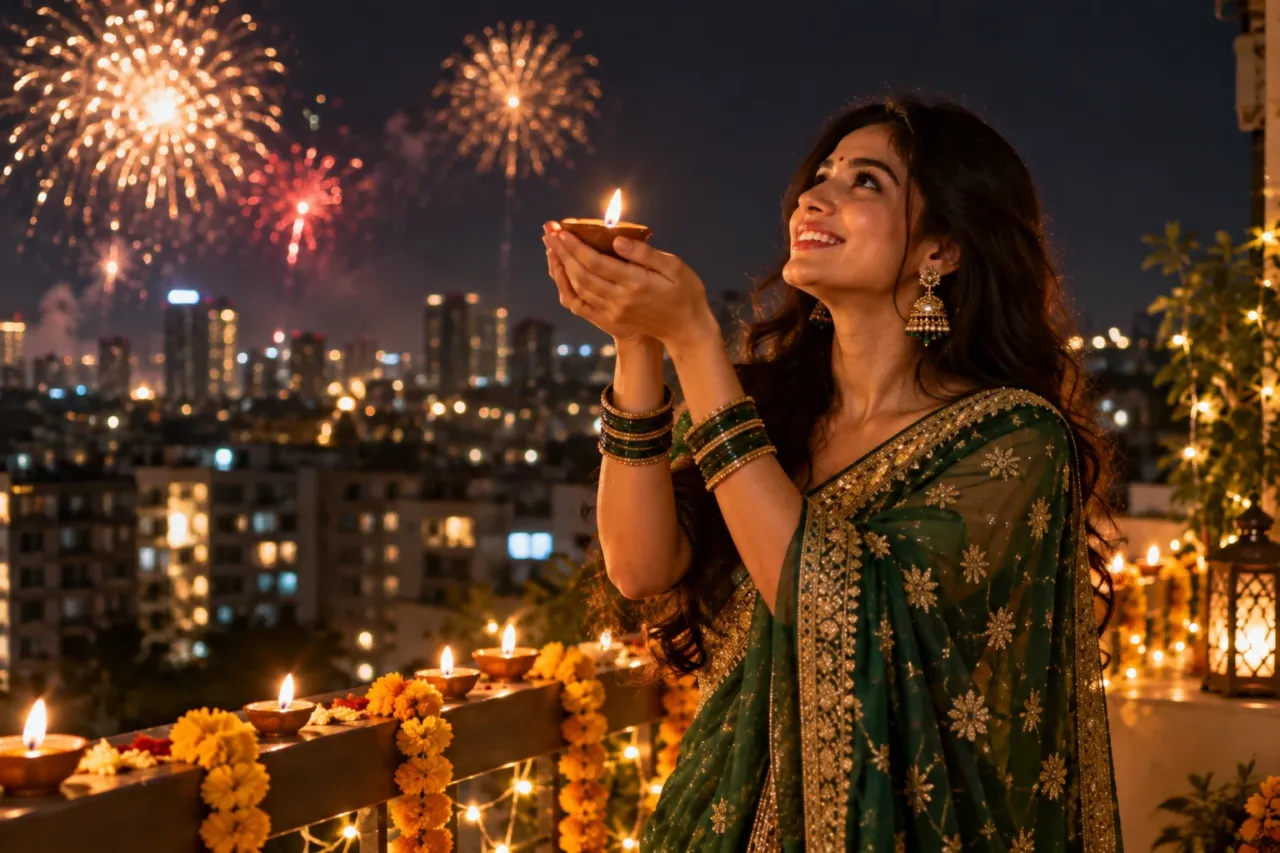
Skyward Diya prompt
Transform my photo into a photorealistic Diwali photo. A young Indian woman in a green saree stands on a balcony at night holding a diya up toward the sky, looking up at fireworks with delight, city lights behind. Keep my face exactly the same. Ultra detailed, landscape 3:2.
Why a Diya in Hands Beats Every Filter
A diya in hands is the simplest Diwali photo and the strongest: one flame, one face, warm light doing all the work. No props needed, no crowd, just the glow on your face and the night behind you.
The face lock line keeps you recognisable in all four looks, so the set reads as one Diwali night. Post them as a series and the flame theme carries the whole set. For more free picks, see the Editing Prompt homepage.
What each part of these prompts does
- The flame story. A diya moment in every look, from portrait to skyward.
- The face lock line. Locks your face across all four looks.
- The festive tones. Warm night light in every photo.
- The outfit range. Red, yellow, pink and green across the set.
- Feed-ready framing. Vertical portraits and one wide balcony shot.
Which prompt should you pick?
- Most soulful: the flame portrait.
- Most dreamy: the balcony diya.
- Most joyful: the lighting diyas.
- Most grand: the skyward diya.
If a face changes, add this line
Make sure the face stays exactly the same. Paste it at the end of any prompt if the first result looks like someone else.
How to use these prompts in ChatGPT and Gemini
Open your AI tool
Use the ChatGPT or Gemini app or website, sign in and pick the image creation option.
Upload your photo
Add one sharp photo where the face is clearly visible, with decent light.
Paste the prompt
Paste the full prompt and send. If a face changes, add: make sure the face stays exactly the same.
Adjust and save
If it is close, ask for one change at a time. Then download the version you like.
Easy ways to change the look
Change one phrase at a time and compare. These swaps are starting points, and results vary by tool.
- Diya swap: change the clay diya to a brass diya.
- Outfit swap: change the red saree to a maroon saree.
- Setting swap: move the balcony to a terrace with city lights.
- Theme swap: add fairy lights overhead for the lighting diyas look.
Fix common problems with these prompts
Most problems come from a face drifting or a scene detail looking fake. Here is what to try first.
- Face looks different. Use one sharp photo and keep the face lock line.
- Flame looks fake. Add: natural flame glow, warm light on face.
- Scene looks flat. Add: fairy lights, marigold garlands, diyas.
- Scene looks fake. Add: photorealistic, natural light, real skin texture.
AI results differ every run, so it is worth running the same prompt twice before you change it.
Questions and answers
What are Diwali night diya in hands AI photo prompts for girls?
They are copy-paste prompts that turn your photo into a Diwali night photo, a flame portrait, a balcony diya look, a lighting diyas look or a skyward diya look, built by ChatGPT or Gemini in warm night light.
Which Diwali night diya look is best for a first post?
The flame portrait. The lit diya in both hands and the warm glow are the strongest scroll stoppers of the four.
Does my face stay the same in every look?
Yes. Every prompt carries a face lock line, so you stay recognisable across the set.
Can I change the outfit colour in a prompt?
Yes. Swap the saree or lehenga colour, and keep the rest of the prompt the same.
Are these Diwali night prompts free?
Yes. All 4 prompts on this page are free to copy and use.