3 Layers VN Code Template (2026)
Use the viral 3 layers VN code template to stack your photos in a layered 3D edit inside the VN app. Import the code, add your photos and export in minutes.
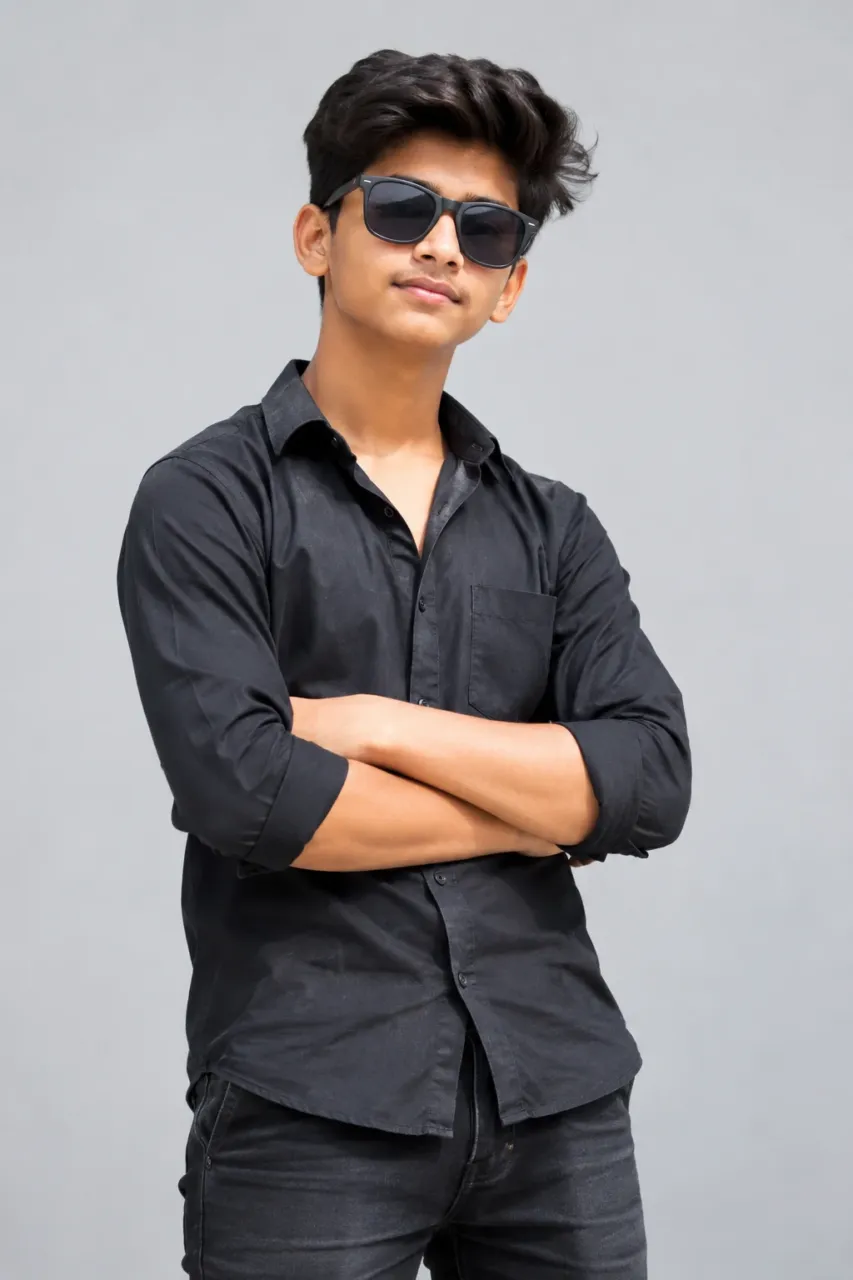
3 Layers VN Code Template by Editing Prompt
A viral multi-layer photo edit template for the VN video editor: your photos stack in 3D layers with smooth zooms and music sync. Works on phones, free to import with a VN template code.
Listed on Editing Prompt · Link checked 23 October 2026
#3layers #vncode #trending #foryou
Quick answer
The 3 layers VN code template is a viral multi-layer photo edit template for the VN app that stacks your photos in 3D layers with smooth zooms. Import the template code in VN, add your photos, adjust the music and export in 9:16. Find more free templates and prompts on Editing Prompt.
3 Layers VN Code Template Link | Editing Prompt
Open the VN app on your phone and look for the template import or scan option. Paste the template code there to load the 3-layer edit, then add your photos.
Template details
| Detail | Value |
|---|---|
| Template style | 3-layer photo stack with smooth zooms |
| Also searched as | 3 layers vn code template, 3 layer photo edit vn |
| App | VN Video Editor (free) |
| Clips needed | 3 photos |
| Aspect ratio | 9:16 (vertical) |
| Template code | QR code below, scan inside VN Video Editor |
| Hashtags | #3layers #vncode #trending |

Screenshot this VN code, open VN Video Editor, tap the scan icon and import the screenshot. Tap Download, then Use Template, and add your 3 photos.
What is the 3 layers VN code template on Editing Prompt?
It is a ready-made VN app edit that layers three photos in a 3D stack with smooth zooms and music sync. You do not need editing skills. You import the template code in VN, add your three photos, and the app builds the layered effect for you.
Layered photo edits work because depth makes flat photos feel alive. The zoom through each layer and the synced beat drops flatter exactly the kind of media people already shoot: portraits, couple shots and travel photos. More free video ideas are on the Editing Prompt homepage.
What makes this template popular
- Only 3 photos. It is one of the fastest template types to finish, even on a phone.
- 3D depth. The stacked layers give a parallax feel that flat edits cannot.
- Music sync. Zooms land on the beat for a polished finish.
- Free in VN. The VN app imports template codes and exports without its own watermark.
How to use the 3 layers VN code template from Editing Prompt
Import the code
Open the VN app, go to the template section and paste the template code.
Add 3 photos
Pick three clear vertical photos from your gallery.
Preview and tweak
Wait for the auto edit, then check the layering and swap any photo that looks off.
Export
Export in 9:16 and post it on Reels, Shorts or TikTok.
Editing Prompt tips for a better 3 layers edit
Photo order matters more than anything else in a layered edit. These Editing Prompt tips give cleaner results.
- Use sharp, high-resolution vertical photos.
- Put your strongest photo as the front layer.
- Keep faces centred so the zooms do not crop them.
- Pick photos with simple backgrounds for a cleaner stack.
- Export at the highest quality the VN app offers.
Note: if the code does not import, update the VN app to the latest version and try again.
Editing Prompt: 3 layers VN code template questions
What is the 3 layers VN code template?
It is a ready-made edit for the VN app that stacks three photos in 3D layers with smooth zooms and music sync. You import it with a VN template code.
How many photos does it need?
It needs exactly 3 photos. The finished video is usually vertical in a 9:16 ratio.
Is the VN app free?
Yes, the VN app is free to download and use. Template codes import for free and exports carry no app watermark.
Where do I paste the template code?
Open the VN app and look for the template section or scan option, then paste the code to load the edit.
Can I use it on Instagram Reels, TikTok and YouTube Shorts?
Yes. The 9:16 export fits Instagram Reels, TikTok and YouTube Shorts.
What is Editing Prompt?
Editing Prompt is a website by Ahmad that shares free CapCut templates and AI video editing prompts. Every template link is checked before it is published.
What photos work best?
Sharp vertical portraits, couple shots and travel photos suit the layered 3D look. Keep faces centred so the zooms do not crop them.


